Capture the interest. Start the next conversation.
Someone scans your QR code, explores your work, and wants to know more. Give them a form to get in touch—and give yourself the context to make the follow-up count.

01 · Custom Forms
Give “I’m interested”
a next step.
Your work gets their attention. Your form gives them somewhere to take it. Invite a project enquiry, a service question, or a conversation while they’re already on your profile.
Share your profile link online or let someone scan your profile QR in person. They can leave their details without creating a QRown account.
Make the invitation fit your business.
Choose and order the available fields, write your heading and supporting text, and name the submit button. Keep the form on your profile, or open it from a button in a modal or on its own page.
Email is always required. Add name, message, phone, or company from the fields available on your plan.
See how Forms fit into Content Blocks →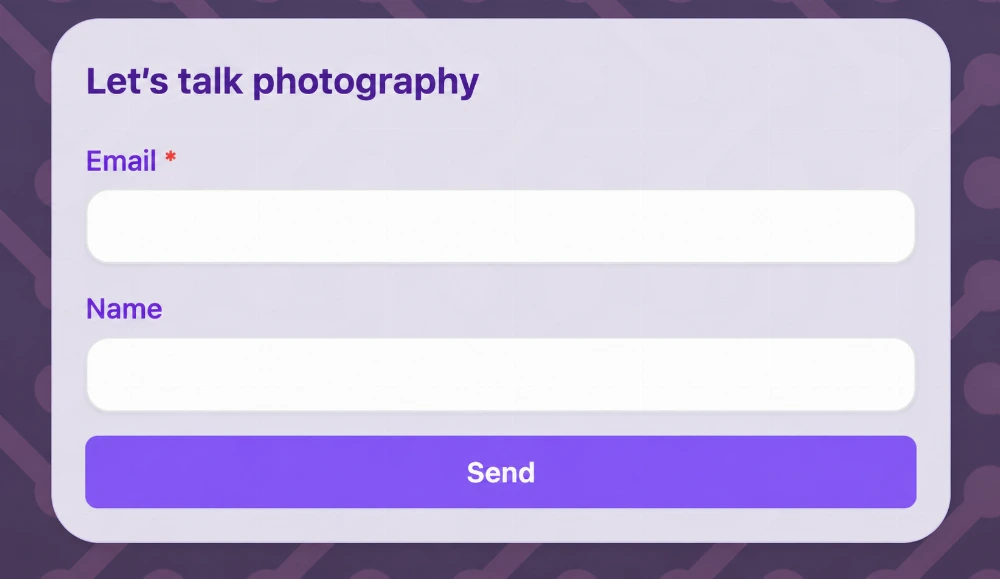
Make the whole invitation yours—from the first field to the thank-you
A small form. A thoughtful experience.
Start with the details you need for a useful reply. Reorder the selected fields to shape the flow, and use your own wording to explain what visitors are getting in touch about.
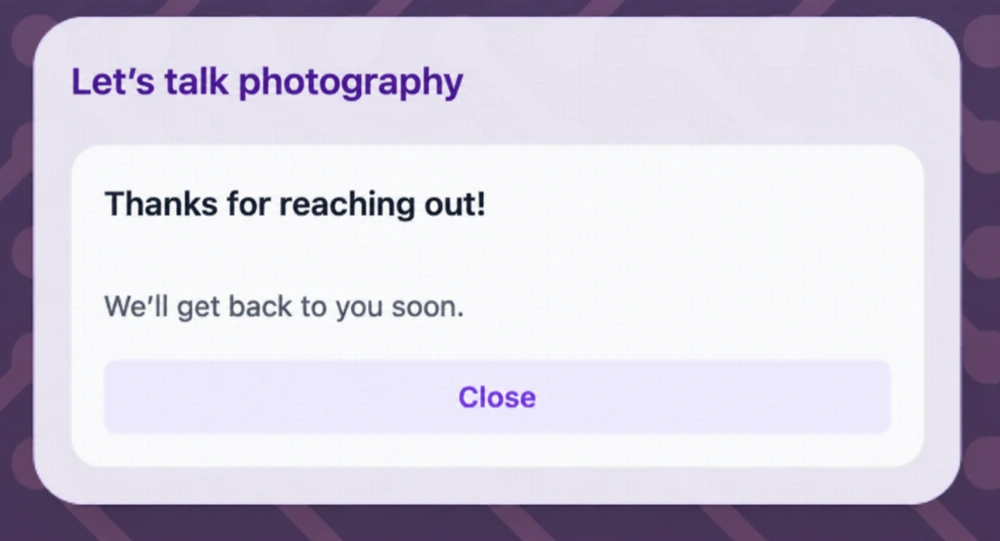
After they send, show a custom thank-you heading and message. Add an optional link to a useful next destination, such as more of your work or your existing booking page.
Forms collect enquiries. Any booking happens through the destination you choose or your follow-up conversation.
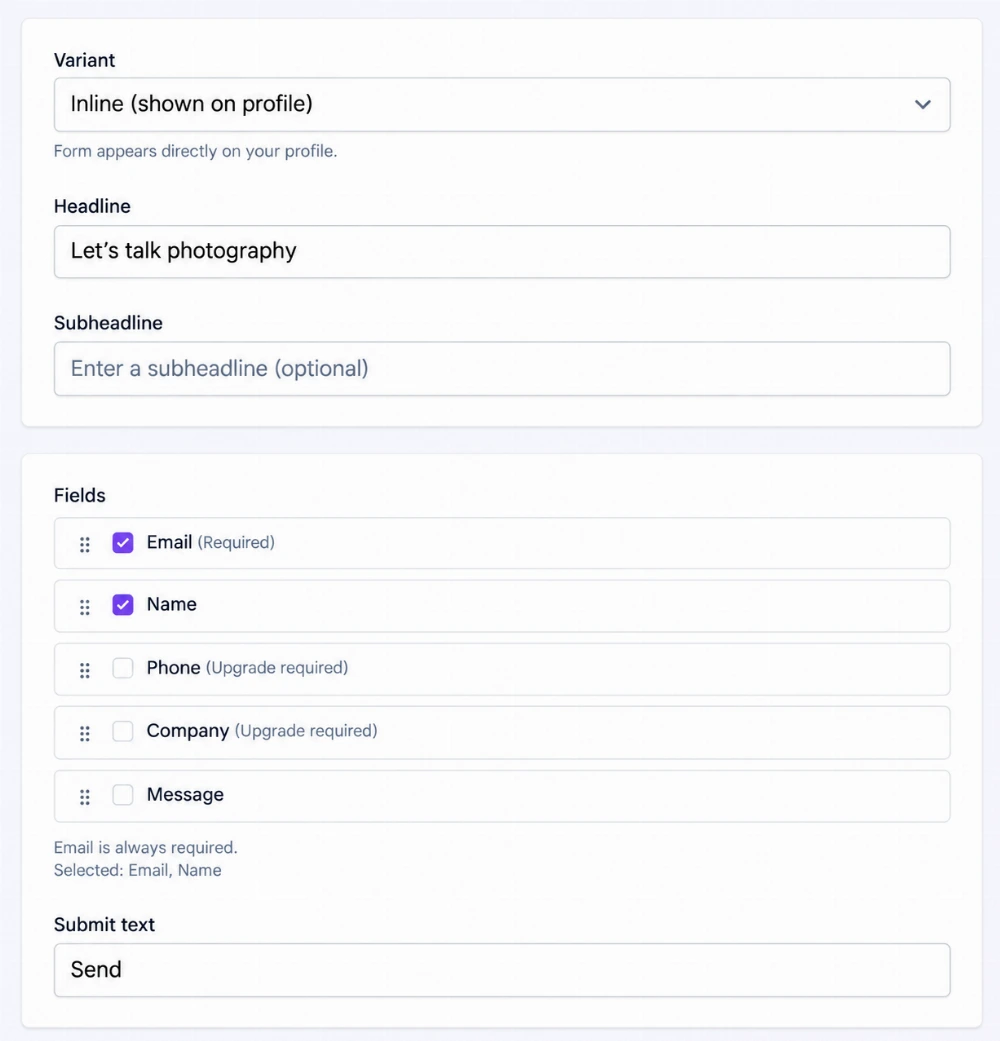
Product examples use fictional names, profiles, contact details, dates, and activity. Form examples show different field selections; the enquiry below includes the message field available on paid plans.
02 · Leads Inbox
An enquiry arrives.
You know where to begin.
Bring submissions from the profiles you can access into one workspace inbox. See who reached out, which profile and form brought them in, and which conversations still need your attention.

Find the conversation you need.
Search names, emails, messages, and notes. Narrow the list by profile, form, status, or date.
Keep your attention on the next reply.
Separate new and open enquiries from those you’ve marked replied. Find leads with notes when it’s time to pick things up again.
Take contact details with you.
Export accessible contacts, filtered results, or a selection to CSV on Essential and Business.
03 · Lead Story
A name. An email.
And a little more to go on.
Alex wants photos for a café launch. The enquiry gives you the opening. Lead Story adds the context: the referring site, profile views, and gallery activity recorded around that submission.
See whether a recorded visit came through a QR scan or a direct link, and review available referrer and campaign details. Profile views, image openings, a highlighted interaction, and time to submit help you understand how the visitor engaged.
Start with their interest already in view.
Use that context to prepare a more relevant reply, alongside what the person actually asked for.
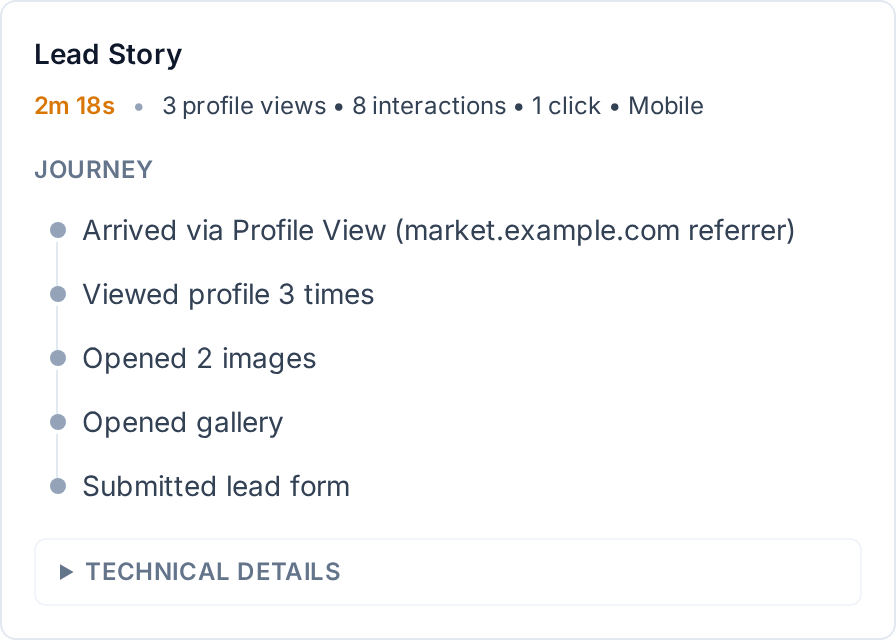
Lead Story puts an individual enquiry in context. Statistics helps you explore the wider picture across profile engagement.
Explore Statistics →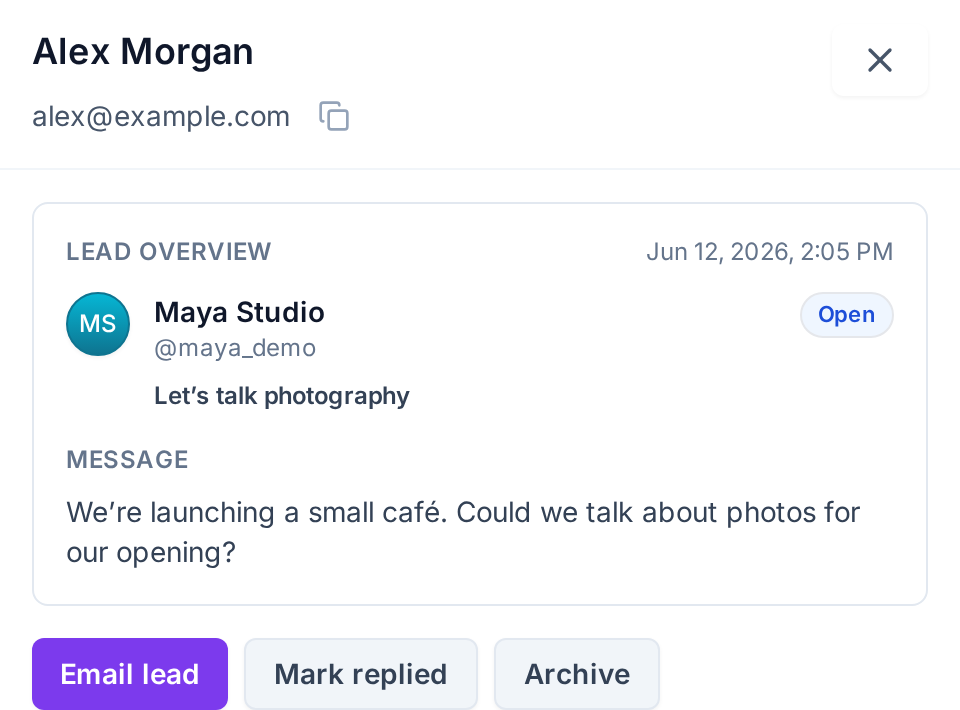
04 · Follow through
Keep the next step
with the person.
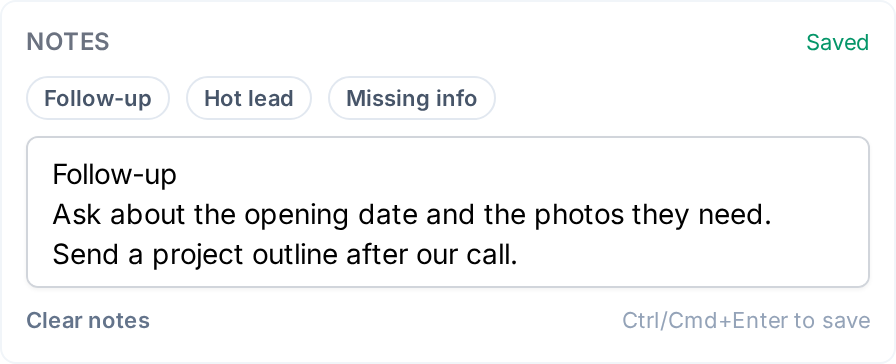
When you’re ready to reply, the details are right there. When you come back, your notes help you remember where things stand.
-
Start a reply while the context is fresh.
Email lead opens a prepared message in your email app. Review the enquiry and send your response from there.
-
Make it clear who you’ve handled.
Mark the lead replied after you respond. Archive enquiries you’re finished with, or reopen one when the conversation starts again. You can also mark selected leads replied or archive them together.
-
Remember what matters next.
Keep internal notes about the brief, a missing detail, or your next step. They stay with the lead and are searchable in your inbox.
Room to grow
Start with an introduction.
Build from there.
Start free, then add more fields and room for enquiries as your business grows.
Compare plans →- Starter
- One form, name and email fields, and access to your 10 newest submissions. Digest notifications keep you in the loop.
- Essential
- Three forms, the message field, your 100 newest submissions, CSV exports, and instant preview emails.
- Business
- Unlimited forms and submission visibility, phone and company fields, CSV exports, and full notification emails with reply-to support.
Submission visibility covers the newest leads across the profiles you can access in your current workspace. Notification delivery follows your settings.
A little more detail.
What can I customize in a form?
Choose an inline form, a button that opens a modal, or a button leading to a dedicated form page. Edit the heading, supporting text, button wording, field selection and order, thank-you message, and optional next-step link. Fields are email, name, message, phone, and company, with availability depending on your plan. Email is always required.
Does Lead Story show every visit someone has ever made?
No. It summarizes the recorded session associated with the submission. Available details can include arrival type, referrer, campaign information, profile views, gallery activity, a highlighted interaction, device, and time to submit. Some details may be unavailable; it is not a complete browsing history or a timestamped replay.
Does QRown send and track my replies?
Email lead opens your email app with a prepared message. You send the reply there and mark the lead replied yourself. Business notification emails also support replying to the lead through your email app.
What is included in a CSV export?
Essential and Business can export accessible leads, filtered results, or selected leads. CSV files contain email address, name, phone, company, and submission date. Messages, notes, and journey details stay in the Inbox.
Make the introduction count.
Give visitors a way to act on their interest—and give yourself a clearer place to start the next conversation.