Build your business profile. More ways to move forward.
Build a business profile with your services, products, portfolio, hours, and contact links. Help visitors understand your work, send an enquiry, or reach your existing booking and payment services.
Choose content blocks for the information your clients need. Add to your profile as your work grows.
Your work is personal. Your profile can be, too. Illustrative studio scene.
Build around what matters to you
What should visitors find on your profile?
A new client gets in touch. A customer finds your shop.
Someone sees what you do and wants to know more. Choose the blocks that move your kind of connection
forward.
Product screenshots are adapted with fictional names and
contact details. Examples show a selection of what you can build; available blocks and options depend on your
plan.
What you offer
Give each service or product a place of its own.
Build a service menu, introduce your products,
or highlight a seasonal package. Add descriptions, prices, and links that lead to your booking service,
shop, or contact page.
When someone is ready to reach you, the next step should
be obvious. Offer a way to ask, call, or follow along that fits how you work.
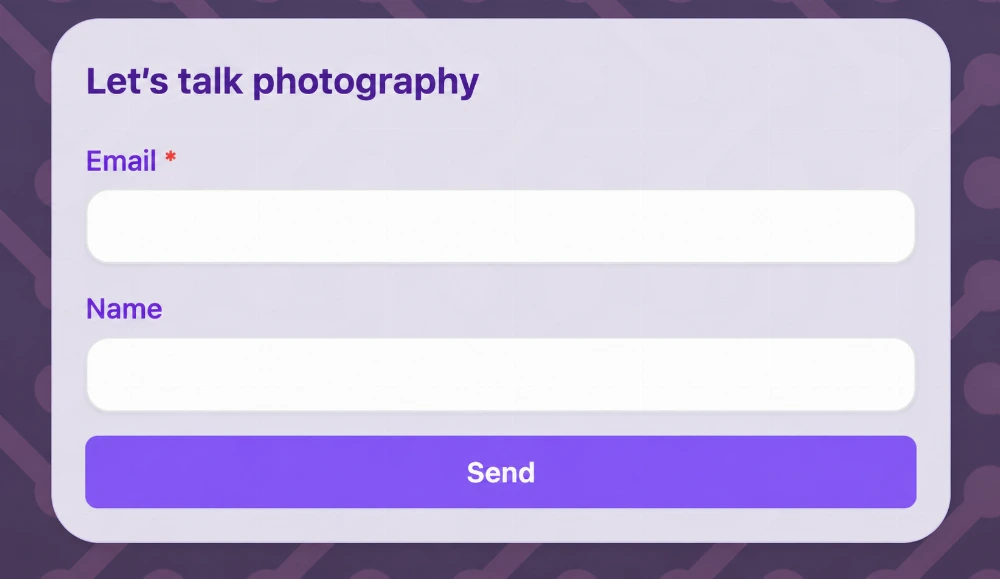
Forms
Give interest somewhere to go.
A visitor likes your work but isn’t ready to
call. A form lets them leave their details while the idea is fresh, giving you a conversation to
follow up.
Invite a project enquiry, a service question, or a simple
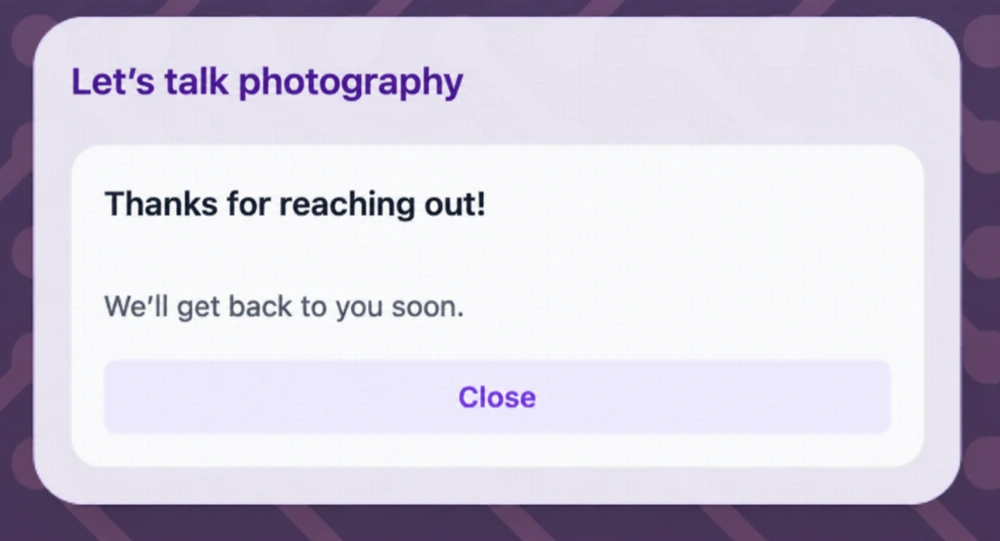
hello. Choose the fields available on your plan and make the heading and thank-you message your own.
Submissions arrive in Leads Inbox with recorded journey
context, so you can prepare a useful reply and keep track of the next step.
A project brief, a collaboration idea, a question that needs a little room. Open an email to your address so visitors can start writing without copying it first.
For a time-sensitive question or a customer who prefers to talk, make your number easy to find and tap. A direct call can move the conversation forward.
Example contact details
Call the studio
202-555-0142
Text Message
Make a quick question feel easy.
Some conversations start with a text. Give visitors a shortcut to message your number in their SMS app, whether they’re checking a detail or saying hello.
Example contact details
Send a quick text
202-555-0142
Web/Social
One introduction. More of your world.
Your portfolio is on one site. Your latest work lives on
social. Bring those destinations together so people can choose how to keep exploring, without
searching for you again.
Give links a useful title and feature them as cards or in
the social icon row. Lead with the places that matter to your next connection.
Maya’s world, in one place
Explore my portfolio
Finished projects and favorite portraits
Follow the latest
New work and a look behind the scenes
Visit the print shop
A link to the shop you already use
Illustrative link titles. Choose your own destinations.
Make your preferred contact options easy to spot
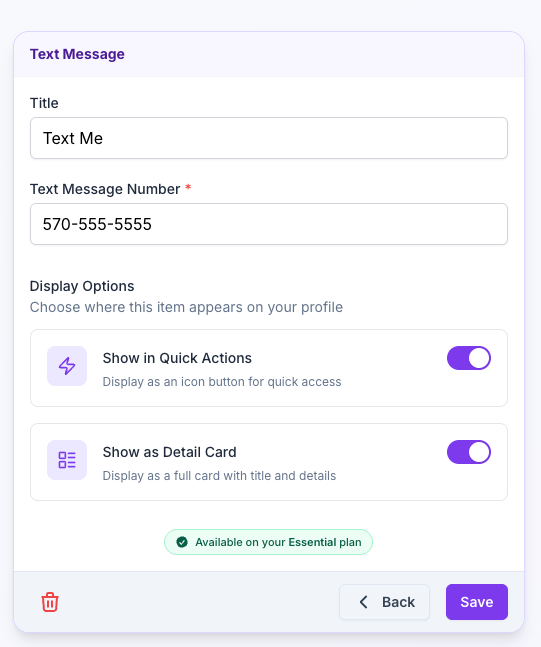
A quick tap, with room for detail.
For email, phone, and text messages, choose a Quick
Action, a Detail Card, or both. Give everyday contact options a place near the top while keeping
helpful titles and details on the profile.
Choose how a text-message contact option appears.
02 · Content
Give people a reason to connect.
Your contact details tell people how to reach you. Your
words and work help them understand why they should. Make space for the person, business, or ideas behind
the name.
Headline Text
Make your first few words count.
Tell people what you do before they start browsing. A
headline alongside your profile identity can make your specialty, approach, or purpose clear at a
glance.
Maya Chen
Natural
portraits. Honest moments.
Example headline. A few words that set the tone.
Paragraph
Share answers, notices, and your story.
Use the Paragraph text block for a short FAQ,
an announcement, visitor instructions, or the story behind your work. Give the section a clear
title and write the details people need before they call, book, or visit.
Basic FAQs: Put a few questions and answers in one
section, with each question on its own line and blank lines between answers.
Notices and announcements: Share a temporary entrance
change, a new service, or your next confirmed market date. Include dates and remove expired
news.
Instructions and policies: Explain what to bring,
where to collect an order, or how to prepare for a session.
Introductions: Describe your services, background,
or approach in your own words.
Keep short answers and important notices in full view.
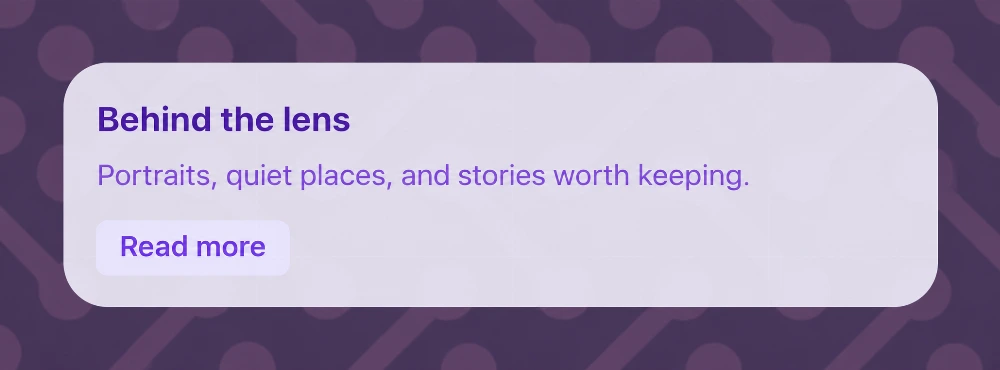
For longer content, add a brief preview and optional Read more expansion. Read more opens the
whole text section; FAQ answers do not expand individually.
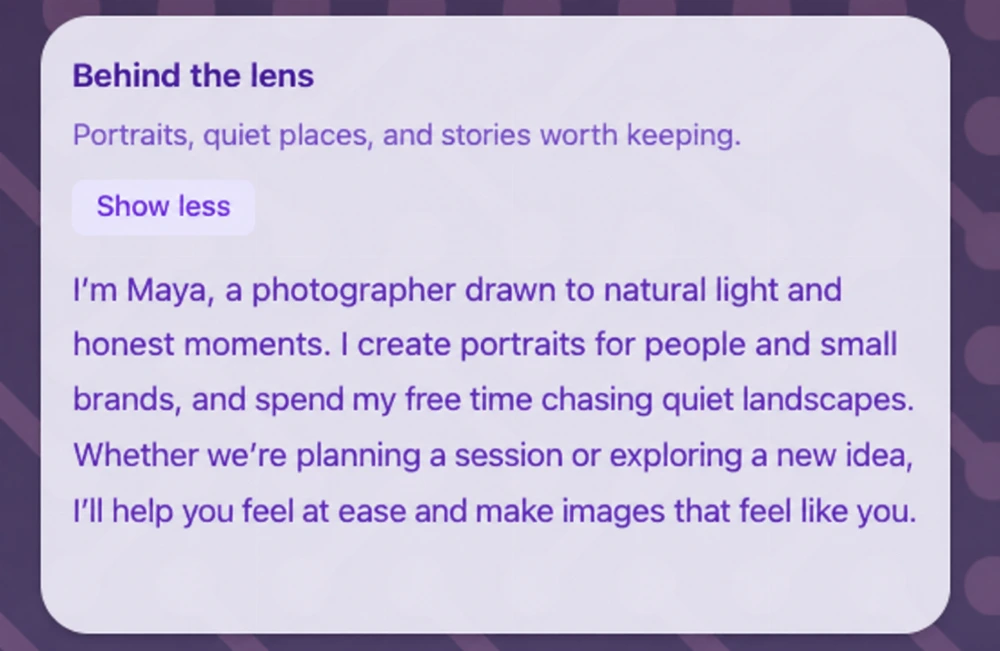
The same paragraph expanded: more about Maya, her work, and what a session feels
like.
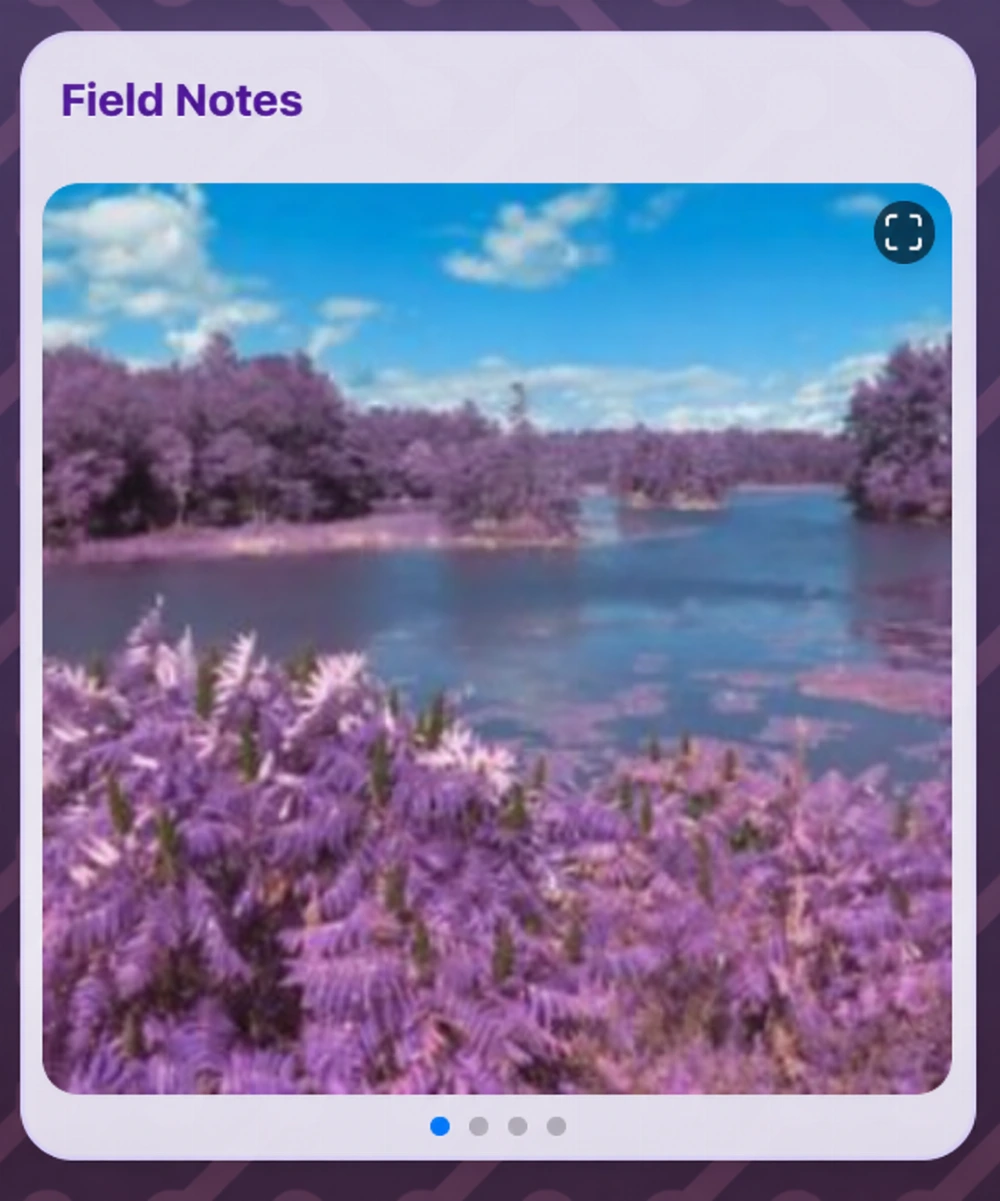
A collection visitors can browse right on the profile.
Gallery
Show the work they came to see.
Finished projects. Favorite pieces. A glimpse of
your space. Give people something real to explore before they decide to get in touch.
Maya’s Field Notes collection brings her photography into
the introduction. Your gallery might show a recent commission, a collection of products, or the work
you’re proudest of.
Lead with a favorite. Arrange photos in the order you
want people to discover them.
Put the image in context. Add titles and descriptions.
Keep the interest going. Link an image to a project
page, print, or more detail.
Give a favorite image its own next step
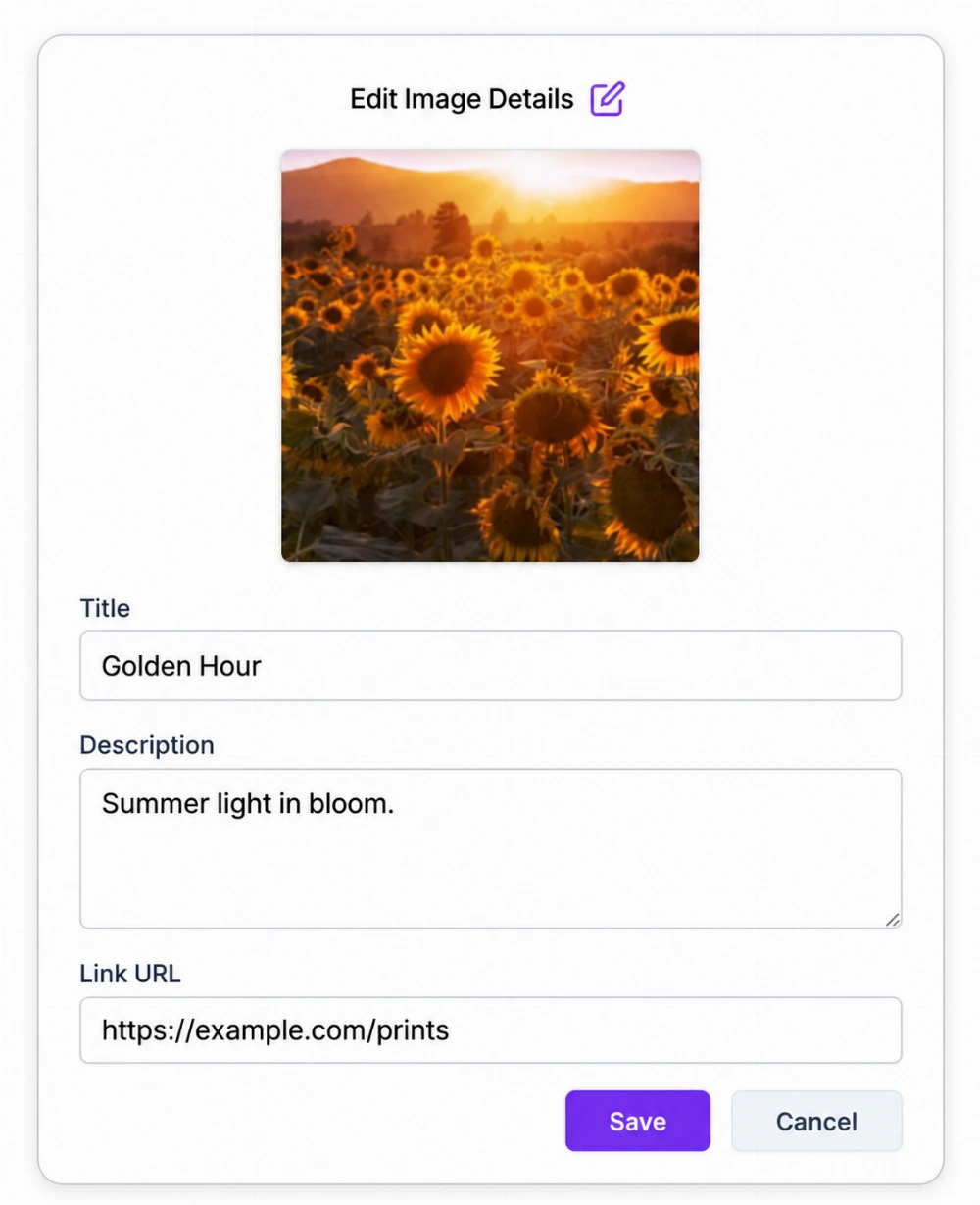
A photo can open a bigger story. Maya adds a title, a
short description, and a print link to this sunflower image, so someone who loves it knows where to
go next.
One photo, with context and a destination.
03 · Business
Turn a good impression into a useful next step.
Help people understand your role, find your place, plan a
visit, or pay you. Put the practical details beside the work that brought them here.
What You Offer
Show your services and products.
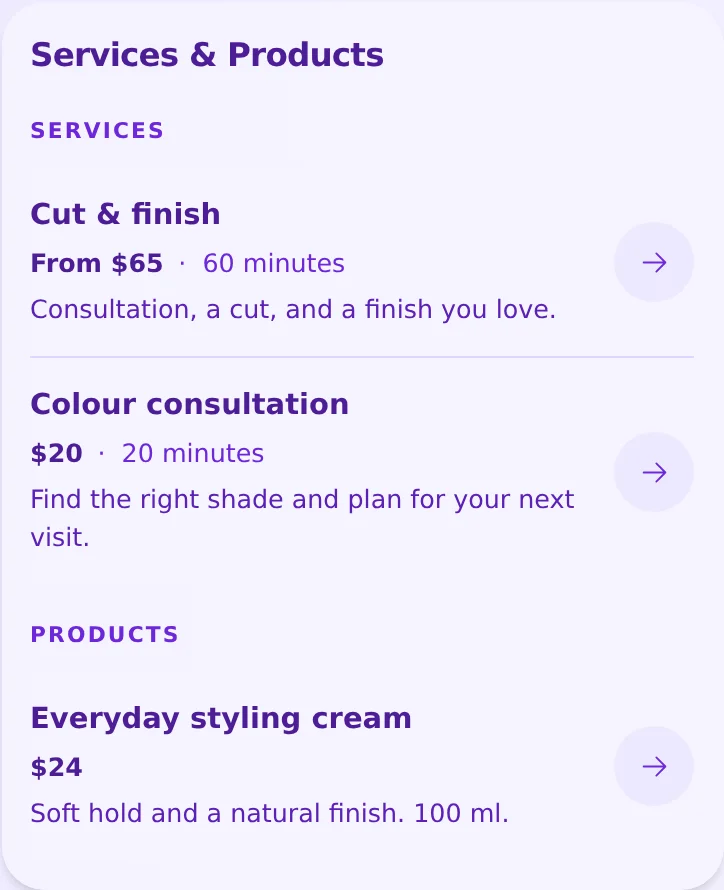
Give each service or product a name, description,
price, and useful next step. Add a duration for a session or an image to help visitors understand your
offer.
Link to your existing booking service or shop, or invite
an enquiry. Displayed prices explain your offer; they do not calculate quotes, reserve appointments,
or process payments. Available sections and item limits depend on your plan.
Example services and products. Use your own descriptions, prices, and destinations.
Work Info
Put a role behind the name.
After a meeting or a quick introduction, help
someone remember what you do and who you work with. Your job title and company bring your
professional identity into focus.
Useful for an independent business, a team member, or a
new connection at an event. Share a company website too, where your plan supports it.
A clear professional
introduction
Maya Chen
Job title
Photographer & founder
Company
Field Notes Studio
Fictional work details, shown as a content example.
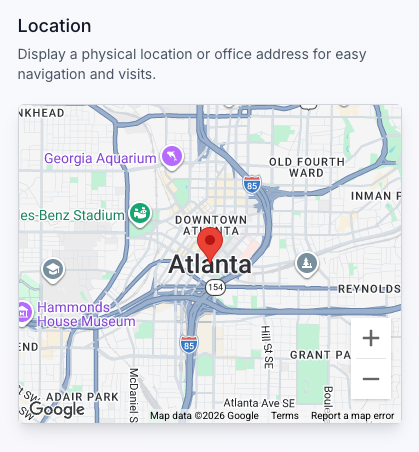
Location
Help the visit happen.
Your shop, office, or studio shouldn’t take a separate
search to find. Add your location so visitors can see where you are and open directions when they’re
ready to come over.
A place to find you, right alongside your introduction.
Availability
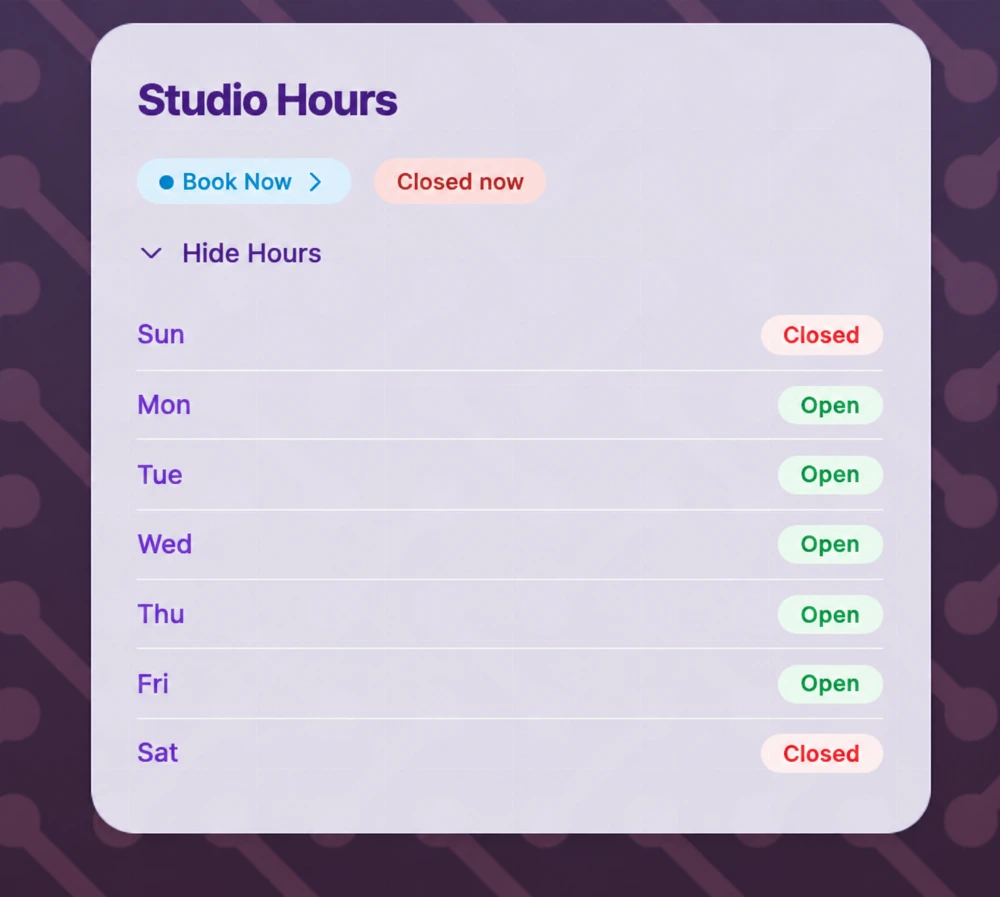
Make the timing work.
Help customers plan around your opening hours. Set your
week, leave room for breaks, or show that you work by appointment. Add your booking site link when
there’s a session to arrange.
Book Now opens the booking site you choose. The status shown here is part of the
screenshot.
Payments
Make getting paid part of the connection.
After a session, at your stall, or when someone
wants to support your work, offer a payment method they recognize. One scan opens your profile; they
choose a way to pay and continue with the provider.
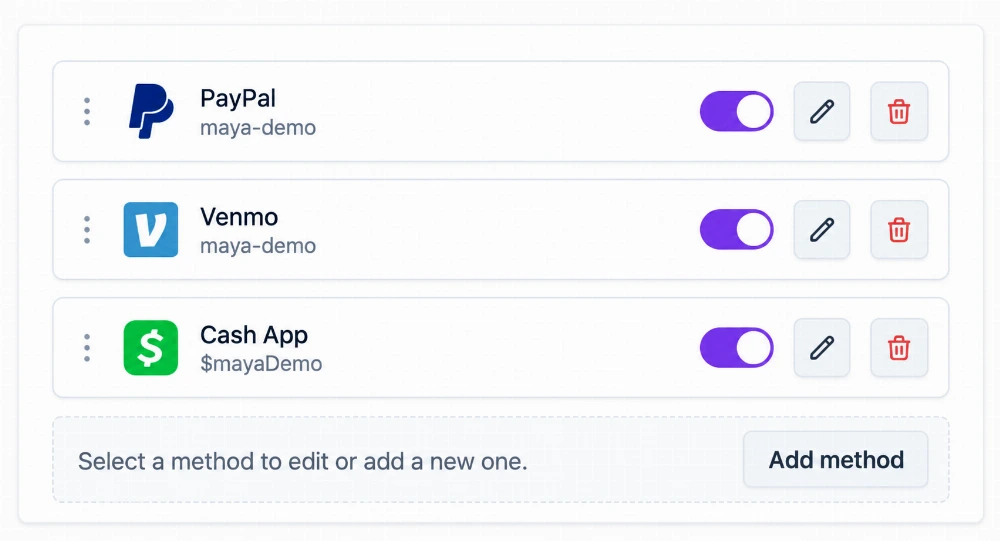
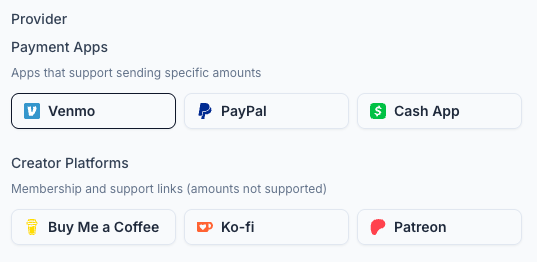
Bring together Venmo, PayPal, Cash App, creator support
links, or Zelle details. Offer suggested tips or a flat amount where your plan allows it.
Choose the methods you want to share and put them in your preferred order. Shown with fictional account
details.
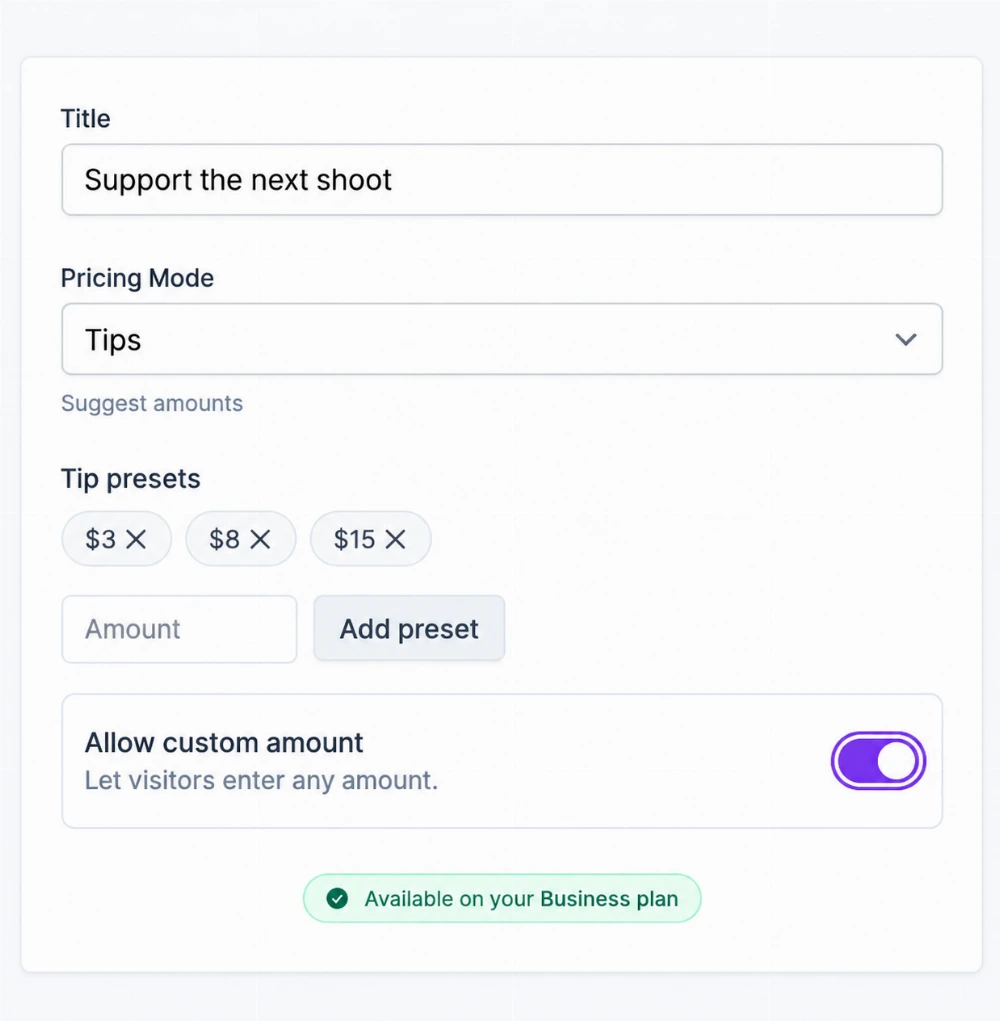
A little support, in a way that feels familiar
Maya suggests a few amounts to help fund her next
shoot and leaves room for a personal choice. You can invite support in a way that fits your
work.
Payment apps and creator platforms, together on your profile.
Suggested tips with room for a personal choice.
Your provider handles the payment. Amounts carry over
when the payment provider supports them. Paid plans include multiple payment methods, suggested tips, and
flat amounts.
04 · Other · Analytics
Learn what makes people lean in.
You’ve given your profile a purpose. Connect your
analytics tools to understand how people find it and explore it, then use what you learn to improve the
experience.
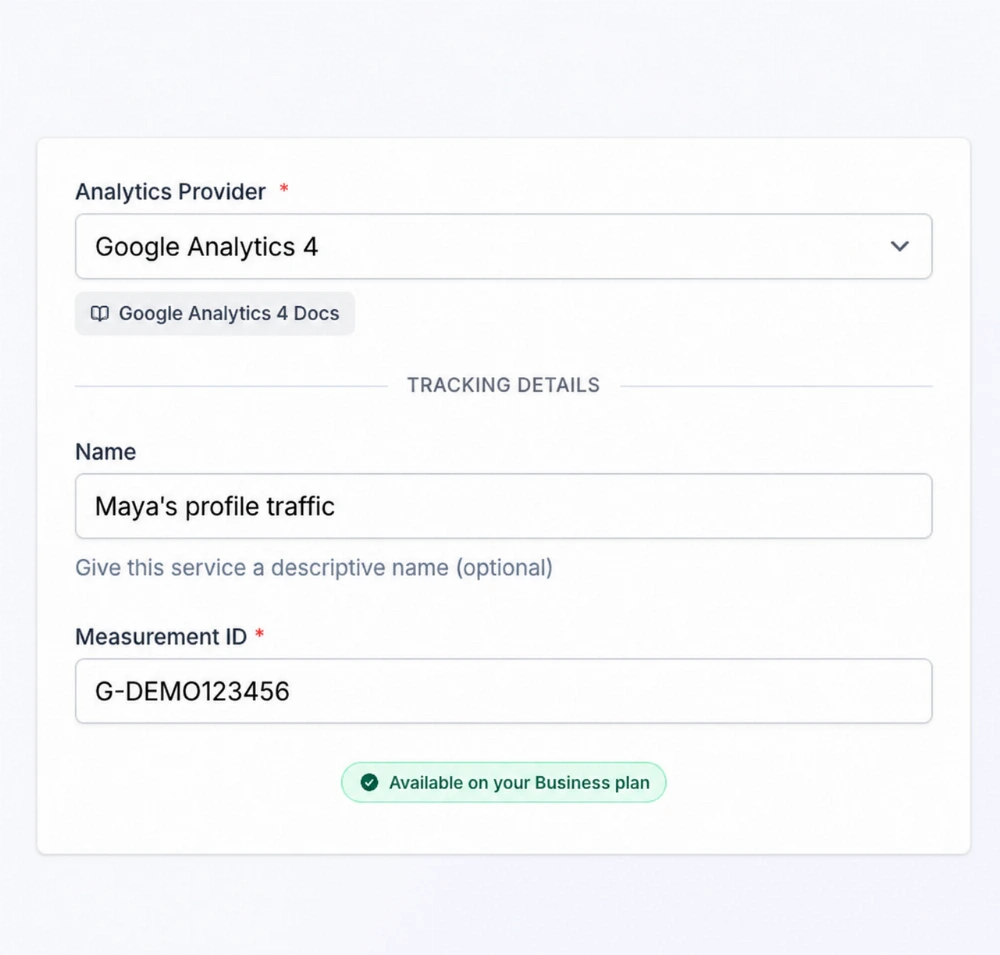
Google Analytics 4
Know where the interest starts.
Explore traffic sources to see which channels bring people to
your profile. Give your next sharing decision more context than a guess.
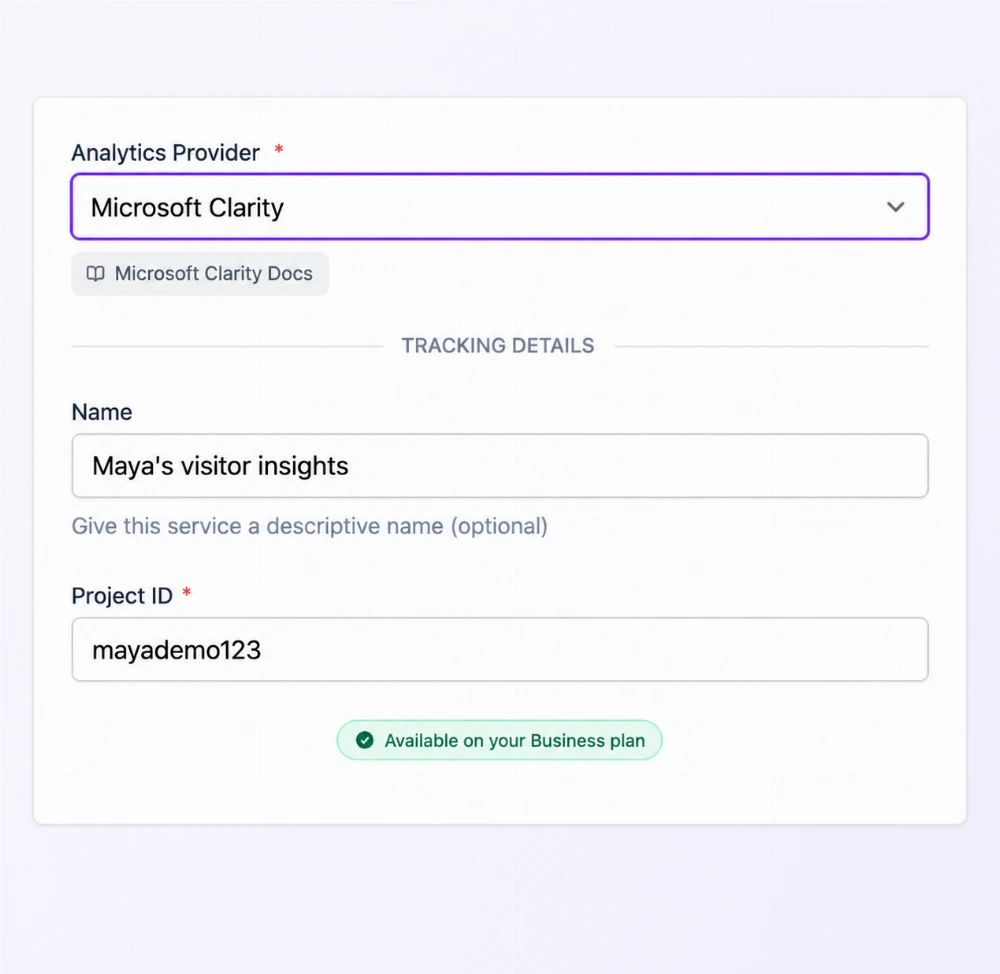
Microsoft Clarity
See how the visit unfolds.
Use heatmaps and session recordings to understand where
visitors click and scroll. Look for ways to make your most useful content easier to reach.
Bring your existing analytics tools along
Add the Measurement ID from your GA4 property or the
Project ID from your Clarity project. QRown connects the service to your public profile; you view reports in
the provider’s dashboard.
Connect your Google Analytics 4 property.
Connect your Microsoft Clarity project.
The names and IDs in these screenshots are fictional.
Analytics integrations are available on Business. Reporting depends on
your provider setup and the data it can collect.
For QRown’s own recorded profile views, QR scans, and contact
interactions, explore Statistics.
A gallery gives someone a reason to
enquire. Hours help them plan a visit. A payment link lets them support your work. Choose a few
useful blocks and give every introduction somewhere to go.
Start with what you want visitors to do: get in touch, explore your work, or take a next step.
2
Make it yours
Add your content, arrange your sections, and choose a look that feels like you.
3
Share and keep it current
Share your profile link or QR. Update your information when your work, hours, or priorities change.
Start useful. Grow from there.
Free includes the basics for an introduction, including
contact details, one Paragraph section for an introduction, basic FAQ, or notice, and a gallery.
Several short questions and answers can share that one text section. Paid plans add lead forms, more
gallery capacity,
and payments. Analytics integrations are available on Business.
Keep your introduction, gallery, and contact options feeling
like one profile. Explore layouts, colors, and styling to put your identity into every detail.
Set weekly hours, split days, appointment-only visits, and holiday exceptions, then check what visitors see.
Questions about Content Blocks
Do I need to use every block?
No. Start with the content and actions your visitors need. Add more sections when you have a reason to share more. Available blocks and limits depend on your plan.
Can this be my link-in-bio page?
Yes. Bring your website, social accounts, contact details, and other supported blocks together behind one profile link.
Can I add FAQs or announcements to my profile?
Yes. Use a Paragraph text block with a title such as Frequently asked questions, Before your visit, or Latest news. Write several short questions and answers, a dated notice, or an announcement in the content field. Optional Read more expands the whole section, not each answer separately. Free includes one text section, so combine related details there or compare plans for more sections.
Are Analytics and Statistics the same thing?
Statistics is QRown’s own tracking and dashboard functionality. Analytics connects your profile to third-party services such as Google Analytics 4 and Microsoft Clarity, where you view their reports.