Understand your profile activity. From visits to next steps.
See recorded profile visits, contact actions, enquiries, payment clicks, and QR scans in QRown Statistics. Compare activity and sources to understand how visitors interact with your work.

A little clarity goes a long way
Find a pattern. Try a better next step.
Did more people open your profile after an event? Are visitors exploring your links or downloading your contact card? Choose a timeframe and look at the recorded activity alongside what you have been sharing.
Use the pattern to ask a useful question: should you move a contact block higher, make your invitation clearer, or try your QR in another place?
Sample data · Illustrative week
Profile views
168
7-day example
- QR scans
- 76
- Contact downloads
- 12
Know what you are looking at
What can you measure in QRown Statistics?
- Traffic
- Profile views and QR scans show recorded activity around your shared profile and codes.
- Engagement
- Contact clicks and contact-card downloads help you see which ways of connecting draw interest.
- Next-step actions
- Lead submissions and payment clicks show actions on the relevant blocks. A payment click does not confirm a completed transaction.
Make it yours
A few steps. A better introduction.
-
Share with intention
Put your profile link or QR where it is useful, whether that is your social bio, an event, or a shop counter.
-
Choose a timeframe
Open Statistics for your profile. Explore recorded views, scans, and interactions, with comparisons to the previous period.
-
Try one improvement
Make a clear change to your profile or how you share it. Check back later to see how the recorded activity changes.
Compare QR sources and the activity after a scan.
Explore QR sources to see activity associated with different codes. Referrer and device breakdowns add context where those details are available. Use the information to guide your next experiment, alongside your own knowledge of your audience.
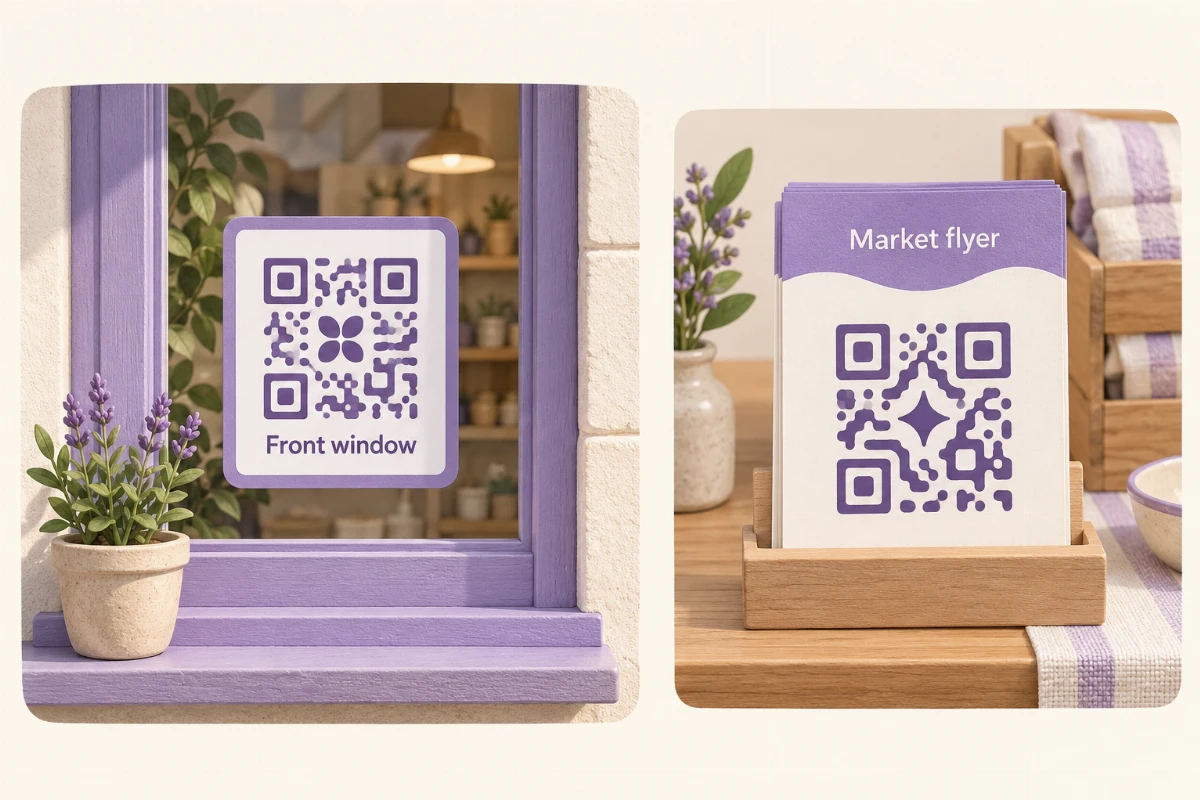
Give a flyer and a counter sign separate QR codes when you want to compare placements. Reusing one code combines their scans. Sessions group related events; they are not unique people. The same person can contribute several sessions.
Content performance helps you review interaction with individual blocks. For submitted enquiries, Lead Story can add recorded arrival and session activity context. A scan does not reveal a person's identity. Payment clicks and selected amounts do not confirm purchases or revenue.
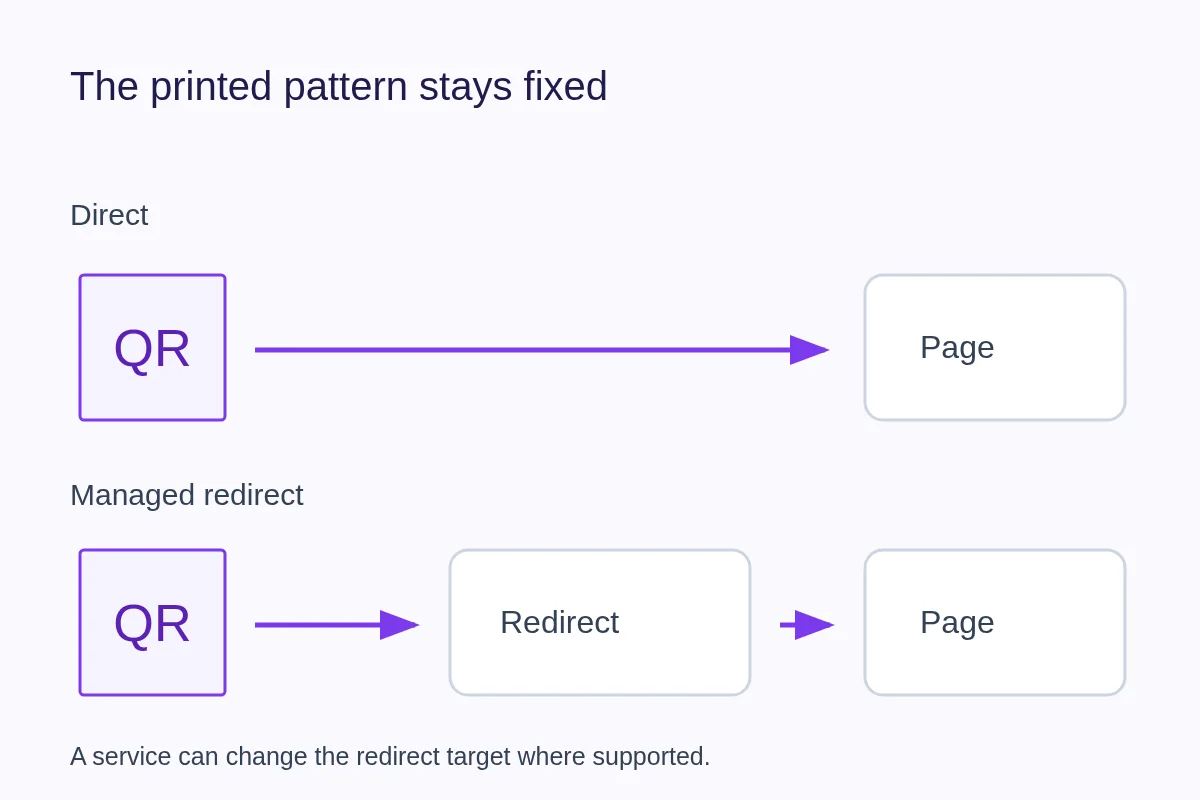
If a QR redirects to an external website, QRown can record the redirect scan; it cannot report all later activity on that website. Reports, breakdowns and available history depend on your QRown plan.
QRown calls its first-party reporting Statistics; supported third-party Analytics integrations are a separate option.
Explore QR Codes & Contact Cards →Plan your next QR test
Start with a reporting check, compare a small campaign, or choose how the link behind your code should work.
-
How to Track QR Code Scans: Counts, Sources and Limits
Learn how to track QR code scans, compare static and dynamic codes, and interpret scan counts. Test QRown Statistics and understand how website analytics differs.
-
QR Marketing Ideas: Plan and Measure a Small Campaign
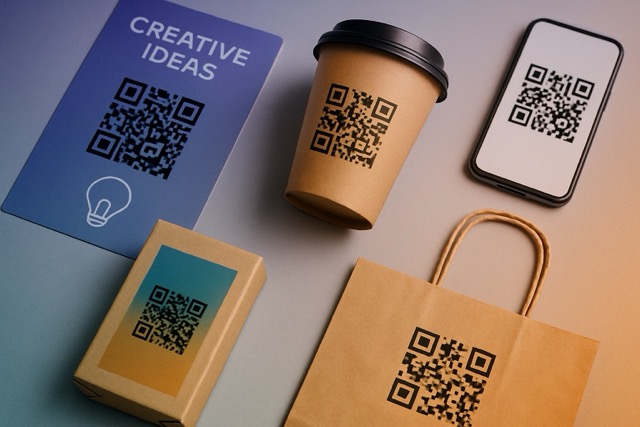
Turn flyers, signs and handouts into useful next steps. Plan a small QR marketing campaign, compare scan sources and separate activity from sales.
-
Static vs Dynamic QR Codes: Editing and Scan Tracking
Compare static and dynamic QR codes, understand editing and tracking, and learn what you can do when a printed QR code stops working.
Questions about Statistics
What counts as a profile view?
A profile view is a recorded visit to your profile. Views count events, not unique people; one visitor can contribute more than one view. QR scans and clicks are separate event types.
Can Statistics tell me exactly who visited?
A standard QR scan does not identify the person or reveal their name or email. Statistics shows recorded activity and session context. A lead form lets a visitor choose to share their contact details with you.
Does a contact download mean someone saved me?
A download records that the contact file was requested. The visitor still needs to complete the save on their device.
Do recorded actions prove a conversion?
Statistics reports lead submissions and payment clicks as recorded actions, not confirmed sales or revenue. Selected payment amounts show intent; check completed transactions in your payment provider.
Do I need an external analytics service?
QRown’s built-in Statistics uses its own recorded interactions. Adding a supported third-party analytics service is a separate Business feature.
Why might activity be missing?
Tracking can be affected by browser settings, blocked requests, and connection problems. Your own interactions are suppressed where recognized, and some repeated events are deduplicated. Treat the totals as recorded activity rather than a perfect count of people.
Questions about your account, profiles, or billing? Visit the general FAQ.
Make your next introduction a little smarter.
Share your profile, explore the activity, and keep learning what helps people connect with you.