Start with a look.Leave your mark.
Your profile should belong beside your work, your brand, and everything you put your name on. Start with a designed layout. Find your colors. Make the details feel like you.
A polished starting point. No design skills required.
01 / Find your starting point
Designed to get you going.
Open to your interpretation.
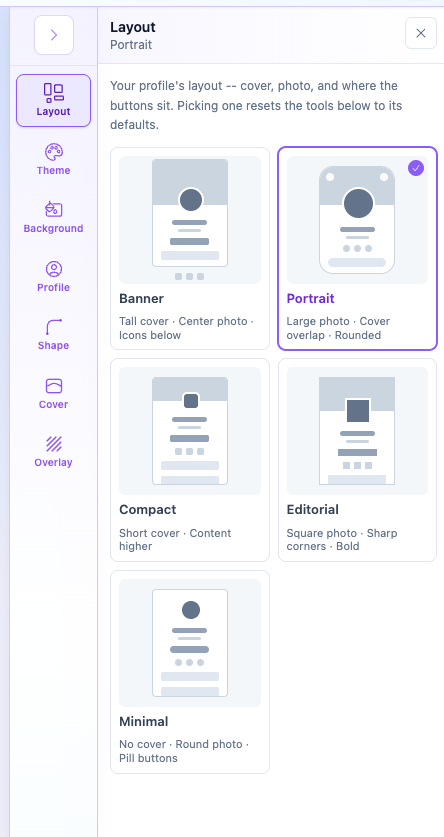
Put your portrait up front. Give your introduction a sharper edge. Keep things quiet and minimal. Choose a layout that feels close—then take it in your own direction.
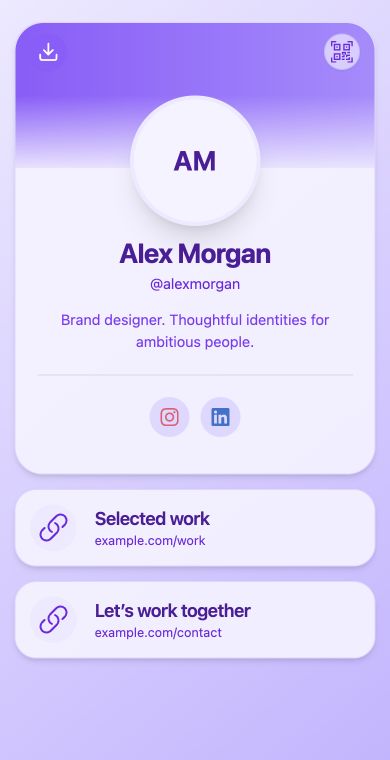
Expressive & approachable
Portrait layout · Violet theme
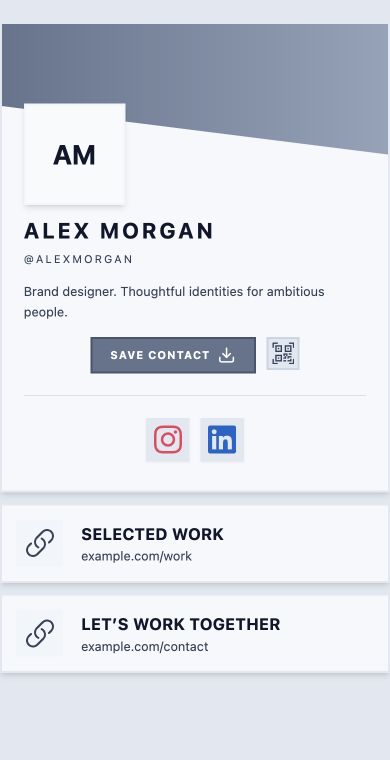
Confident & considered
Editorial layout · Slate theme · Left alignment
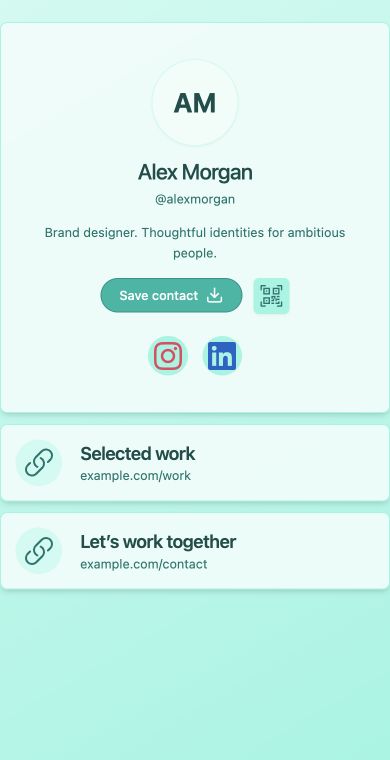
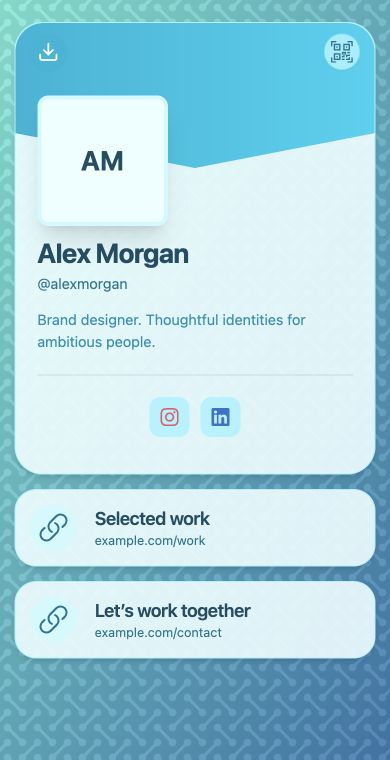
Calm & focused
Minimal layout · Teal theme
Real QRown layouts, personalized with the same fictional name and sample links.
02 / Set the feeling
Your colors.
Your kind of presence.
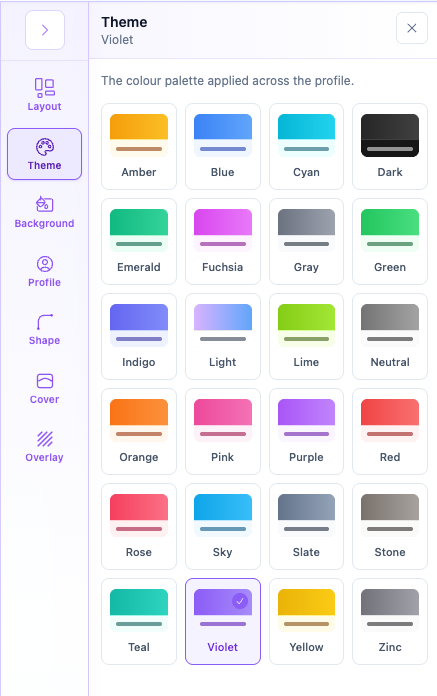
Go bright, stay understated, or bring in the colors people already know you for. Coordinated themes carry a consistent feeling across your profile.
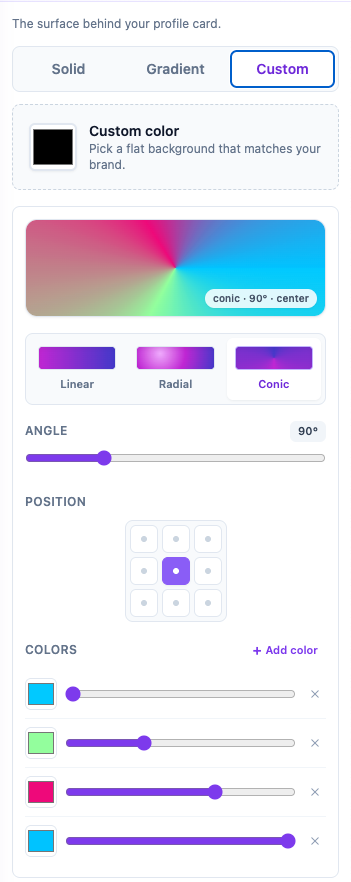
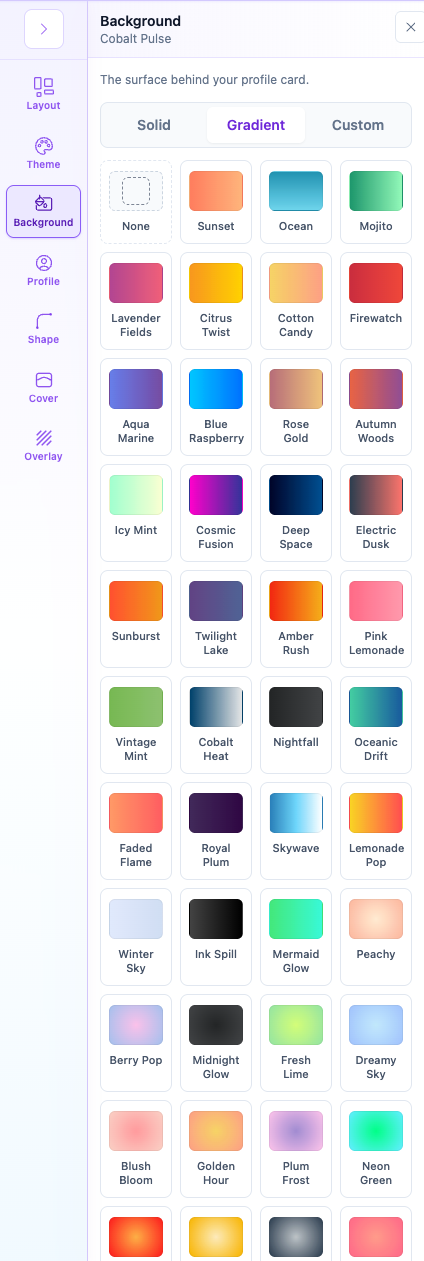
Choose a ready-made background, use your own solid color, or build a gradient. A few choices can change the entire atmosphere.
Start with a combination you like. Fine-tune it only as far as you want.
03 / Make the details yours
The difference is in the finishing touches.
Move your photo. Soften the edges. Give the background a little texture. Small changes help the whole profile feel intentional.
Put your identity in the frame.
Give your photo the right position and shape. Carry that character through to the cover edge, cards, and contact buttons.
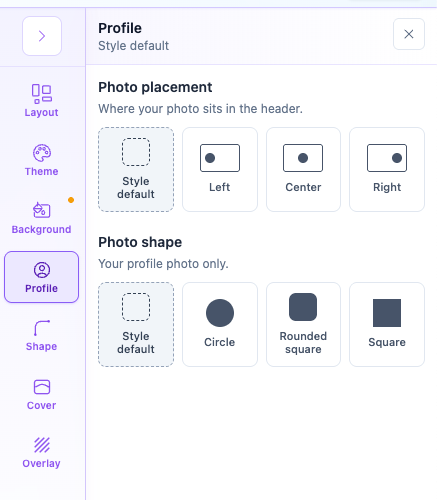
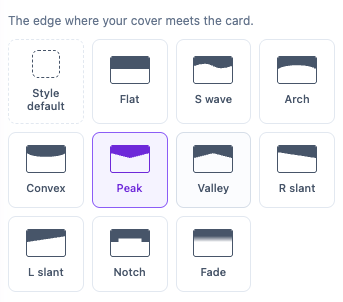
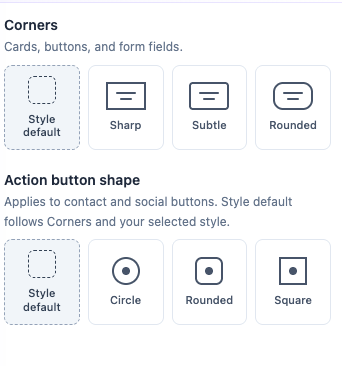
Add another layer of personality.
From a subtle grain to a geometric pattern, textures add depth behind your profile. Adjust their color, intensity, scale, and motion to suit the mood.
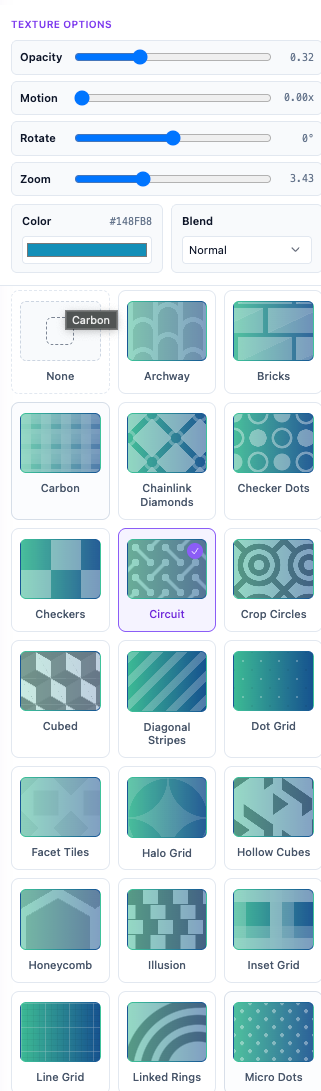
See it come together
Less second-guessing.
More “that’s me.”
Design Studio shows your profile as you customize, so you can see how your choices work with your actual content. Save when it feels right.
Your look is only part of the introduction. Add the links, contact options, and content that give people a reason to connect.
Build out your profile with Content Blocks → Take your introduction into the real world →A little more detail.
Do I need to know how to design?
No. Layouts and coordinated themes give you a designed starting point. Use the preview to try your choices with your content, then save the look you like.
Am I locked into the template I choose?
No. Personalize its colors, background, photo placement and shape, cover edge, and button styling. You can also choose a different layout; choosing one resets the design tools to that layout’s defaults, so pick your layout before fine-tuning.
Can I use my own brand colors and images?
Choose a coordinated theme for your profile, then use a custom solid background or build a gradient with your own colors. You can add a profile photo on Starter. Cover-image uploads are available on Essential and Business.
Will a new look replace my content?
Your contact details and content blocks stay in place when you change your design. Their appearance and placement follow the layout and styling you choose. Review the preview before saving.
Put your name on something that feels like you.
Start with a look you like. Turn it into an introduction you’re proud to share.