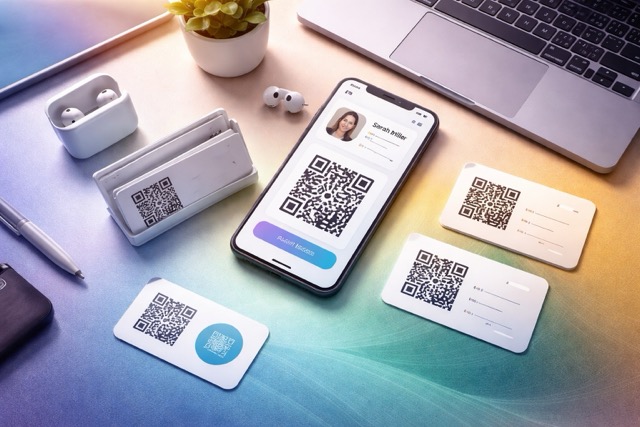
Your role changes, your portfolio improves, and your booking link moves. The business cards already in people's pockets stay the same. A digital business card gives those introductions a current place to lead.
A digital business card is a web profile with your identity, contact details and useful links. You share it through a URL or QR code. Visitors can learn what you do, contact you or download a vCard to save your details.
Give people one reliable version of your business
A prospect should not need to compare an old brochure, a social bio and an email signature to work out how to reach you. Keep the essential information together: who you help, what you offer, evidence of your work, and the next action.
For a consultant, that might mean a service description, a relevant case study and an email button. For a realtor, it could be contact details, current listings and a link to arrange a viewing. A digital card supports the introduction; your main website can still carry the full detail.
How a QR code business card stays useful
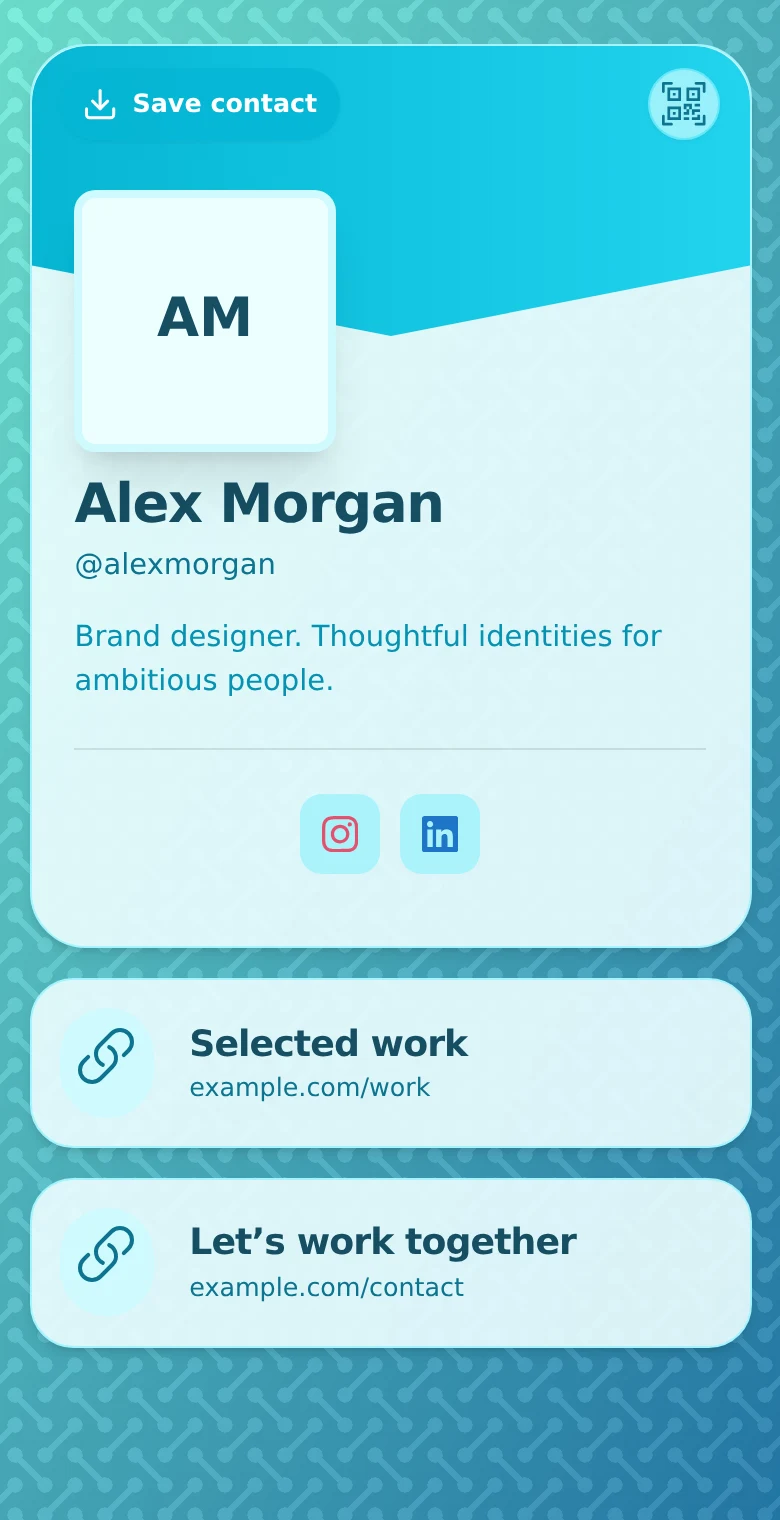
The main QR code in QRown opens your profile. You can update that profile's content while keeping the same printed QR. A new phone number or portfolio link can therefore appear on the page people reach from an older card.
The distinction matters: editing the profile does not change words already printed on paper, and it does not update a contact someone previously saved to their phone. Keep a readable name and contact fallback on the card; use the QR for the information that benefits from being current.
QRown also supports editable destinations on additional QR codes and Print Studio QR codes. The main profile QR stays tied to the profile. For a straightforward business card, the profile is usually the useful destination because it gives the recipient more than one way to follow up.
Compare paper and digital by the situation
| Need | Printed card | Digital card |
|---|---|---|
| A quick handoff | Easy to offer during a conversation | A link or QR opens a page on the recipient's phone |
| Offline access | Printed details remain readable | A web profile needs a connection to load |
| Updated details | Old print stays unchanged | The live page can reflect changes |
| Saving a contact | Usually needs typing or another scanning workflow | A vCard can reduce typing, but still needs import |
| Maintenance | Reprint when the information changes | Maintain the page, account and destination links |
For a brief encounter with poor reception, a printed card may be the easiest choice. For someone already messaging you, a clickable profile link avoids an extra handoff. A printed QR card is useful when you want paper's immediate recognition and a route to current information.
Neither format guarantees that someone will follow up. The explanation of your work and the usefulness of the next step matter more than the format. Use the digital-card content checklist to choose what belongs on the page.
Paper and digital can work together
A printed card is easy to hand over and remains readable without a connection. The digital profile can hold richer information and be updated. Putting a QR code on a paper card combines those strengths.
Download your QR for your own artwork, or use QRown's Print Studio for supported print products such as business cards. Before committing to a print run, scan a proof and check that the first screen matches the promise printed beside the code. “Scan to see my work” should lead to work people can find immediately.
Review whether the card is doing its job
In Statistics, look at recorded QR scans, profile views, contact actions and contact-card downloads. These indicate engagement, not guaranteed meetings or sales. If visitors open the profile but rarely use your main action, review its label and position before adding more content.
Keep the profile current when your offer changes. Test external links and the contact download after updating key details. A professional impression depends as much on accurate information as on appearance.
For the actual exchange, read how to share without an app. For getting into someone's address book, see how vCards work.
Ready to combine them? Follow the business-card QR workflow.