They love your work. Make support a little simpler.
After the song, the session, or the conversation, give people a clear way to support you. Bring your payment methods together on the profile you already share.
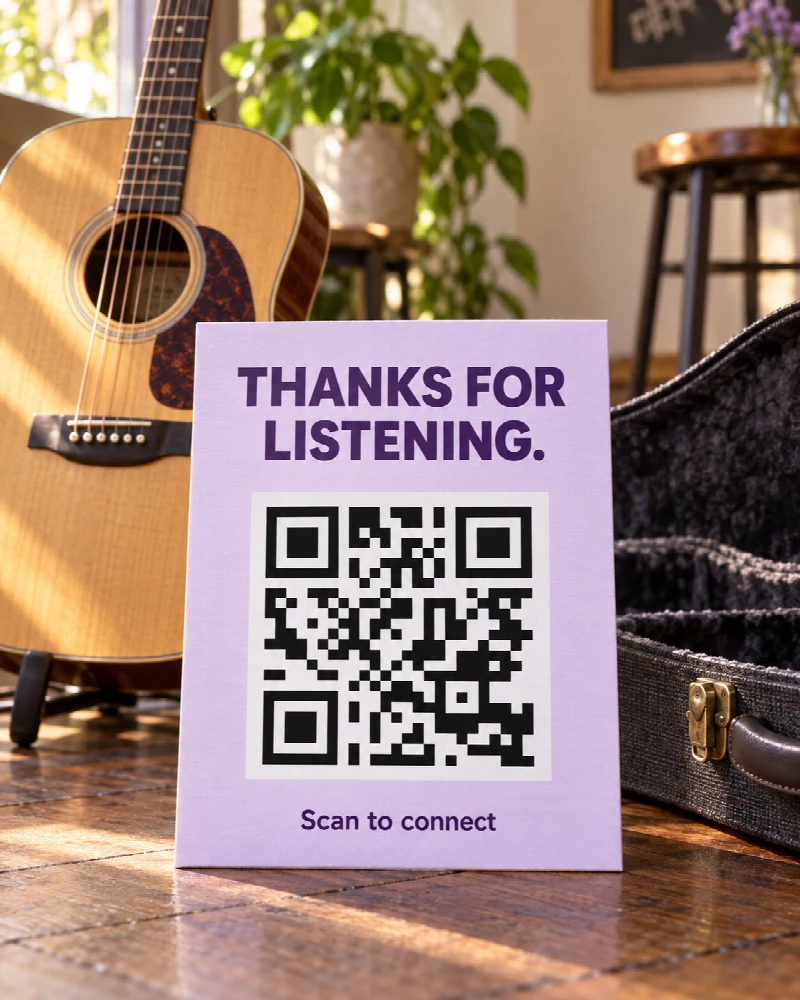
A familiar way to say thanks
Your work brings them here. Their preferred method takes it from there.
Add the supported payment accounts you use. Visitors choose a method, then continue with the provider or copy the details they need.
Use suggested tip amounts when a little guidance helps. For providers that support it, QRown includes the selected amount in the payment link.
Open the profile demo →Illustrative payment choices
Thanks for being here.
A little support for the next song.
- Venmo
- Open your payment link
- PayPal
- Open your PayPal.Me link
- Cash App
- Open your payment link
- Zelle
- Copy your registered email or phone
Make it yours
A few steps. A better introduction.
-
Add your methods
On an eligible plan, add a payment block and enter your supported account details or payment link.
-
Set the invitation
Write a clear label. Choose no preset amounts, suggested tips, or a flat amount where your plan allows it.
-
Let visitors choose
Share your profile. Visitors select a method and complete their payment with the provider.
Clear from the start
The connection happens here. The payment happens there.
QRown organizes your payment methods and helps visitors open a link or copy your details. Your payment provider handles the transaction, account requirements, and any applicable fees.
Recorded payment interactions can show interest in a method. They do not confirm that money was sent. Check your payment provider for completed transactions.
Questions about Payments & Tips
Which plans include payment blocks?
Essential includes payment blocks with up to three methods and suggested tips. Business adds unlimited methods and the flat-amount option. Starter does not include payment blocks.
Will a selected amount carry over to every provider?
No. QRown passes an amount when the provider supports it. Other methods may require the visitor to enter the amount in the provider’s app.
What happens with a method such as Zelle?
QRown lets visitors copy the email or phone number you have supplied. They complete the payment in their own supported banking app.
Is this an online shop or checkout?
No. Payment blocks share payment methods and can suggest an amount. They do not provide a shopping cart, quantities, order fulfillment, or confirmation of a completed payment.
Questions about your account, profiles, or billing? Visit the general FAQ.
Make it easy to support what you do.
Bring your work and your payment methods together. Choose Essential or Business when you are ready to add payments.