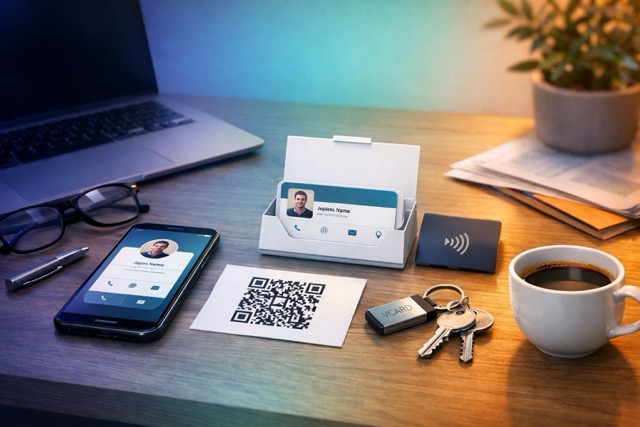
You have just had a useful conversation. Then comes the awkward part: spelling an email address, searching for a social account, or asking someone to install an app. A better handoff gives the other person a way to contact you before you both move on.
To share contact info without an app, show a QR code that opens your public digital profile, or send its link by text or email. The recipient can use their browser to find your details. They do not need a QRown account.
Pick a method that works for the recipient
Send a plain-text name and number when someone only needs to call you. Send a clickable profile link when they need context or several contact options. Attach a vCard when they specifically want an address-book record. Face to face, a QR code can open the same profile without typing the address.
“Without an app” means without requiring another dedicated sharing app. A web link still opens in a browser, and importing a vCard uses a contacts app. Respect a preference for a printed card or a simple message rather than making the exchange depend on one method.
Choose the next action before you share
“Here are all my links” asks the other person to make another decision. Match the invitation to your conversation:
- After a networking introduction: “Scan here and tap Save contact so you have my number.”
- After discussing a project: “My recent work and email are here. Send me the brief when you are ready.”
- After a service visit: “Here is the number to use if you need us again.”
These are suggestions, not a script to push on everyone. If someone prefers a printed card or asks you to email them, use that method. The useful outcome is a contact they can find later.
Use a QR code face to face, a link on the same phone
Open your QRown profile's QR code on your screen, or use a printed copy. Ask the other person to scan it with their phone's camera and open the link. Most recent smartphones support this through their camera; settings and older devices can differ.
When you are already messaging someone, send the profile link instead. A clickable link is easier than asking them to scan a code displayed on the phone they are using. Include a short reminder of the conversation so the message remains useful a week later.
A public QRown profile opens in the browser without an app install. Loading the page still needs an internet connection. Keep a readable phone number or email on your printed card for places with poor reception.
Make the contact page ready for the handoff
In QRown, add the name people will recognize, your work email or phone, and the most relevant link. Use clear labels such as “Discuss your project” or “View kitchen renovations.” Contact blocks open the appropriate phone or email app; a booking link opens your external scheduler.
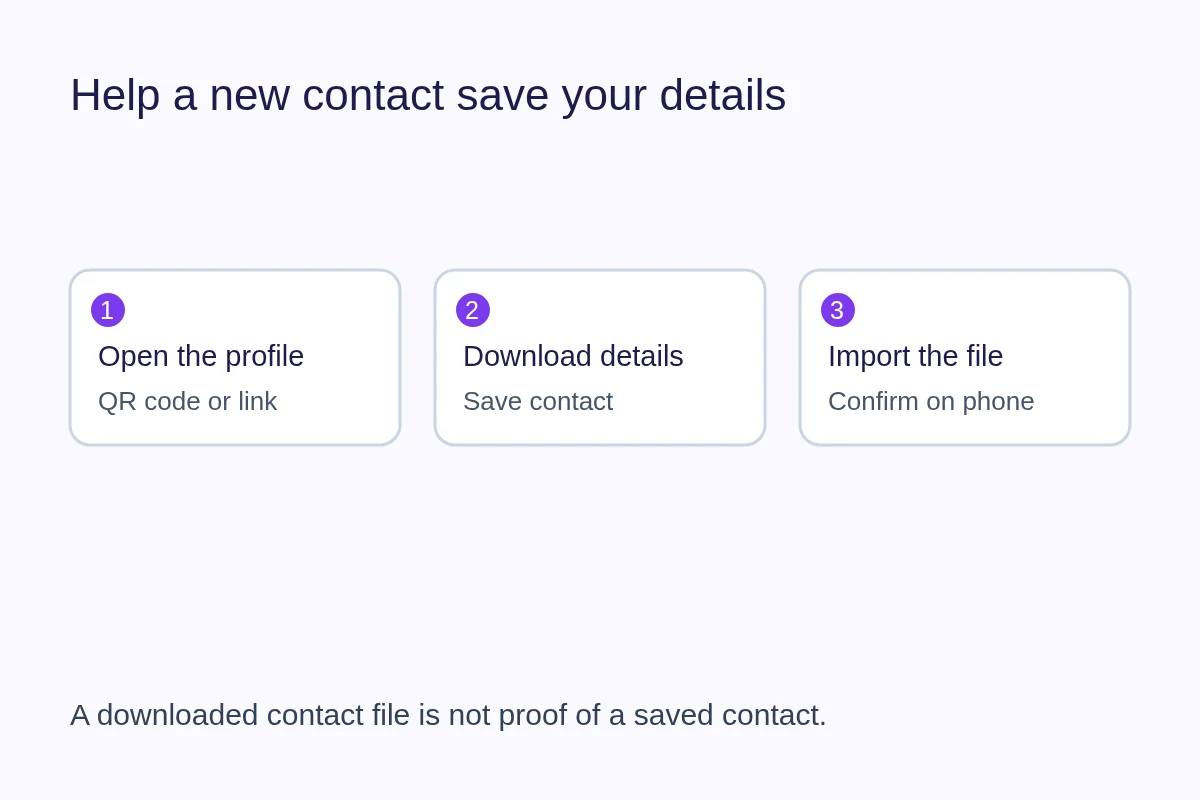
The Save contact action downloads a vCard contact file. The recipient may need to open the downloaded file and confirm adding it to Contacts. A download is not proof that the contact was saved. Our vCard guide explains that final step and how to make your details easier to recognize.
Check the exchange once before relying on it
- Open your public profile while signed out and confirm that visitors can access it.
- Scan the QR from another phone at a comfortable distance.
- Try the main contact action and download the contact file.
- Check the name, number and email in the imported contact.
- Save a short introduction with your profile link, ready to paste into a message.
For a salesperson, this makes the end of a meeting easier. For a freelancer, it gives a prospective client a direct route back to the conversation. Neither requires a long explanation of the technology.
Still choosing a sharing method? Compare QR codes, links, vCards and paper cards by the situation in which you use them.