Your Digital Card. Styled. Smart. Scannable.
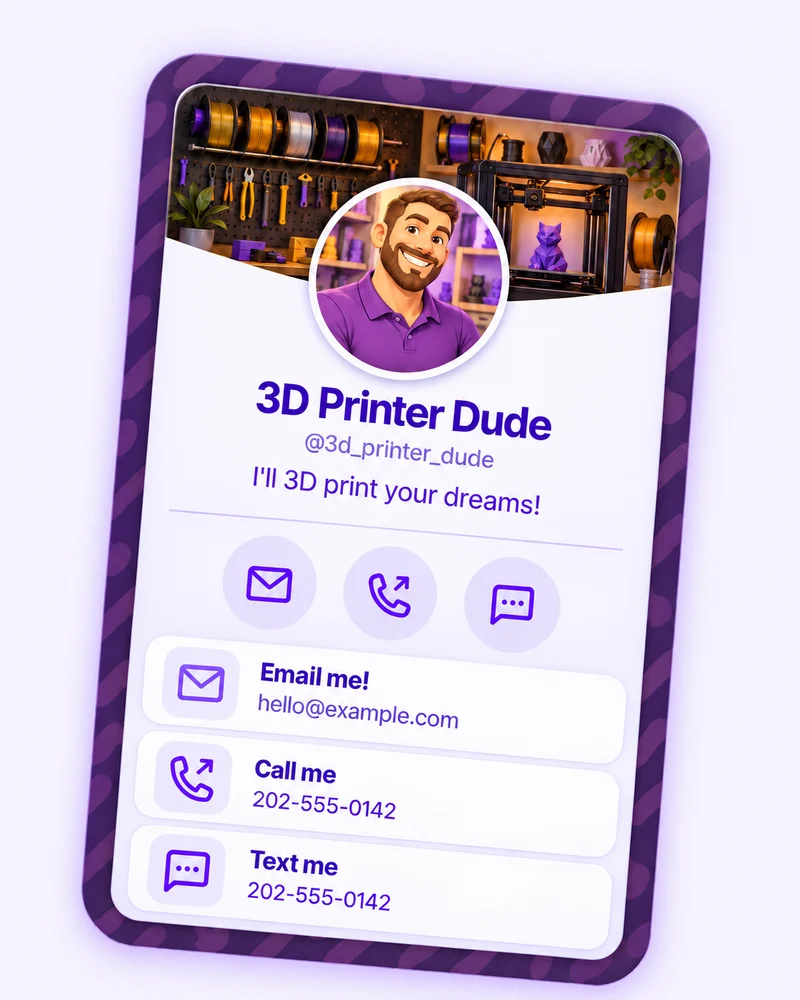
QRown is a web app for digital profiles, digital business cards, and contact sharing. Bring your contacts, links, and media together, share by QR code, and explore recorded activity in Statistics.
- No app required
- Works on iOS & Android
- Downloadable contact cards
-
Share instantly
Use your own @handle page.
-
Customize blocks
Add links, contact info, and more.
-
Track engagement
See views and interactions.
Try it for yourself
From scan to save.
Three small steps. No spelling out your email. No number to type. Just a simple way to stay in touch.
-
01 / SCAN
Point. Tap. You’re there.
Open your phone’s camera, point it at this QR code, and tap the link that appears.
 On your phone? Tap to open
-
02 / CONNECT
Your profile does the hello.
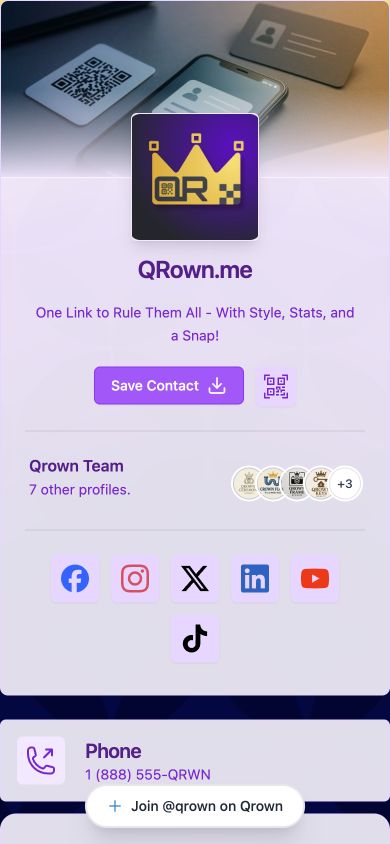
Visitors see your name, links, and contact options. They choose what to explore next.
An actual QRown demo profile -
03 / SAVE
Make the follow-up easy.
Choose “Save contact” on the profile, then follow your phone’s prompts to add the details to Contacts.
The details, ready to save.
Name, phone, email, and supported contact details from your profile.
iPhone: follow the contact preview’s prompts to create or update a contact.
Android: open the downloaded contact file, then choose Contacts and save.
The final save happens on the visitor’s device. Steps vary by phone and browser.
Wherever you meet
A small code.
More ways to connect.
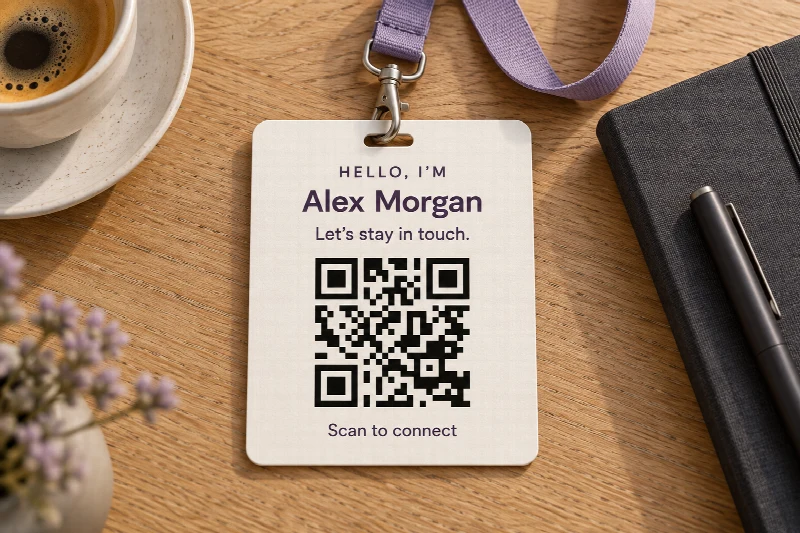
On a counter, a name badge, a package, or your own phone. Put your QR where the conversation happens, and give people an easy way to find you again.
- Events & networking
- Shop counters
- Packaging
- Your phone
Update your introduction.
New number? New website? Update your profile. Your existing main profile QR still takes visitors to that same profile.
Make the code yours.
Start with a free basic QR download. Paid plans add custom downloads, styling, and logos.
See what happens next.
Use Statistics to explore recorded scans, profile interactions, and contact downloads. A download does not confirm a saved contact.
QR Only profile visibility
Let the scan be the way in.
Prefer to share your profile through a QR? With QR Only, your profile is marked noindex and stays out of the public sitemap. A direct profile link asks visitors to scan unless their browser already has temporary access.
A little more control over sharing.
- 1
A visitor scans a valid QR code whose destination is your profile.
- 2
Their browser gets access to this profile for 30 minutes.
- 3
After access expires, they scan again to open the profile.
What QR Only does and does not protect
It is not password protection. Anyone with the QR code or the link encoded in it can enter. Information a visitor saves after entering cannot be revoked.
Owners can create a long-lived, signed Home Screen shortcut to show their QR without staying signed in. Keep the shortcut URL private: anyone with that exact signed URL can open the profile.
Put your QR codes to work.
The main profile QR opens your profile, so you can update its content without reprinting. Additional codes can use editable external destinations. Keep separate QR sources when you need to compare placements, then review recorded scans in QRown Statistics.
-
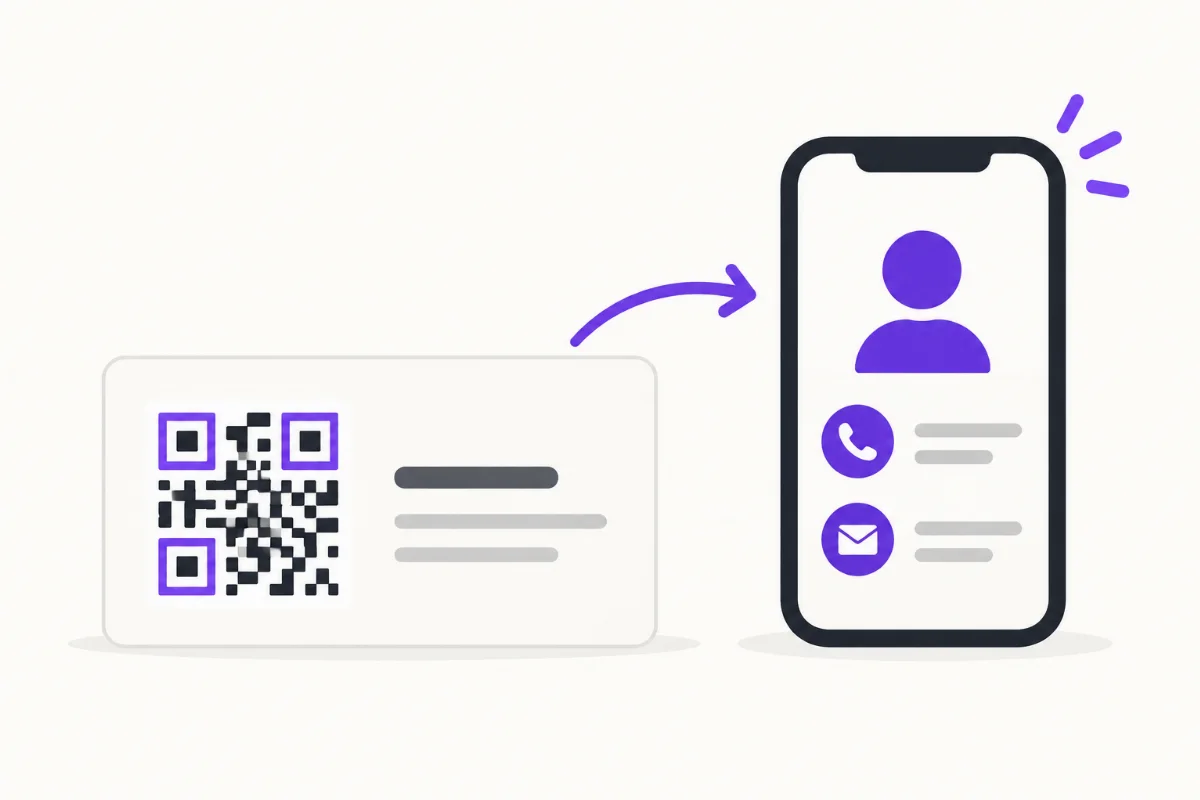
How to Put a QR Code on a Business Card
Choose a destination, place and test your business-card QR, then track card scans separately from other sources without confusing activity with new leads.
-
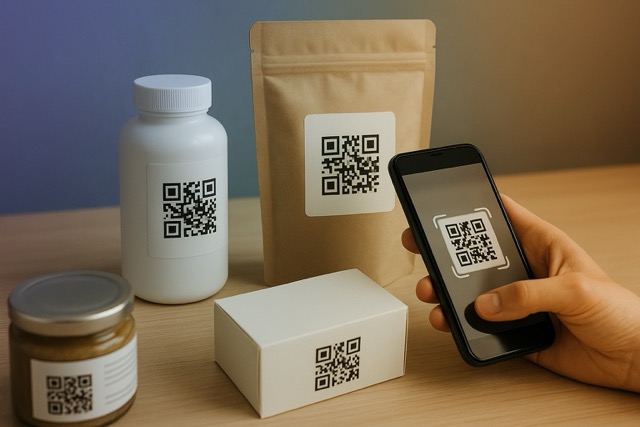
QR Codes on Product Packaging: Sizing, Placement and Print Testing
Choose what a packaging QR code opens, plan its label or insert, calculate the quiet zone, and test the finished package with a practical proof checklist.
-
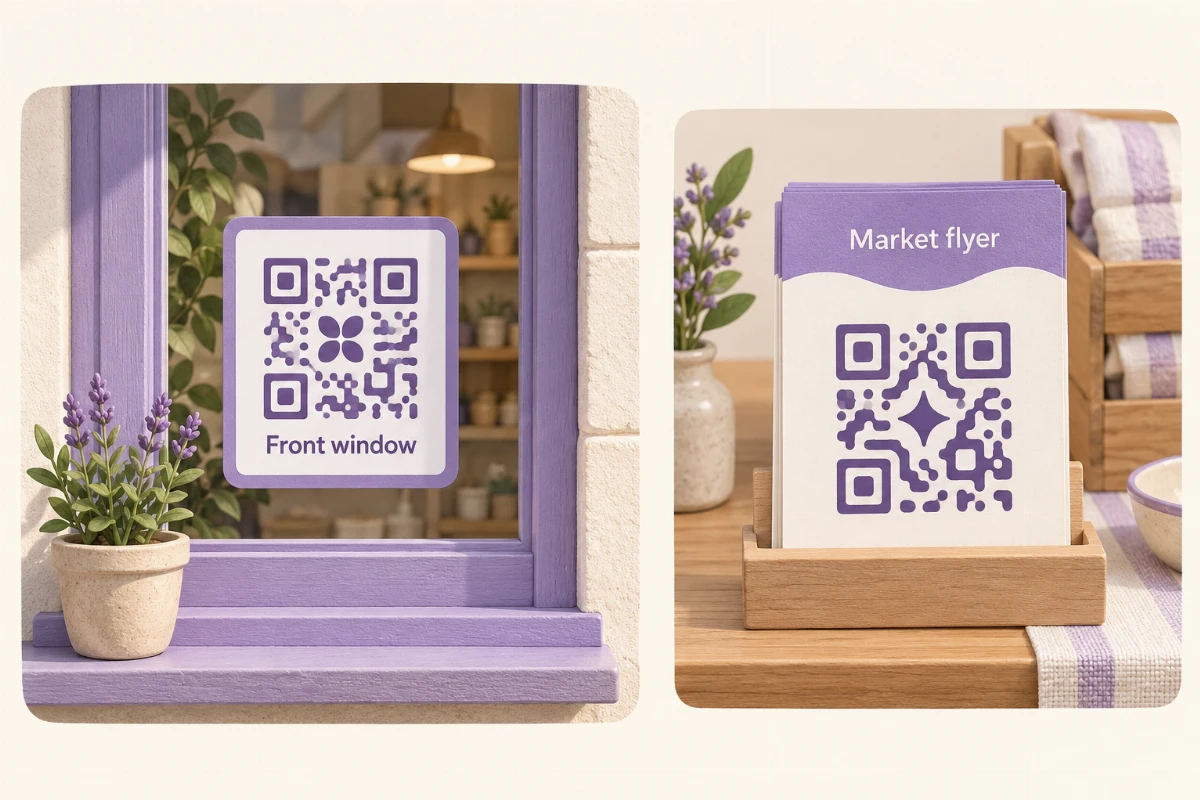
How to Track QR Code Scans: Counts, Sources and Limits
Learn how to track QR code scans, compare static and dynamic codes, and interpret scan counts. Test QRown Statistics and understand how website analytics differs.
Before your first scan
Questions about QR & Contact Cards
A few things to know about downloads, destinations, and keeping your information current.
Compare plansDoes scanning automatically save my contact?
No. Scanning your main profile QR opens your profile. Visitors choose Save contact, then finish saving through their phone’s contact preview or downloaded contact file.
Can my QR open a different website?
Your main profile QR always opens your QRown profile. Additional QR codes can point to your profile or a supported HTTPS destination. Additional code allowances depend on your plan.
Do saved contacts update automatically?
No. A saved contact contains the details available when it was downloaded. Updating your QRown profile updates what visitors see on your page; it does not automatically change contacts already saved on someone’s phone.
Will changing the QR design change its destination?
Changing colors, styling, or a logo changes the artwork, not the destination of that code. An already printed code keeps its original appearance. Download and print the new design if you want the updated look.
Can I put a logo inside my QR code?
Logo uploads are available on Starter, Plus, and Business. A logo, low contrast, or a small print size can make a code harder to scan. Test the final design on multiple phones at its intended print size before printing a batch.
What is included for free?
Free includes one profile QR code and basic QR downloads. Starter, Plus, and Business add more codes, custom downloads, QR styling, logo uploads, and QR Only visibility.
App requirements or updating a profile? Visit the general FAQ.
Keep the conversation going
Give your next hello a QR code.
Create your profile. Add your details. Start sharing a simpler way to stay in touch.
Create your free profileFree to start. No credit card needed.