They like your approach. Make the next step easy.
Turn a conversation after class into a way to connect. Put your coaching options, useful links, and contact details in one profile you can share from the studio floor to your social bio.
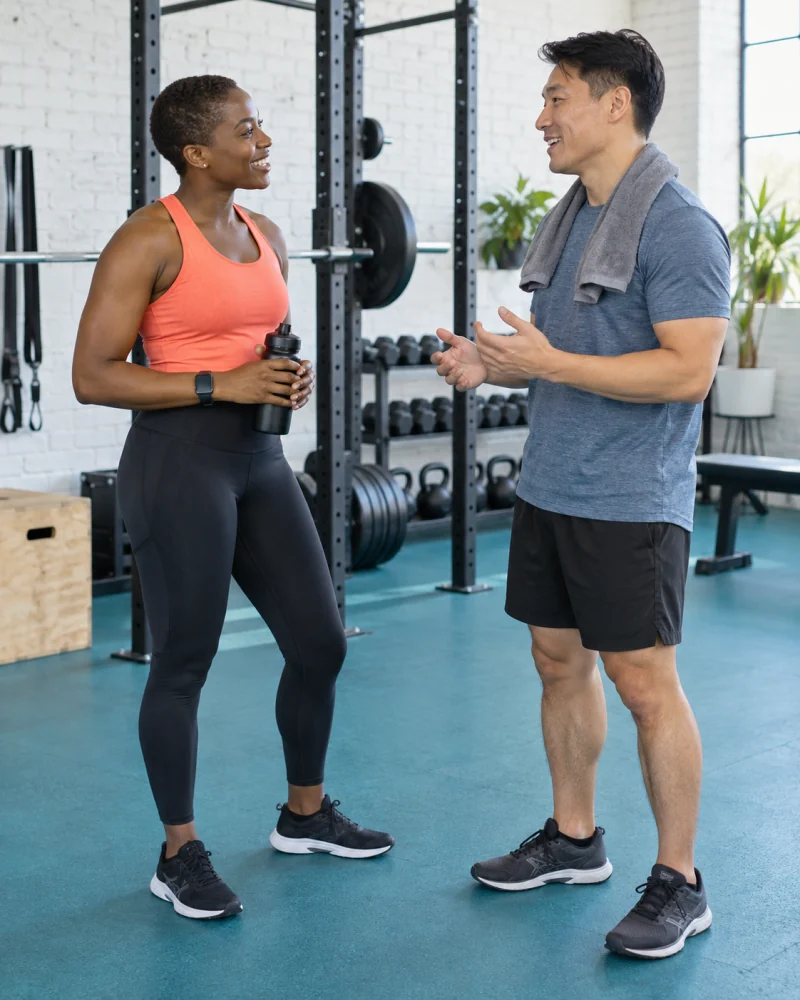
Keep the introduction moving
“How do I work with you?”
Have one link ready.
Someone enjoys your class, sees your coaching content, or hears about you from a friend. Help them understand what you offer without searching through old posts or piecing together several messages.
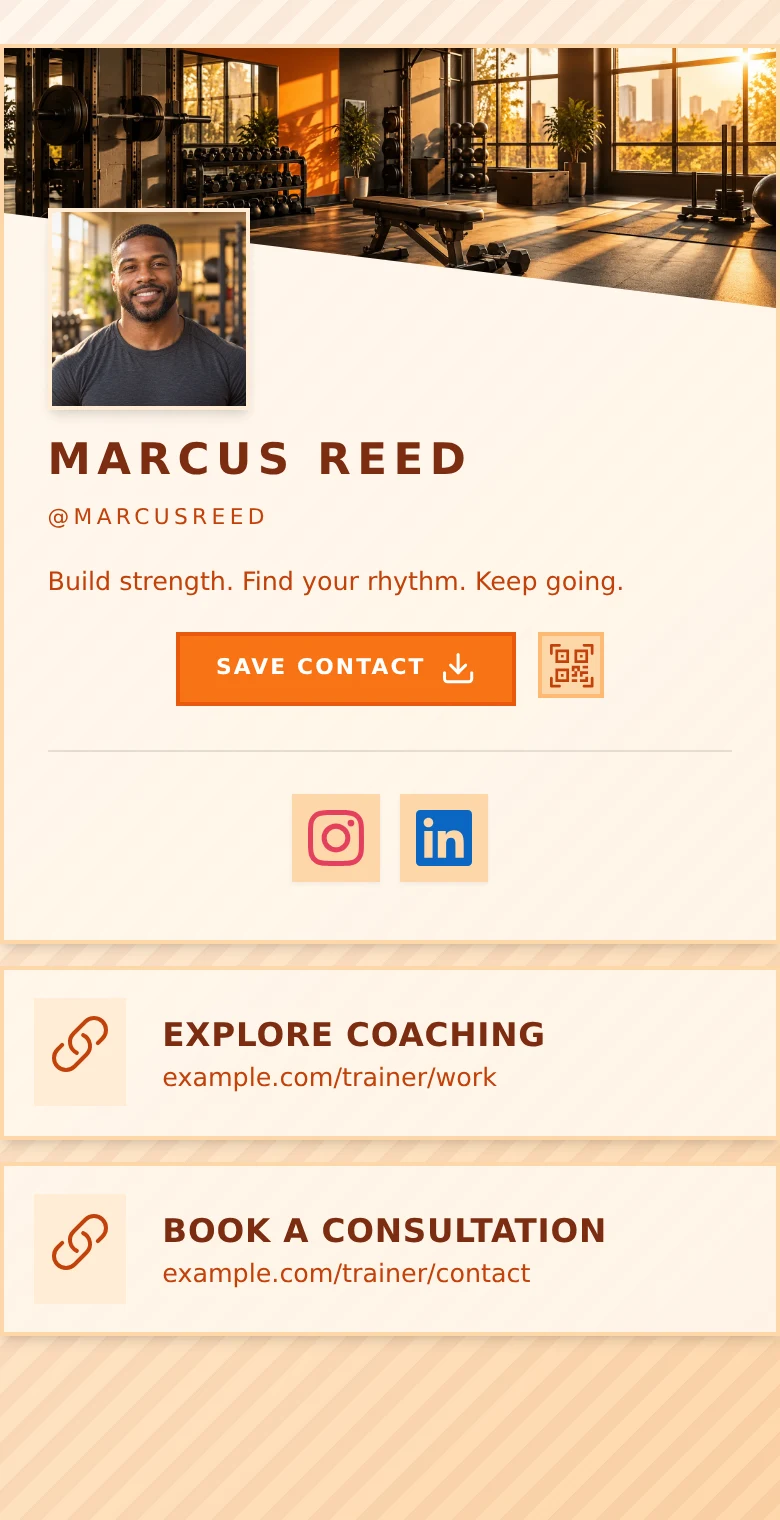
Show them where to begin
Your coaching.
A clear starting point.
Introduce yourself with a photo and a headline. Explain your focus in a text block, then choose the links that help someone decide whether to reach out.
-
Make your services easy to understand.
Describe one-to-one training, group sessions, or online coaching in your own words. Link to fuller programme details wherever you already publish them.
-
Keep your schedule within reach.
Link to your existing class timetable or scheduling service. People can find it beside your contact details; reservations happen on that service.
-
Give people a way to ask first.
Add phone and email actions or a short enquiry form. Visitors can send their details without a QRown account.
From a first hello to a follow-up
Be easy to find after they leave the studio.
After a class
Share your profile QR code on a card or your own printed flyer so people can explore your services later.
In your social bio
Give new followers a direct route to coaching information, contact options, and your existing booking page.
Through a referral
Send one profile link that a current client can pass along, with your introduction and next steps together.
Update your profile links as your services change. An active profile QR code still opens the profile. Keep it accessible and test your final QR artwork before printing.
See QR sharing and contact cards →An invitation to connect
Start a conversation.
Then find the right fit.
Use a form for a simple introduction. Free supports email and optional name; paid plans add a message field for general questions and a phone field for a callback.
Review submissions in Leads Inbox, add follow-up notes, and update their status as you respond. Keep health screening, exercise programming, and client records in the tools you use for those tasks.
See forms and Leads Inbox →A simple path to your first enquiry
- 01 · Introduce your approach
Add your photo, coaching focus, and the services you want to discuss.
- 02 · Choose a next step
Add an enquiry form or link to your existing consultation scheduler.
- 03 · Share and follow up
Put your profile in your bio and on your materials. Respond through your usual phone or email workflow.
Room to start. Room to grow.
Start with Free.
Add more when you need it.
Free includes 5 links, phone and email contact blocks, a profile QR code, and a form with email and optional name. View your newest 10 submissions across the profiles you can access.
Starter, Plus, and Business add galleries, advanced profile design, message and phone form fields, and lead exports. Profile allowances, Statistics history, and team access vary by plan.
Compare current plans and limits →Questions from fitness professionals
Can clients book sessions directly in QRown?
QRown does not manage appointment slots, class capacity, or bookings. Add a link to your existing scheduling service, or collect an enquiry and arrange the session in your follow-up.
Can I show different coaching services?
Yes. Use text blocks and links to describe your services and direct visitors to more detail. Paid plans add galleries and more content capacity. QRown does not deliver workout programmes or track client progress.
Can I use this alongside my gym’s booking system?
Yes. Link to the relevant page in your gym’s system. Booking, cancellations, memberships, and timetable updates remain with that service; QRown does not sync them.
What can someone send through the form?
Free supports required email and optional name. Paid plans add message, phone, and company fields. Use the form for general enquiries, not health screening or medical histories.
Can I see whether people use my profile?
Statistics shows profile views and QR scans, with further action reporting and breakdowns on paid plans. It measures engagement with your profile, not completed sessions or fitness outcomes.
Explore StatisticsDoes someone need an app to view it?
No. An accessible profile opens in a browser. Visitors can follow your links, download your contact card, and send an enquiry without a QRown account.
Questions about your account, profiles, or billing? Visit the general FAQ.
Get your first profile ready to share.
-
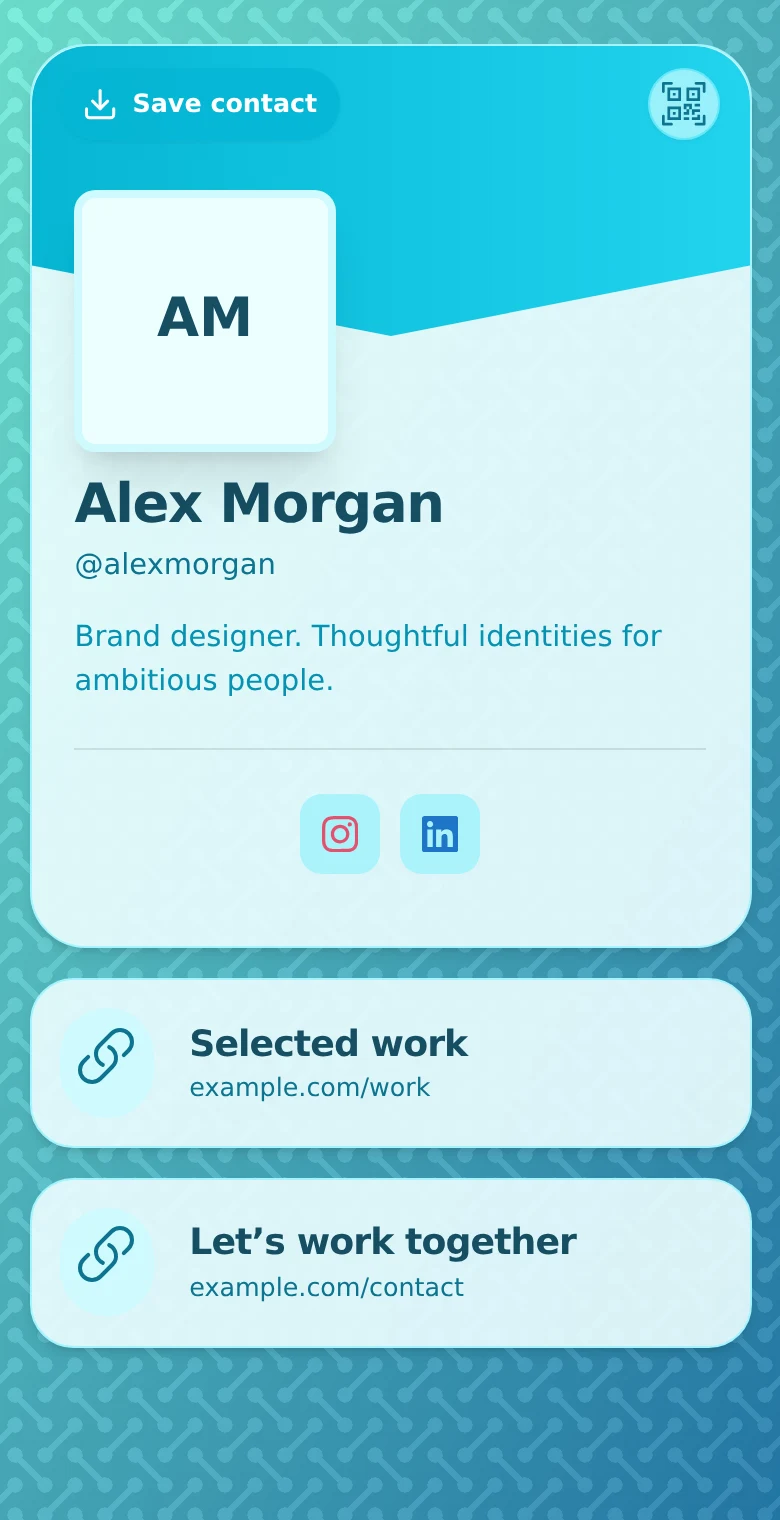
How to Create Your First Profile on QRown
Build a focused QRown profile with contact details, useful links and a clear next step. Check the preview, test sharing, and prepare your first QR code.
-

10 Ways to Use a QR Code in Your Personal Brand
Connect cards, talks, portfolios and events to a recognizable profile. Ten practical QR ideas for a consistent professional identity and clearer follow-up.
-
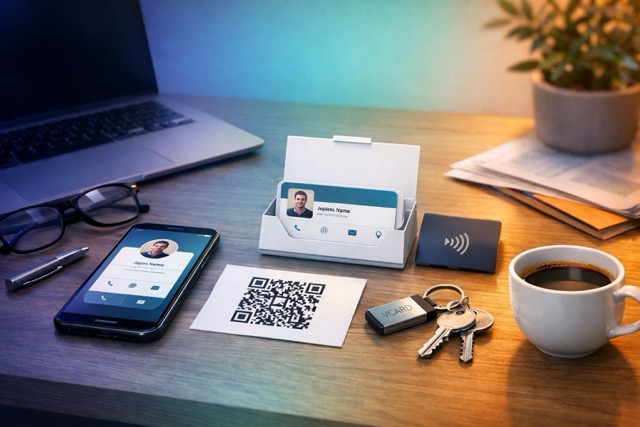
How to Share Contact Info Without an App
Share contact details by link, QR, message or vCard without asking someone to install another app. Choose a method and test the handoff.
Make it easy to ask about training with you.
Bring your coaching information, links, and contact options together. Create a profile you can share after every introduction.