Your work sparks interest. Give it somewhere to go.
Bring your introduction, selected work, portfolio links, and contact options together. Share one profile that helps a potential client move from ‘I love this’ to ‘let’s talk’.

Make the connection visible
A great first impression.
A clear way to get in touch.
A photo gets shared. Someone spots your design. A conversation at an exhibition turns to a new project. Put the work, the person behind it, and the next step within the same link.
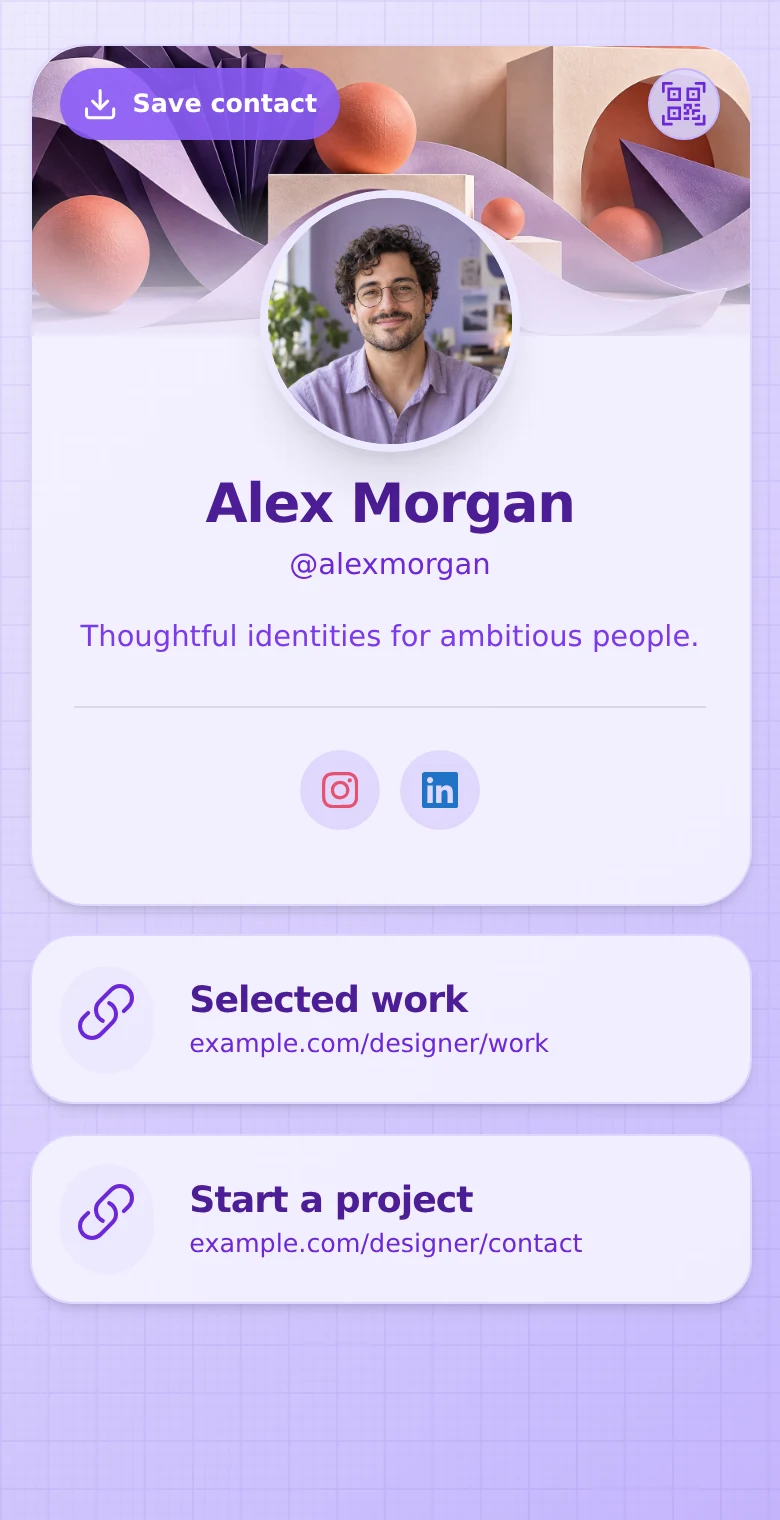
A useful introduction to your practice
Show your style.
Explain what you do.
Introduce your specialism, choose the work you want people to see, and make it easy to ask about a project.
-
Keep your portfolio within reach.
Link to your website, case studies, showreel, or social channels. Give each link a clear label so visitors know what they will find.
-
Add a visual selection.
Paid plans include gallery blocks for images you have permission to share. Pair them with text about your services and links to fuller projects.
-
Make contact feel straightforward.
Offer email, phone, or an enquiry form. Visitors can save your contact card and return to your work after the introduction.
Make it your own
Different creative practices.
One clear introduction.
For photographers
Point people to a relevant portfolio, explain the sessions or commissions you offer, and give them a way to ask about working together.
For designers
Introduce your discipline, link to case studies, and put a project enquiry beside the work that starts the conversation.
For creators
Bring your channels, showreel, and existing media kit link together so potential collaborators can understand your work and contact you.
From interest to a conversation
Let the next project
start with a hello.
Free includes a form for email and optional name. Paid plans add message, phone, and company fields, so someone can introduce themselves and outline what they have in mind.
Review submissions in Leads Inbox, record follow-up notes, and update their status. Discuss scope, estimates, contracts, and delivery through your usual client workflow.
See forms and Leads Inbox →Put your work behind every introduction.
- In your bio. Send visitors from your social channels to one introduction with the links you want them to explore.
- At a show or meeting. Share your profile QR code on a business card or your own printed material.
- Through a recommendation. Give collaborators one profile link they can pass to a prospective client.
Refresh your links as your work changes. An active profile QR code continues to open the profile. Keep it accessible and test the finished artwork before printing.
Explore QR sharing →Room to start. Room to grow.
Start with Free.
Add more when you need it.
Free includes 5 links, phone and email contact blocks, a profile QR code, and a form with email and optional name. View your newest 10 submissions across the profiles you can access.
Starter, Plus, and Business add galleries, advanced profile design, message and phone form fields, and lead exports. Profile allowances, Statistics history, and team access vary by plan.
Compare current plans and limits →Questions from creative professionals
Can I keep my existing portfolio website?
Yes. Link to your existing portfolio, case studies, or showreel. Your QRown profile gives people an introduction and a route to that work; you do not need to move your portfolio.
Can I show images directly on my profile?
Yes. Gallery blocks are available on paid plans. Use images you have permission to publish. QRown does not provide private client proofing, image selection approvals, or file delivery.
Can clients send a project brief?
Paid plans include a message field for a short project introduction, alongside email and optional name, phone, and company fields. There is no file upload field for briefs. Move detailed requirements and documents into your usual client workflow.
Can I link to a media kit or scheduling service?
Yes. Add a link to a media kit hosted elsewhere or your existing scheduler. QRown does not host a document library or manage consultation bookings.
Can I measure interest in my work?
Statistics shows profile views and QR scans, with further action reporting and breakdowns on paid plans. These are engagement signals, not proof of a booked project or revenue.
Explore StatisticsDoes a potential client need a QRown account?
No. An accessible profile opens in a browser. Visitors can follow your portfolio links, save your contact card, and submit an enquiry without an account.
Questions about your account, profiles, or billing? Visit the general FAQ.
Make your profile part of your creative practice.
-
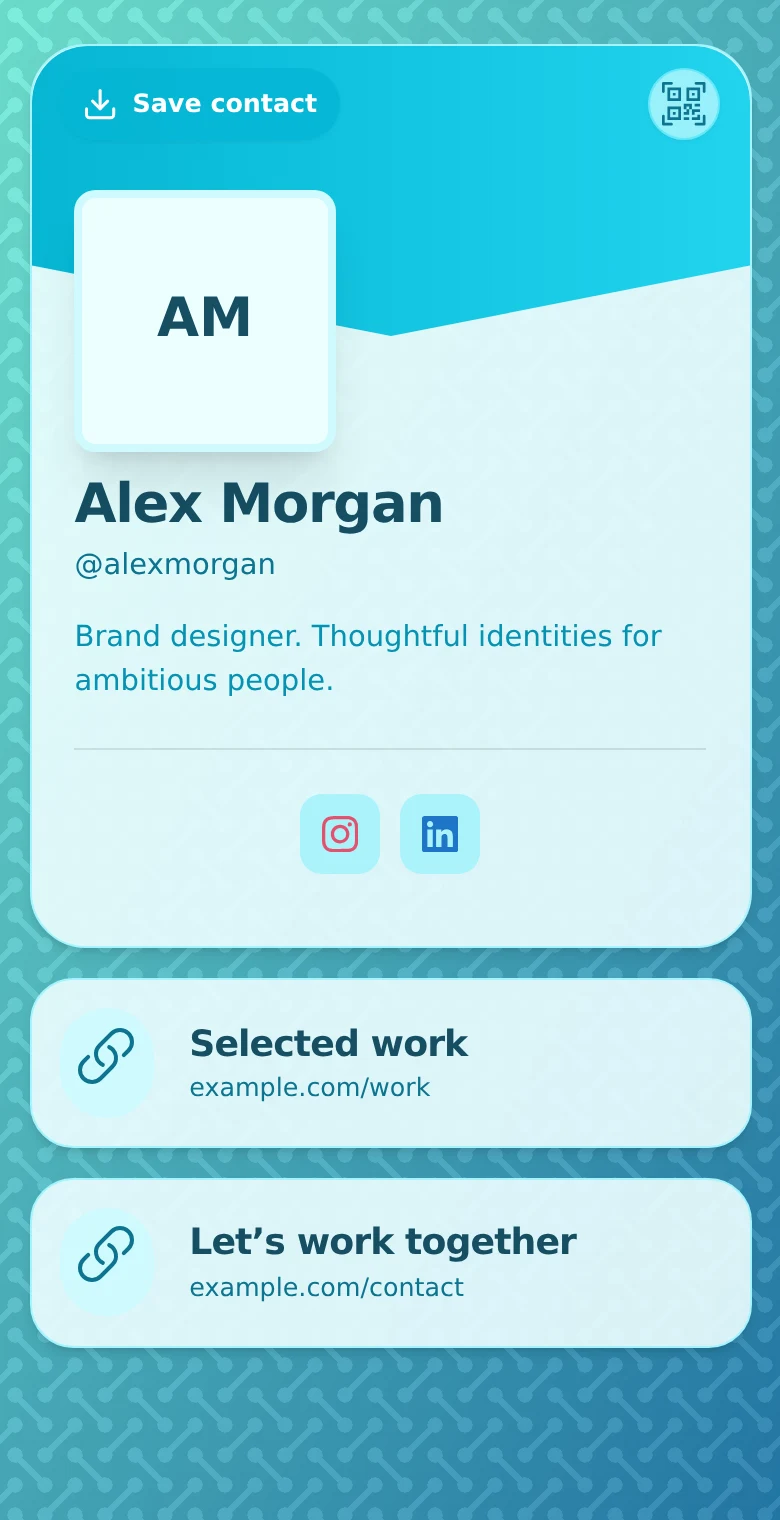
Digital Profiles for Freelancers: Turn Your Work into Enquiries
Compare PDF, profile and website portfolios, present a clear writing sample, and help prospective clients send a useful brief. Keep work and follow-up connected.
-

10 Ways to Use a QR Code in Your Personal Brand
Connect cards, talks, portfolios and events to a recognizable profile. Ten practical QR ideas for a consistent professional identity and clearer follow-up.
-
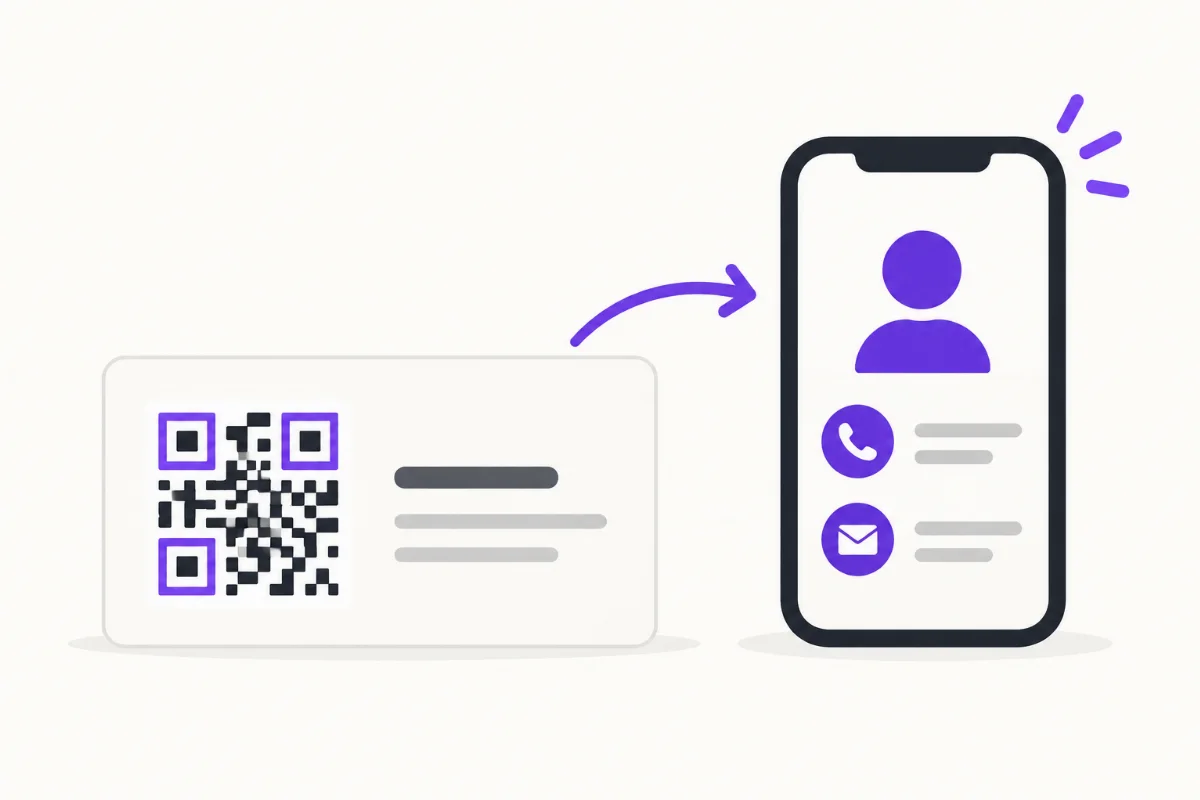
How to Put a QR Code on a Business Card
Choose a destination, place and test your business-card QR, then track card scans separately from other sources without confusing activity with new leads.
Give your next client a place to start.
Bring your introduction, work links, and contact options together in a profile that is easy to share.