They remember the event. Help them find you.
Give couples, clients, and venue partners one place to explore your services and get in touch. Bring your work links, contact details, and enquiries together in a profile ready for your next introduction.
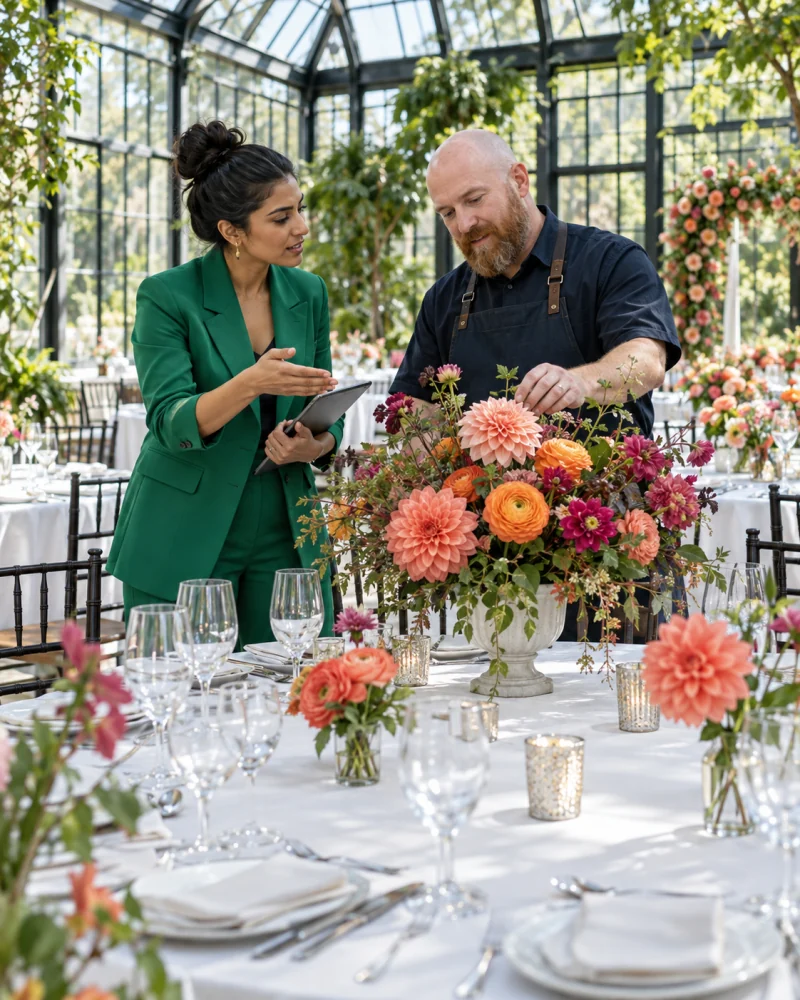
Keep the next opportunity within reach
“Who put this together?”
Be ready for the introduction.
A guest loves the flowers. A venue recommends your planning service. A couple meets you at a showcase. Give them one link to learn about your work and ask about their own event.
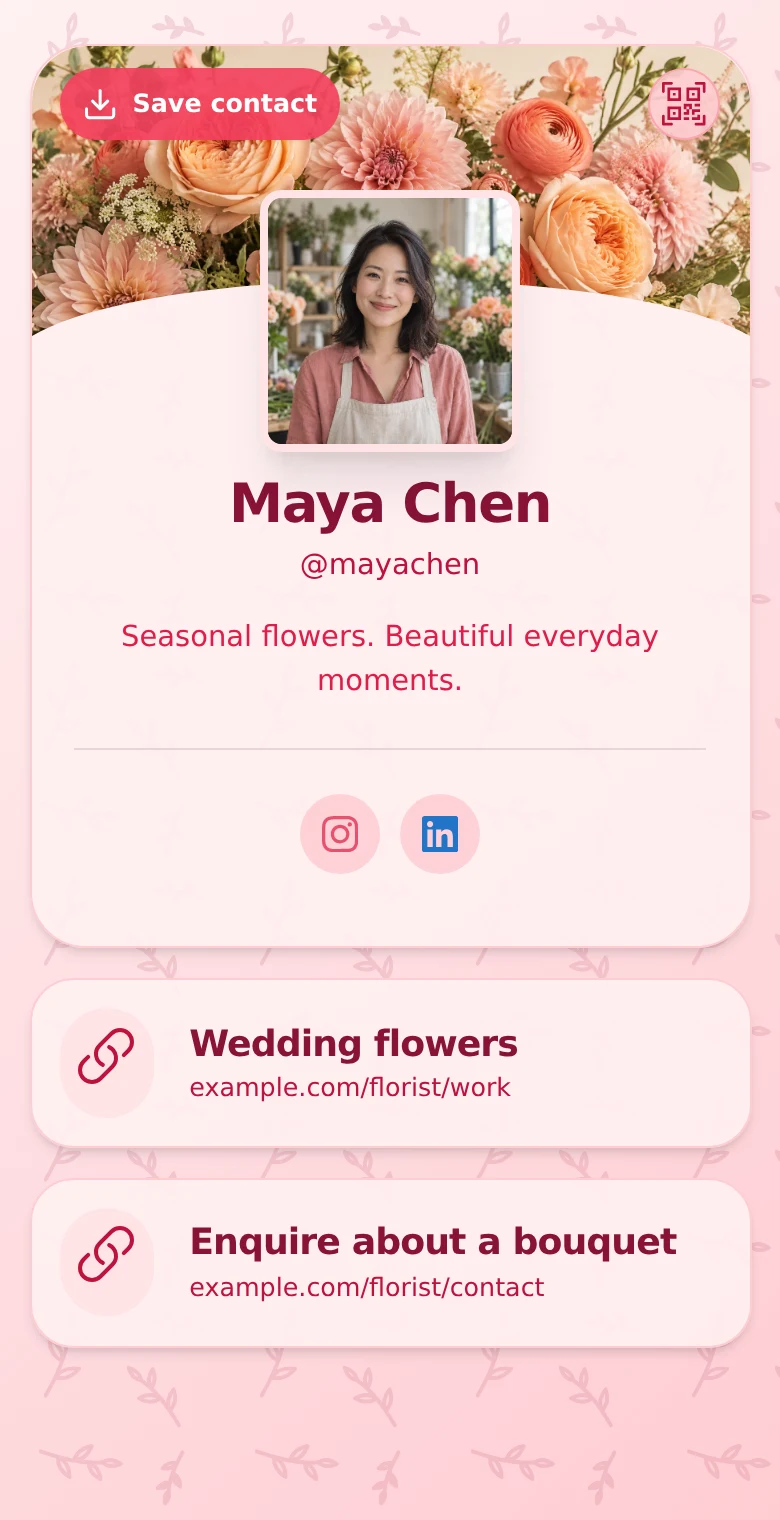
Help them picture working with you
Your services.
Your style.
The next conversation.
Introduce your business, explain the events you work on, and guide visitors towards the most useful next step.
-
Put the right work in front of them.
Link to your portfolio, packages, sample menu, or showreel. Paid plans add gallery blocks for images you have permission to publish.
-
Explain what you bring to the day.
Use text blocks to describe your services and general service area, from planning and styling to entertainment or catering.
-
Make an enquiry easy.
Add phone and email actions, a form, or a link to your existing consultation scheduler. Visitors can save your contact card for later.
From the room to the next enquiry
Make every introduction
easy to follow up.
At a showcase
Add your profile QR code to a business card or your own booth materials so visitors can browse your work after the conversation.
Through venue partners
Give coordinators and fellow vendors one current profile link to share when someone asks for a recommendation.
From your social posts
Use your profile in your bio to connect event photos and behind-the-scenes content with your services and contact options.
Update your profile when your portfolio or services change. An active profile QR code continues to open the profile. Keep it accessible and test your final QR artwork before printing.
Explore QR sharing and contact cards →Keep the first enquiry together
Start with the event they have in mind.
Free forms collect email and optional name. On paid plans, use the message field to invite a short description of the event, with the date and location they are considering.
Review enquiries in Leads Inbox, add follow-up notes, and mark their status as you respond. Confirm availability, scope, and pricing through your usual process.
An enquiry does not reserve a date. Bookings, contracts, deposits, and event coordination stay in the tools you already use.
Explore forms and Leads Inbox →A profile ready for your next event.
- 01 · Introduce your business
Add your name, professional photo, service focus, and the kind of events you work on.
- 02 · Show the next step
Link to relevant work and choose an enquiry form or your existing consultation page.
- 03 · Share with people and partners
Use your profile link online and its QR code on printed materials. Review new contacts and follow up personally.
Room to start. Room to grow.
Start with Free.
Add more when you need it.
Free includes 5 links, phone and email contact blocks, a profile QR code, and a form with email and optional name. View your newest 10 submissions across the profiles you can access.
Starter, Plus, and Business add galleries, advanced profile design, message and phone form fields, and lead exports. Profile allowances, Statistics history, and team access vary by plan.
Compare current plans and limits →Questions from event professionals
Is this for event planners or event attendees?
This page is for professionals promoting their services, including planners, florists, stylists, entertainers, caterers, and other vendors. QRown is not an attendee registration, RSVP, or ticketing system.
Can clients request a particular event date?
On paid plans, invite visitors to mention a proposed date and location in the message field. There are no custom event-date or budget fields, and a form submission does not check availability or reserve a date. Confirm the details in your follow-up.
Can I show past event work?
Yes. Link to your portfolio or showreel, and use gallery blocks on paid plans for images you have permission to publish. Choose examples that make your services and style clear.
Can I take bookings or deposits through the profile?
You can link to the existing services you use for bookings or payments. QRown does not manage event reservations, contracts, deposits, or refunds for those external services.
Can I tell whether people are scanning my card?
Statistics shows QR scans and profile views, with further action reporting and breakdowns on paid plans. These signals do not confirm a booking or identify every person who scanned.
Explore StatisticsDoes someone need an app to view my services?
No. An accessible profile opens in a browser. Visitors can follow your links, save your contact card, and submit an enquiry without a QRown account.
Questions about your account, profiles, or billing? Visit the general FAQ.
Get ready for your next introduction.
-
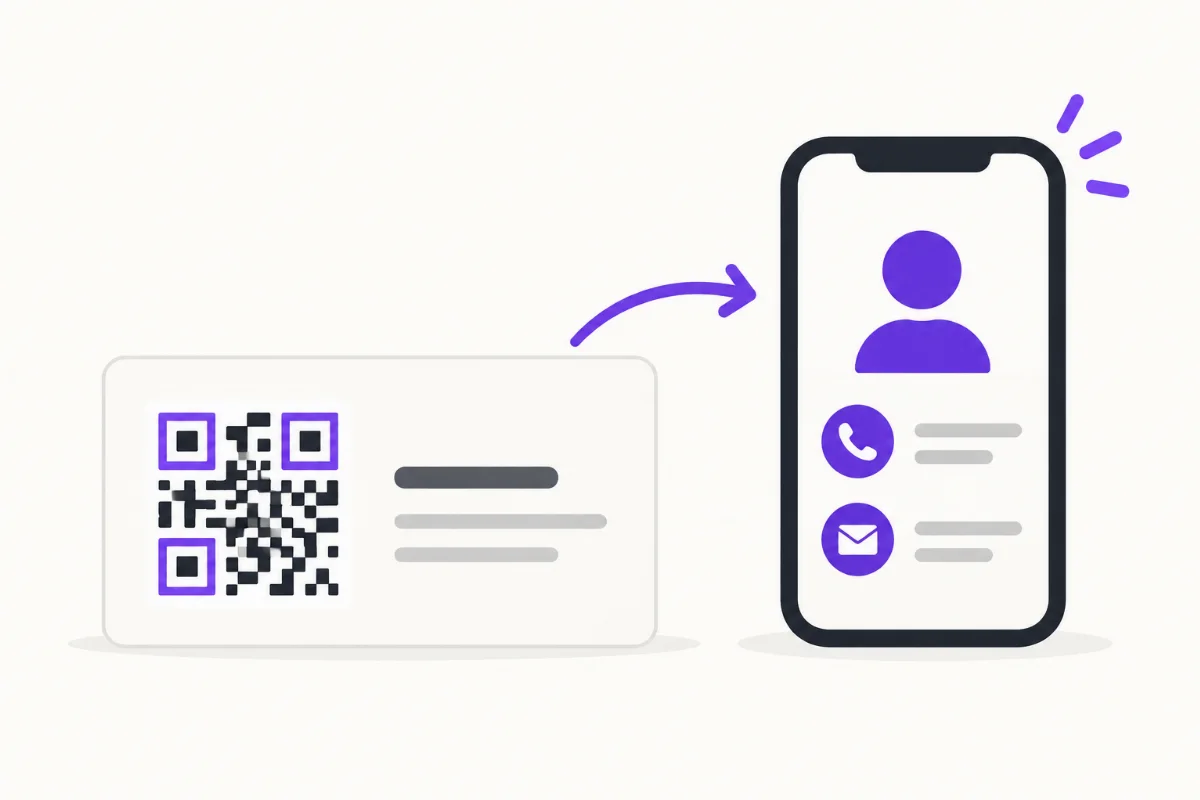
How to Put a QR Code on a Business Card
Choose a destination, place and test your business-card QR, then track card scans separately from other sources without confusing activity with new leads.
-
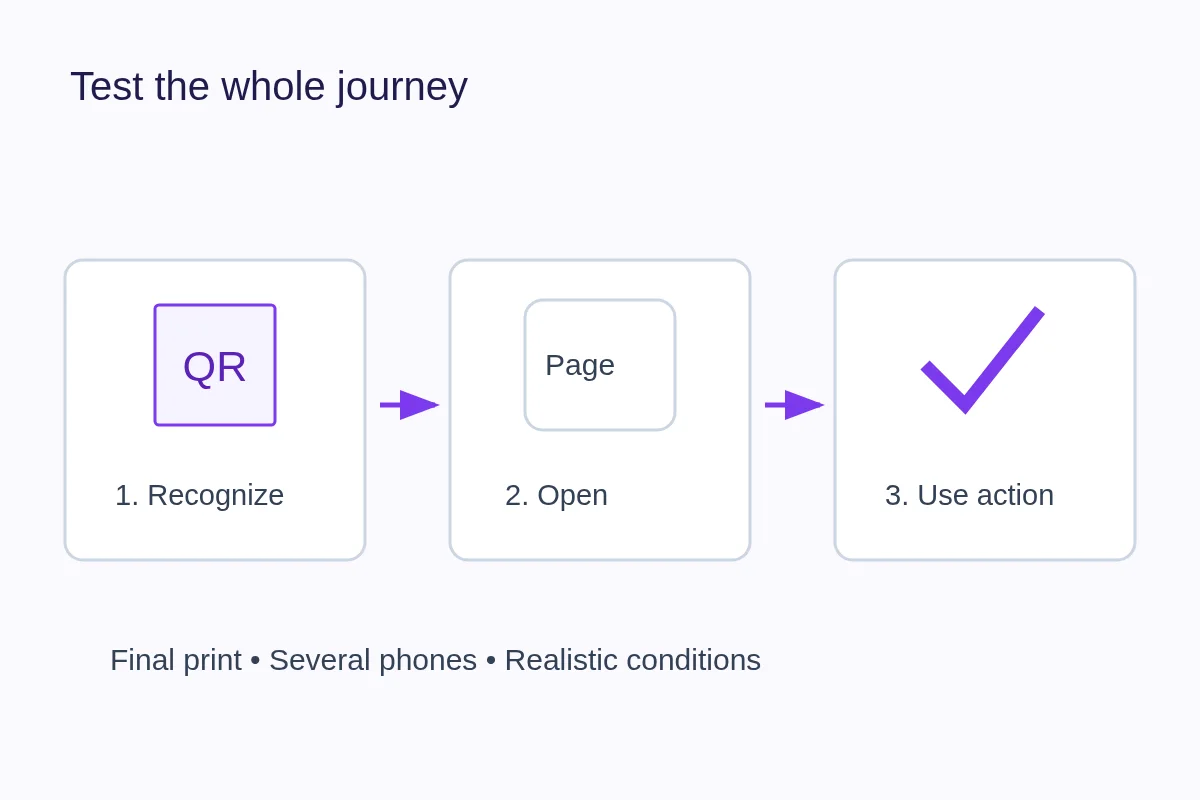
How to Test a QR Code Before Printing
Check recognition, destination and the promised action on a physical proof. Use a repeatable log to separate print problems from broken links.
-
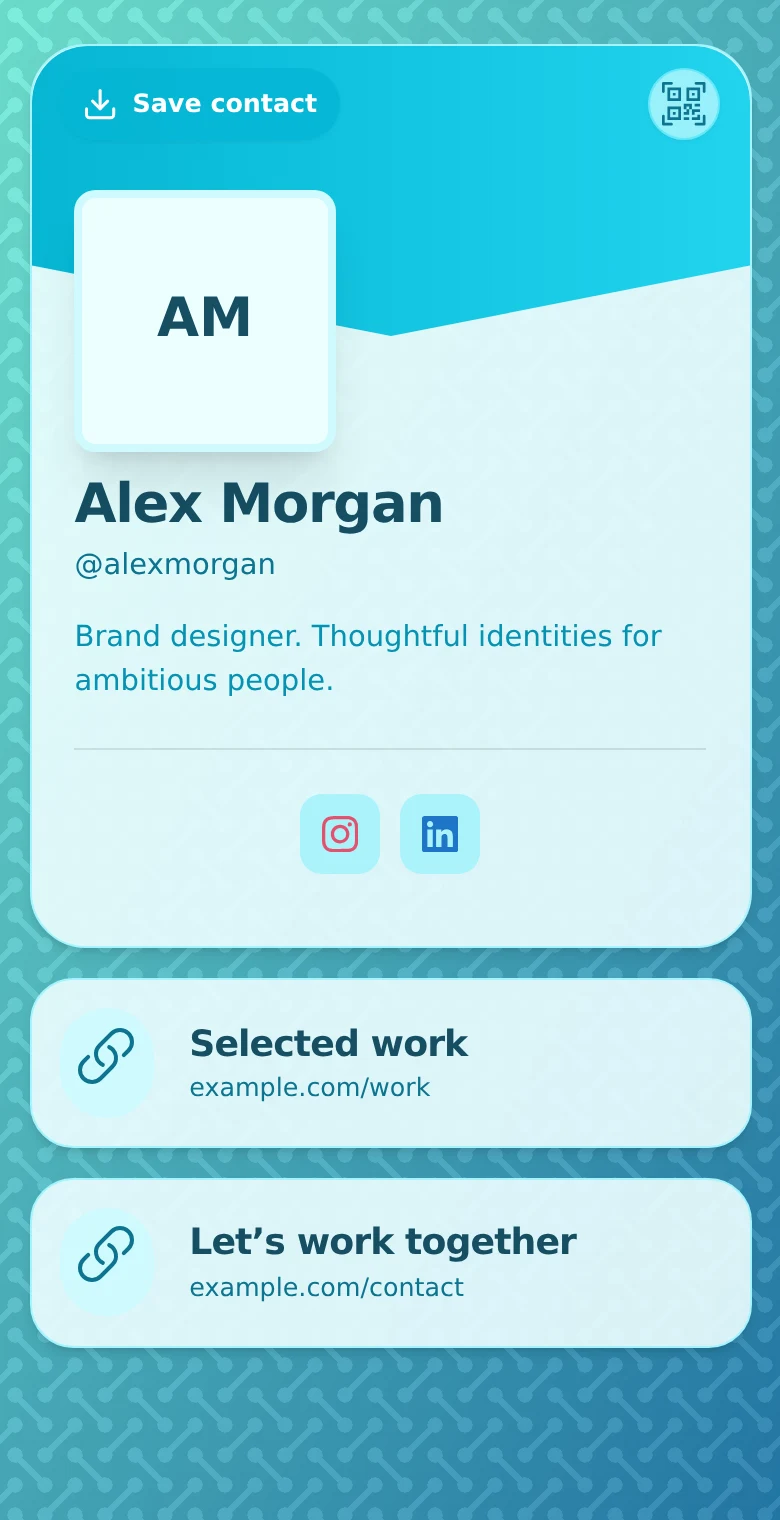
Digital Profiles for Freelancers: Turn Your Work into Enquiries
Compare PDF, profile and website portfolios, present a clear writing sample, and help prospective clients send a useful brief. Keep work and follow-up connected.
Make the next event enquiry easier.
Give prospective clients and venue partners one profile with your services, work links, and contact options. Start free.