Care begins with a connection. Make yours personal.
Give families, referral partners, and professional contacts a clear introduction to you. Bring your background, service links, and contact options together in one profile that is easy to pass along.

A name worth passing along
When someone recommends you,
help the introduction travel.
A family shares your name. A colleague makes a referral. A recruiter asks how to reach you. Give them one current profile with your professional introduction and a clear way to connect.
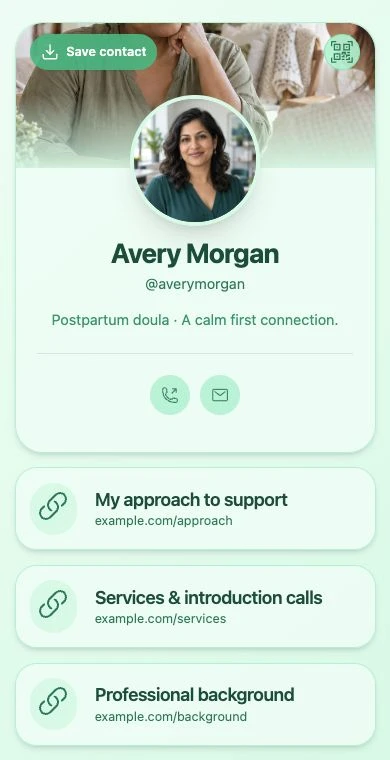
Help people get to know your work
Your experience.
Your approach.
A way to say hello.
Start with a photo, headline, and a short description in your own words. Keep the information appropriate for a public introduction.
-
Explain the support you offer.
Describe your services, professional focus, and general service area. Link to more detail without publishing a family’s address or personal circumstances.
-
Share your professional background.
Write about relevant experience and link to appropriate public professional listings. QRown displays what you provide; it does not verify credentials or perform background checks.
-
Offer a comfortable first step.
Add professional phone and email details, a basic enquiry form, or a link to your existing introduction-call scheduler.
Built around your introduction
Different roles.
A shared need to stay connected.
Nannies & family support workers
Introduce your approach, relevant experience, and the type of work you are open to discussing. Let families or agencies reach out about a first conversation.
Doulas
Explain your support focus, link to service information, and give families and referral partners a simple way to contact you.
Lactation consultants
Share your professional background and service information. Link to your established appointment or intake service for the next step.
Travel nurses & assignment-based professionals
Keep a professional introduction and contact details ready for recruiters and colleagues as assignments change. Handle placements and credential documents through your agency or employer.
A simple first enquiry
Invite a conversation.
Keep the first step simple.
Free supports email and optional name. Paid plans add message and phone fields for a general introduction or callback request.
Use Leads Inbox to track that first contact and your follow-up status. Keep messages and notes limited to general enquiries, not health histories, patient records, children’s private details, or credential documents.
Move care discussions, screening, and sensitive intake to the appropriate system you already use. QRown is a public introduction and contact tool, not a clinical intake or care-management system.
See how enquiry forms work →Ready for the next referral.
- 01 · Introduce yourself
Choose a professional photo and describe the work you do in clear, familiar words.
- 02 · Choose how to connect
Add your professional contact details and links to existing service or scheduling pages.
- 03 · Make it easy to pass along
Send your profile link to referral partners or share its QR code on a business card. Visitors can save your contact card without an account.
Room to start. Room to grow.
Start with Free.
Add more when you need it.
Free includes 5 links, phone and email contact blocks, a profile QR code, and a form with email and optional name. View your newest 10 submissions across the profiles you can access.
Starter, Plus, and Business add galleries, advanced profile design, message and phone form fields, and lead exports. Profile allowances, Statistics history, and team access vary by plan.
Compare current plans and limits →Questions from care professionals
Who is this page for?
Nannies, doulas, lactation consultants, independent wellness workers, and care professionals who want a shareable public introduction. Travel nurses can use a profile for professional connections whether they work through an agency or another arrangement.
Can I collect medical or family intake information?
Use QRown forms only for general contact enquiries. Do not collect health histories, patient records, children’s private details, or sensitive care information in forms or notes. Use your appropriate intake and record systems for those tasks.
Does QRown verify my qualifications?
No. Profile information is supplied by the profile owner. QRown does not verify licences, certifications, references, or background checks. Link to appropriate public professional listings and handle verification through your established process.
Can someone book an introduction call?
Add a link to your existing scheduling service, or arrange a call after a general enquiry. QRown does not manage appointment slots, clinical consultations, or care schedules.
Can I use it when I change assignments or service areas?
Yes. Update your public introduction and links as your work changes. An active profile QR code still opens the profile. Keep the profile accessible and test your final QR artwork before printing.
Will visitors need an app or an account?
No. An accessible profile opens in a browser. People can read your introduction, follow your links, save your contact card, and send a general enquiry without a QRown account.
Questions about your account, profiles, or billing? Visit the general FAQ.
Build a clear professional introduction.
-
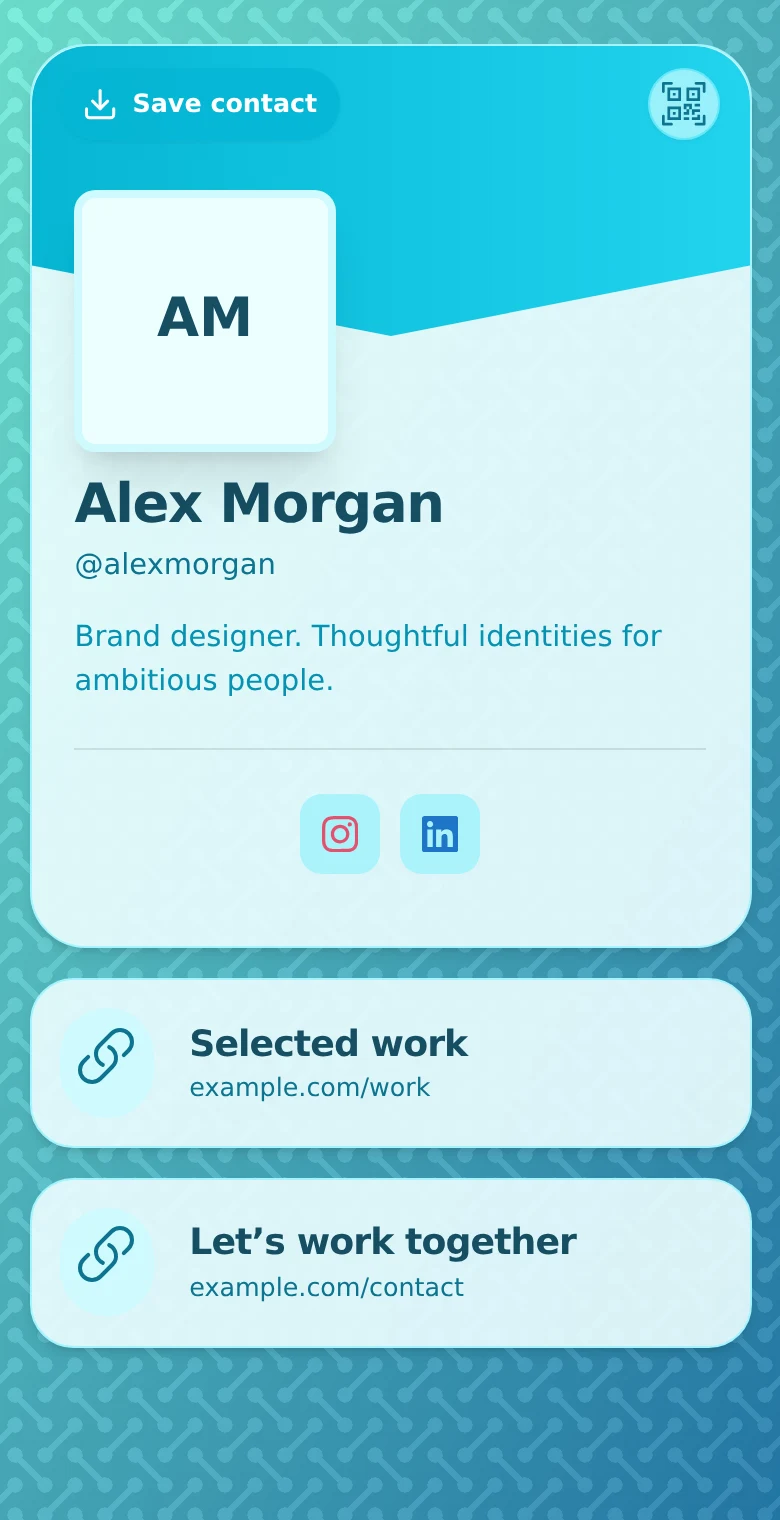
How to Create Your First Profile on QRown
Build a focused QRown profile with contact details, useful links and a clear next step. Check the preview, test sharing, and prepare your first QR code.
-

How to Share Contact Info Without an App
Share contact details by link, QR, message or vCard without asking someone to install another app. Choose a method and test the handoff.
-
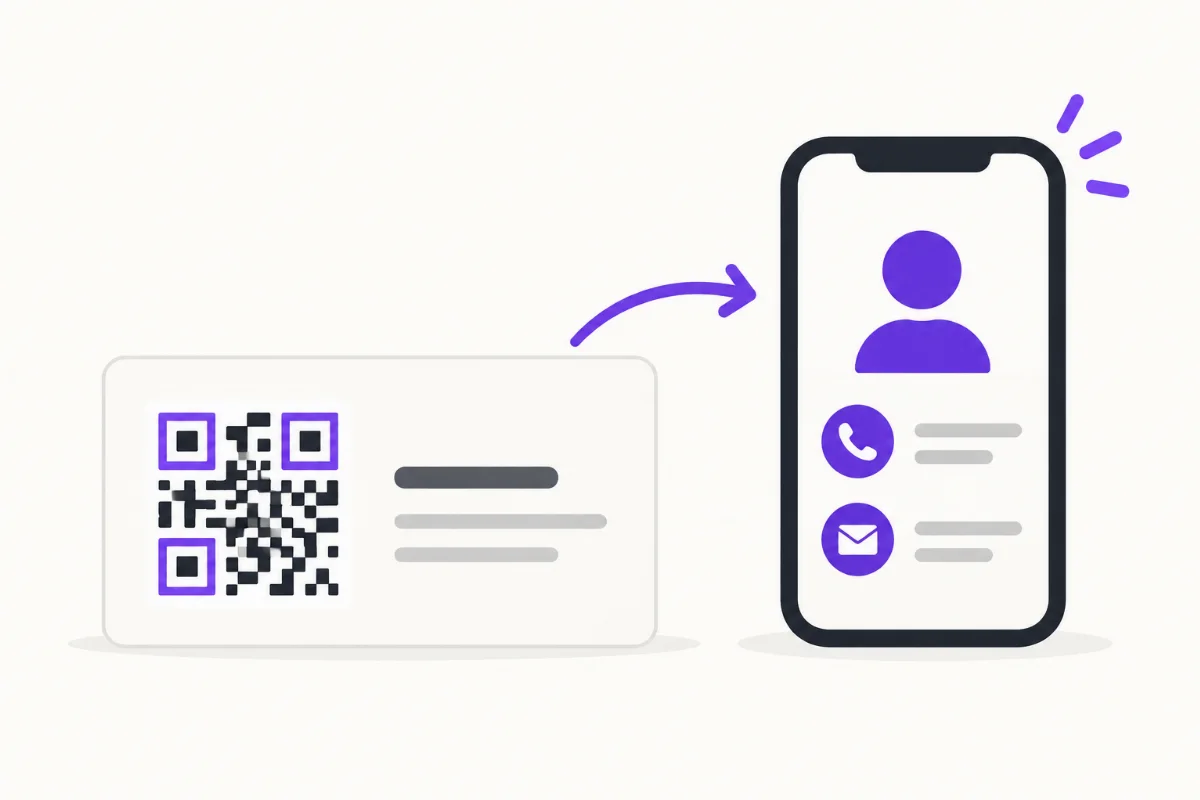
What Should Be on a Digital Business Card?
Choose a clear identity, useful contact details and a focused next step, with practical examples and a checklist for your first screen.
Make your next introduction easier.
Bring your background, useful links, and professional contact details together. Start your profile for free.