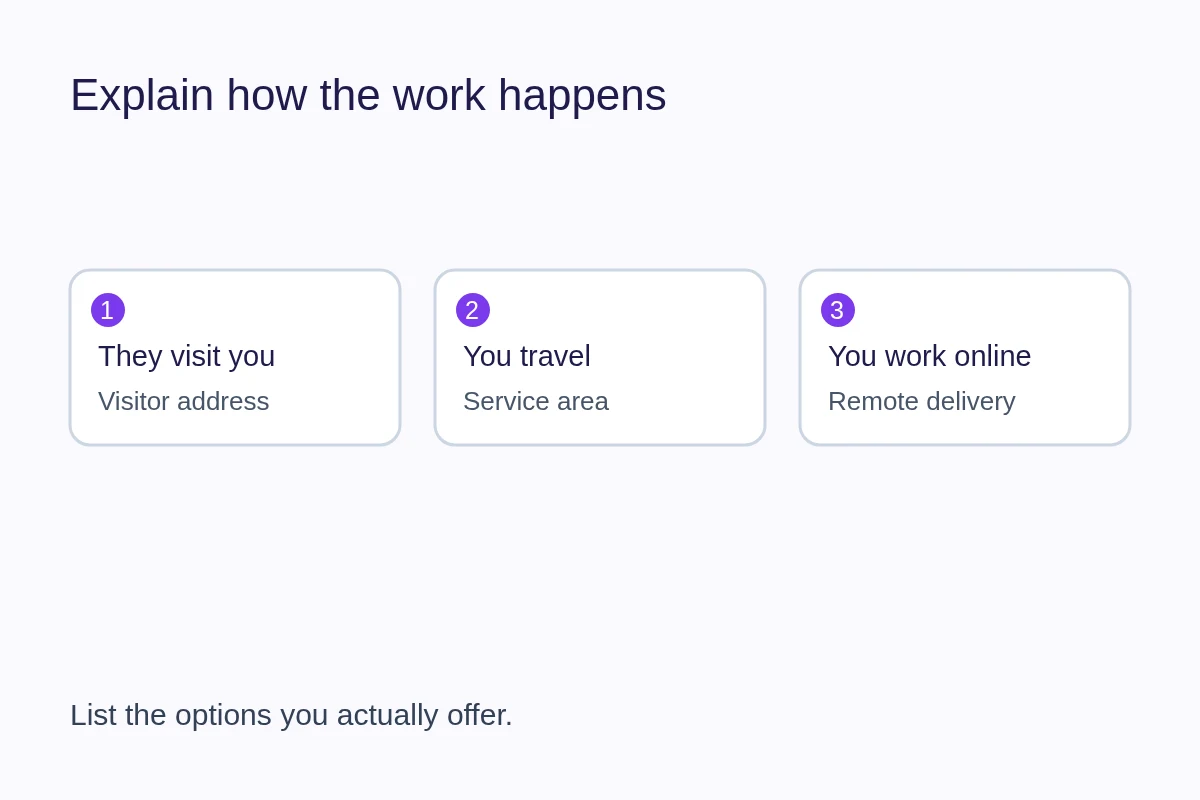
A business address tells customers where a place is. A service area tells them where you can do the work. They answer different questions: “Can I visit you?” and “Can you come to me?” Describe both accurately without presenting a private or non-customer-facing location as a storefront.
Start with how customers receive the service
- Customers visit you: Explain the place they can visit, whether an appointment is required and where to find current opening information.
- You travel to customers: Describe the areas you regularly serve and how someone can confirm that their job is within reach.
- You work online: Explain remote delivery and any practical boundaries, such as working hours or languages. Do not imply there is a shop to visit.
- You combine these: Make the options explicit. A studio can accept appointments at its premises and also travel for selected projects.
For example, a fictional mobile bicycle mechanic might say: “Home visits in Eastbank and Northbridge, by appointment. Send your area and the repair needed so we can confirm availability.” A workshop could instead provide visitor directions and explain which repairs require a booking. The information should reflect how each business works.
Choose a coverage description you can keep
Use recognizable towns, districts or regions that match your routine work. A distance radius can be ambiguous when travel time depends on bridges, roads or transport. If you use one, state the starting point and explain any exceptions. Avoid a very broad area that creates enquiries you regularly decline.
Separate your usual area from work considered by arrangement. Explain how a customer can ask about a location outside it. If travel charges or minimum job sizes apply, put clear current terms where someone can review them before booking; do not invent a universal price in the description.
A useful check is to imagine an enquiry from the edge of each area you list. Could you take that work under the conditions stated? If the answer depends on the job, say so. A service area describes operations, not all the places where you hope to appear in search.
Keep visitor directions separate from operating geography
A city or region used to describe operations is not necessarily a publishable street address. Decide deliberately whether customers should visit a location before adding directions or a map. Keep instructions for appointments and arrivals consistent with the contact and availability information on the page.
When updating a hosted listing, also check that platform's location and address rules. Changing a service area on one site does not update your other profiles. Keep a short inventory of the pages you maintain and review them after a move or a change in coverage.
How this maps to QRown
QRown Discovery records whether you operate online, receive customer visits or travel to customers, alongside operating geography and service areas. These answers are separate from the contact, location and availability blocks on your profile. They do not automatically become visible directions or a public street address.
Enhanced use of Discovery answers is plan gated. Eligible Public profiles can opt into QRown Discovery search, subject to its content and access requirements. Being listed there does not guarantee inclusion or placement in an external search engine. See Search & Discovery for the product controls.
Check the page as a prospective customer
- Open the public page while signed out and check that the intended information is visible.
- Confirm whether it is clear who travels, where work happens and whether a visit needs an appointment.
- Check that the description, contact action and any map or address agree.
- Ask about a location just outside your normal area and check whether the page explains the next step.
Use the business-description worksheet to turn these decisions into concise copy. For access settings and the difference between a listing and indexing, continue with the business visibility guide.