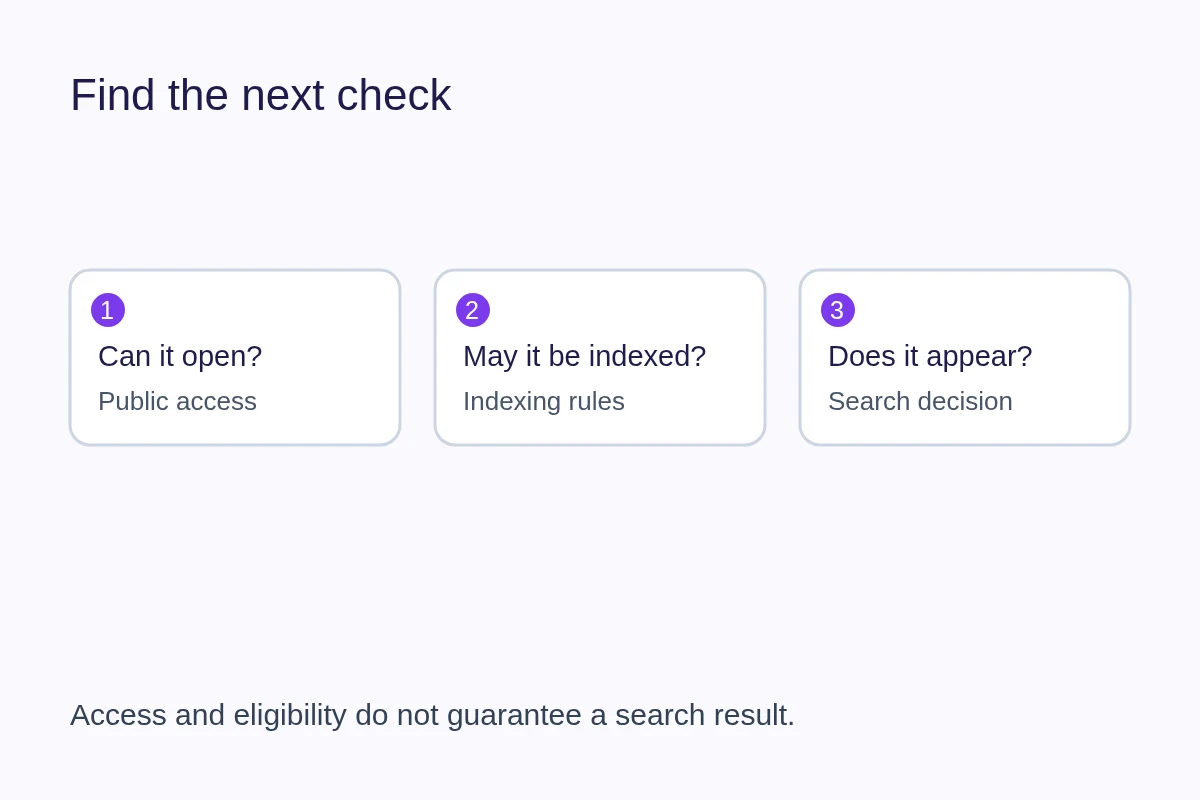
A page missing from Google can have an access problem, an indexing restriction or a search-engine decision behind it. First check the exact public URL and distinguish “not indexed” from “not shown for the search I tried.” A working page and a completed profile do not guarantee a search result.
Start with the page a visitor can open
Copy the public address, not an editor or preview link. Open it while signed out. If it returns an error, requires a login or redirects somewhere unexpected, resolve that before changing keywords. Also check that the page contains useful information beyond a name and a few links.
For QRown profiles with active access, Public visibility permits indexing. Unlisted profiles remain accessible by URL but are noindex and excluded from the profile sitemap. QR Only requires an appropriate QR/session grant, owner authentication or valid owner shortcut and is noindex. Private returns 403 at the public endpoint, including for the owner; authenticated editing and preview are separate. Plan-locked profiles are unavailable publicly.
Choose the setting that matches your intended audience. Do not change a deliberately restricted page to Public just to make an indexing warning disappear. The visibility overview explains the wider Discovery and search boundaries.
Use evidence for the exact URL
If you have access to the site's Google Search Console property, use URL Inspection. Compare Google's recorded information with a live test after making a fix. A successful live test shows current eligibility checks; it does not prove that the page is indexed.
If you use a hosted profile and do not have property access, ask the platform's support team to investigate. Send the public URL, what you expected, the observed problem and when you changed the page. You cannot assume ownership of the platform's entire domain just because you own a profile.
Match the next action to the finding
- Fetch failed: Check access, redirects and server errors with the site operator. Repeatedly rewriting the description will not repair an unavailable page.
- Indexing blocked: Check whether noindex is intentional. A crawler must be able to fetch a page to see that directive; blocking it in robots.txt is not the same as requesting removal from the index. See Google's noindex guidance.
- Another canonical selected: Inspect that URL and determine whether the pages are duplicates. A canonical identifies a preferred version; do not create more near-identical pages to compete with it.
- Discovered or crawled, but not indexed: Review whether the page adds useful, distinct content and has sensible links from relevant pages. Google may still choose not to index it.
- Indexed, but absent for a particular query: This is a different question from access or indexing. Consider whether the page actually answers the searcher's need; there is no guaranteed position.
The Page indexing report documentation explains Google's status labels. Keep the finding and the action together in your notes so that the next review tests a specific change.
Understand what submission and markup can do
A sitemap supplies URLs for discovery. IndexNow notifies participating search engines that URLs have changed. Neither guarantees crawling or indexing, and an IndexNow submission is not proof that Google processed a page.
Structured data describes information in a machine-readable format. It should agree with the page and cannot guarantee a rich result or placement. QRown Discovery completion records a timestamp, not a Google approval or SEO score.
Make one relevant change and record the result
Write down the URL, date, observed status, change made and next check. After correcting an issue, an authorized Search Console user can request another indexing attempt. Repeated requests do not guarantee faster processing; Google's recrawl guidance explains the limits. There is no fixed indexing deadline to promise a customer.
If the technical checks are clear, improve the information a visitor needs: write a concrete business description and describe your operating area accurately. Keep useful contact sharing available while search engines make their own decisions.