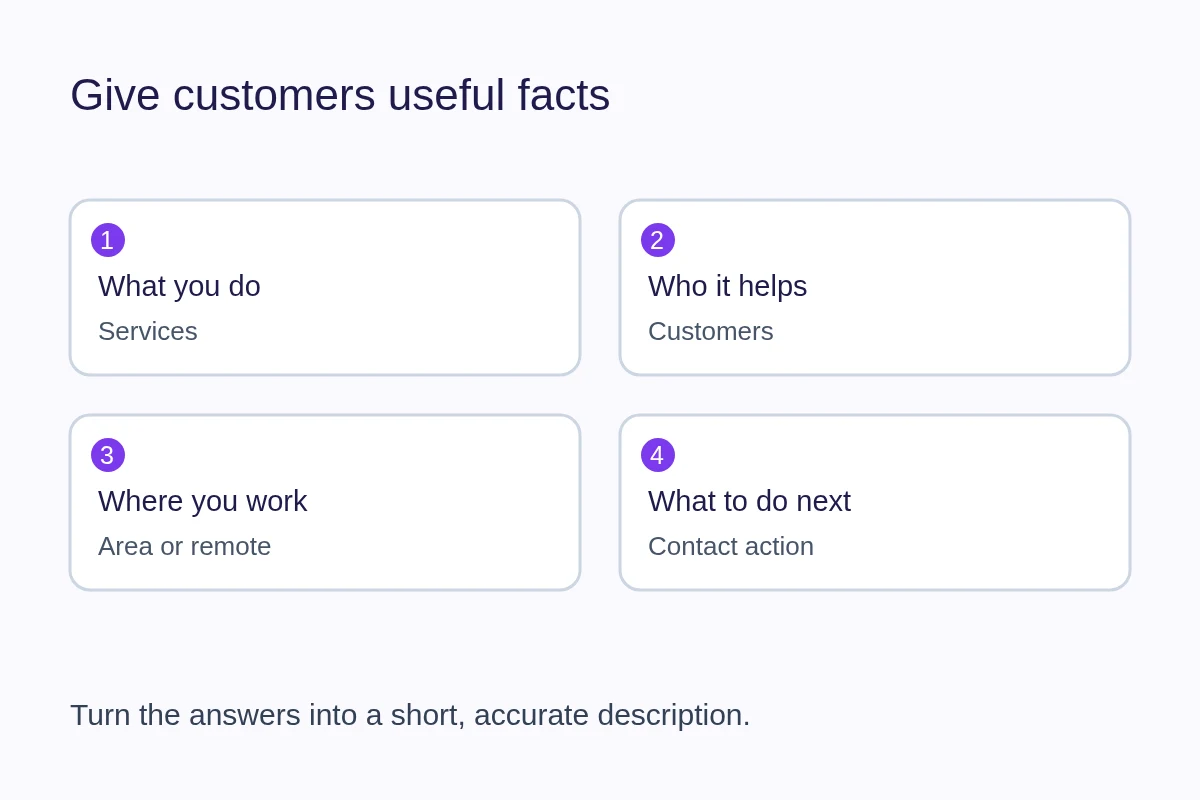
A useful business description tells a prospective customer what you do, who you help and how to take the next step. Start with facts someone can use to decide whether to contact you. You do not need a slogan or a paragraph full of search phrases.
Draft from a customer's questions
Before writing, make a short list of the work you actually accept, the customers it suits and the limits that matter. A repair shop might need to distinguish appliance repairs from installations. A designer might need to distinguish small website projects from ongoing marketing support.
- Name your main service in the language customers use.
- Say who it is for when that changes the service you provide.
- Explain where or how the work happens: at your premises, at the customer's location or remotely.
- Add one useful detail about scope, process or experience that you can substantiate.
- Give the reader a practical next step, such as sending a brief or asking about availability.
This is a drafting aid, not a rigid template. Leave out details that do not help someone choose. An appointment requirement may be more useful than a founding year; a specialist service may matter more than a long list of values.
Replace broad claims with concrete information
Consider this fictional starting point: “Eastbank Repairs provides world-class solutions and unbeatable service for all your needs.” It does not explain the work or help someone prepare an enquiry.
Eastbank Repairs repairs domestic washing machines and dryers at customers' homes in Eastbank and Northbridge. Send the appliance model and a description of the fault to ask about a visit. We confirm whether the job is within scope before arranging an appointment.
The revision gives the customer a service, an area and information to send. Those place names and services are illustrative; use your actual coverage and process. Avoid claims such as “best,” “guaranteed” or “same-day” unless you can support them and meet the conditions you state.
Keep categories, services and the description consistent
A category answers “What kind of business is this?” Services answer “What can I ask you to do?” The description joins those facts into a useful explanation. For a photographer, a category might identify the profession while services distinguish headshots from product photography. Listing unrelated services to attract more searches makes the page harder to trust.
Use a short summary on the profile and link to detailed service information when readers need it. Do not copy a list of nearby towns into every sentence. The service-area guide explains how to describe coverage without implying a customer-facing address.
Write visible information before polishing search snippets
Someone opening your page should be able to find the same core facts you want a search engine to understand. A meta description is a possible search snippet, not a replacement for visible content. Search engines may choose different text for a result. Google's snippet guidance explains how descriptions can be used.
On QRown, the Discovery description and the text shown on your public profile are separate. Enhanced Discovery use is plan gated; saving a description does not automatically add it as a visible text block. Review your public page and put customer-facing information in the content you intend visitors to read. The Search & Discovery overview explains those controls.
Review the draft with a realistic enquiry
Ask someone unfamiliar with the business what they would contact you about after reading the description. If their answer is vague or outside your scope, revise the missing detail. Then check the contact action on a phone and confirm that your hours, coverage and linked services agree with the description.
Revisit the copy when your work changes. Accurate information is useful to customers regardless of search placement; no wording guarantees indexing, ranking or traffic. Use the business visibility guide for the wider checklist, or the digital-card content guide to decide what else belongs on the page.