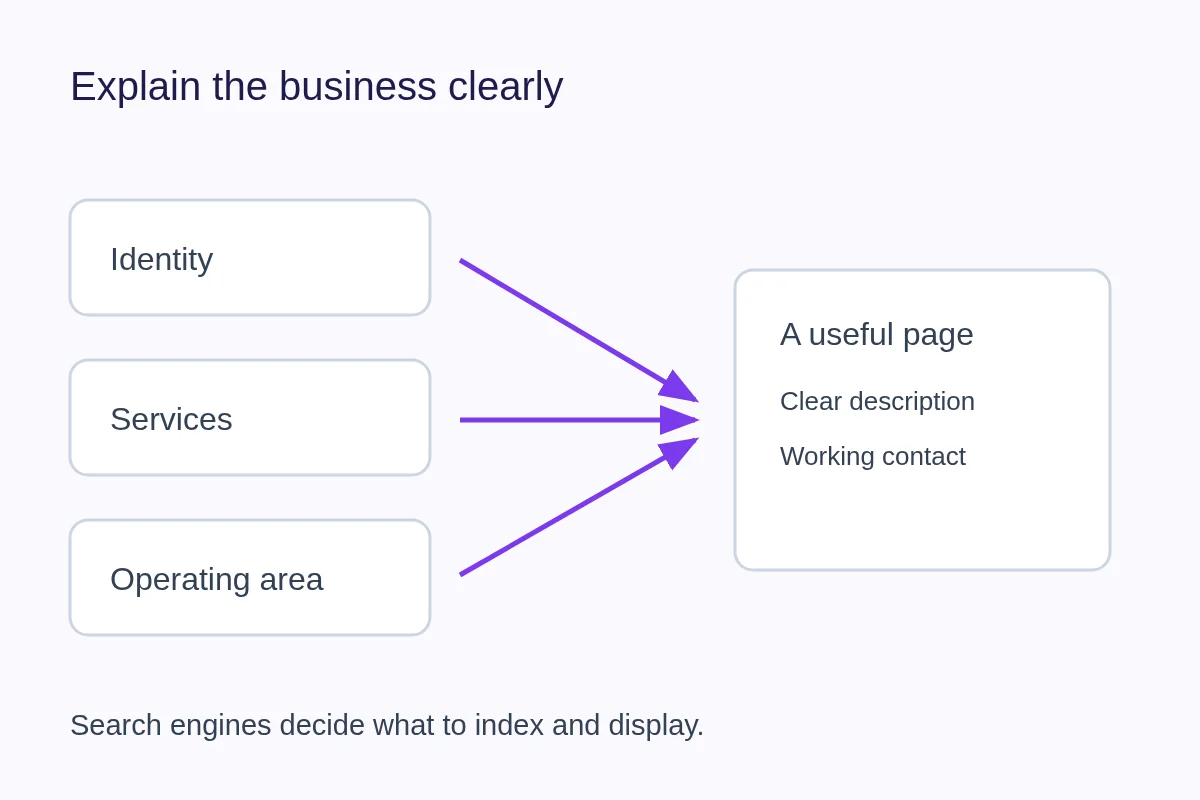
Make your business easier to understand before trying to make it appear in more places. Use a recognizable name, describe the services you actually offer, explain where you work and keep a usable contact route current. Search engines decide whether and where a page appears.
Write a description that answers a customer's question
“Quality solutions for everyone” gives a visitor little to work with. A fictional repair business could say: “We repair domestic washing machines and dryers in the Eastbank area. Contact us with the model and problem to discuss a visit.” That explains the work, area and next step without promising availability or results.
Use the terms customers use, but do not repeat the same phrase in every sentence. Choose the most accurate category and list services you actually provide. Keep detailed service explanations on useful pages rather than creating near-identical pages for every possible search phrase.
Use the business-description worksheet for a complete drafting example.
Describe where and how you work
Distinguish a place customers visit from an area you travel to serve. An online-only consultant does not need to imply a storefront. A service area should describe where you can realistically work; it is not a list of places where you want to rank.
Review your website, public profiles and business listings when your name, hours or contact information changes. Link to the page that best answers the reader's question. Include current services in visible page content so people can understand the business without inspecting search metadata.
The service-area and address guide helps separate customer visits, travel and remote work.
Understand crawling, indexing and results
Crawling is fetching a page. Indexing is a search engine's decision to retain information about it. Ranking and the displayed result come later. A publicly accessible page is eligible to be considered; it is not guaranteed to appear for a query. Google's SEO Starter Guide explains these limits.
A sitemap supplies URLs to help discovery. Structured data describes page content in a machine-readable format. IndexNow can notify participating search engines about changes. None is a guarantee of crawling, indexing, placement or traffic. A completion badge in an editor is not evidence that a search engine has processed the page.
Choose QRown visibility deliberately
For a profile with active plan access, visibility works as follows:
- Public: Publicly accessible and indexable; actual search inclusion remains the search engine's decision.
- Unlisted: Accessible to someone with the URL, marked noindex and excluded from the profile sitemap. It is not an access restriction.
- QR Only: Requires an appropriate QR/session grant, owner authentication or valid owner shortcut. It is noindex.
- Private: The public endpoint returns 403, including for the owner. Authenticated preview and editing are separate.
Plan-locked profiles are unavailable at the public profile endpoint. Do not test visitor access only while signed in as the owner.
Use Discovery as business context
QRown's guided Discovery questions cover identity, category and services, operating model and area, description and listing preference. Enhanced use of those answers is plan gated. Completion records a timestamp, not an SEO score, and does not guarantee better rankings.
The current QRown Discovery search lists eligible Public profiles that opt in and meet its content and access requirements. Listing there and being indexable by an external search engine are separate decisions. An opt-in alone does not establish eligibility.
Discovery answers can inform entitled search metadata and structured data. They do not replace visible text you write on your profile. Review the public page and its business description as well as the questionnaire. The Search & Discovery overview explains the product controls.
Invite customers to share their experience
If you maintain a Google Business Profile, make it easy for customers to leave honest feedback after a real experience. Read how to ask for Google reviews without being pushy for a simple request routine and a direct review link. Reviews do not guarantee a search position.
If the page is missing from search
First open the exact URL while signed out. Check whether it loads and whether the intended visibility allows indexing. If you control the website, use the search engine's webmaster tools to investigate the specific URL. Check whether it has moved, is marked noindex or offers little distinct information. Repeatedly changing a title is not a diagnosis. Follow the Google indexing troubleshooting guide to match a finding with a useful next action.
Start with one accurate description and a working contact action. The digital-card content guide helps prioritize the visible page. Then use recorded engagement and actual enquiries to assess what visitors do, without treating activity counts as confirmed business outcomes.