Free
$0 / month
Your introduction, your links, and a way to get in touch.
- 1 profile with your own @handle
- 1 web or social link
- Layouts, themes, and background presets
- A gallery with up to 5 images
- A basic profile QR download
For independent professionals
Show your services and portfolio, share contact details, and give clients a way to enquire. Build a QRown profile you can share by link, digital business card, or QR code.
Start free with 1 link. No credit
card needed.
Need all your links?
Starter is $3.99/month.
Your own qrown.me/@handle
Actual QRown layouts. Fictional people
and example links.
Examples show paid features. QR opens the QRown demo.
Independent work.
A place of
your own.
A clear next step, all in one place
Show what you offer, let visitors browse your portfolio, and put your contact options beside your work. Add enquiry forms, payment links, and detailed Statistics on eligible plans.
01 / Introduce
Your photo, your @handle, your words. Choose from QRown’s layouts, themes, and background presets—even on Free.
Explore profile themes and design ↗02 / Connect
Bring services, products, portfolio images, hours, and useful links together. Explain your prices and connect visitors to your existing booking page or shop.
Explore the business profile builder ↗03 / Start something
Add a Lead Form so interested visitors can leave their details. Lead forms are included on Starter and above.
See what happens next ↓Help clients understand your offer with service descriptions and prices. On Starter and above, add payment links and tip options so visitors can reach your existing providers from the same profile. Bookings and payments are completed with the services you link to.
From interest to a conversation
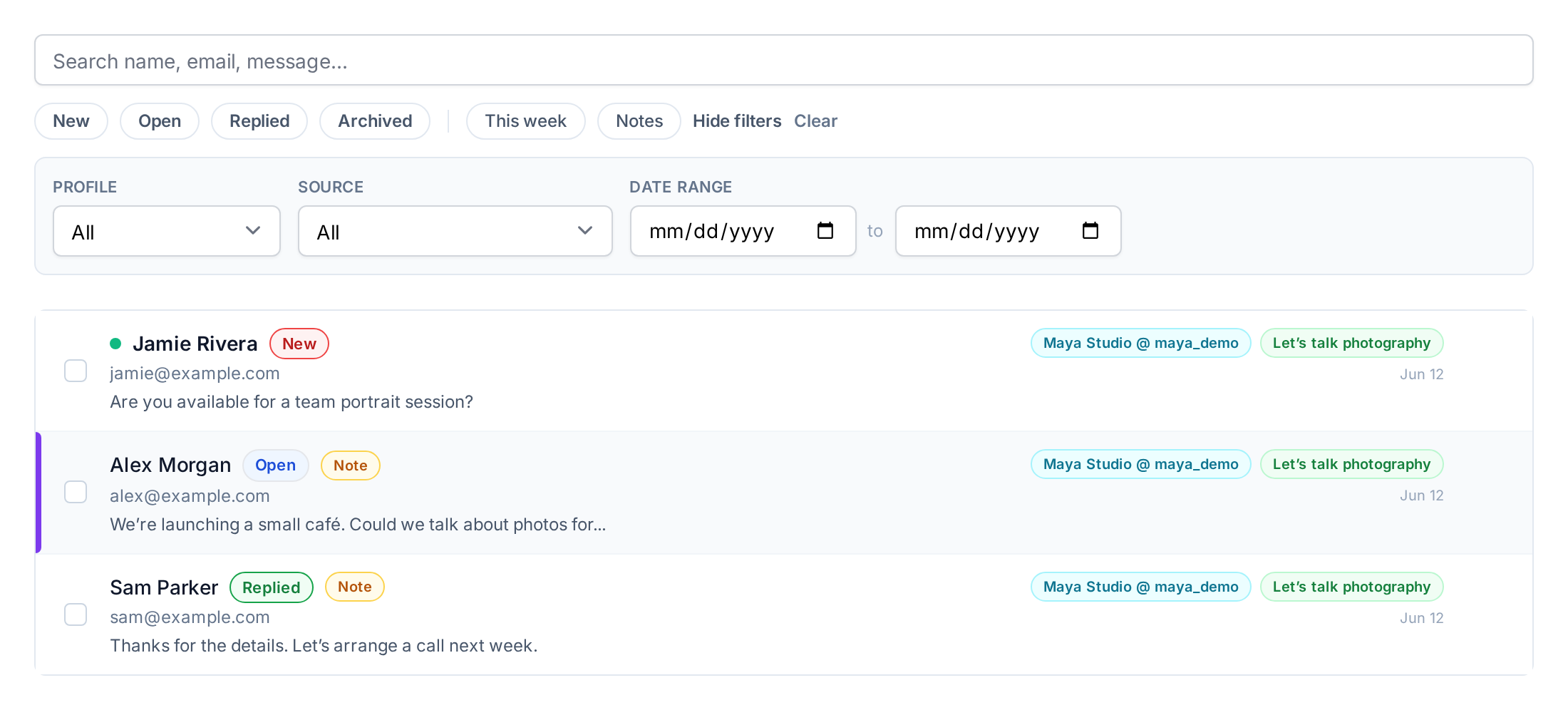
A project enquiry deserves somewhere to land. Collect details through your profile and keep track of the conversation in Leads Inbox.
Your Leads Inbox
Your
next
introduction.
One profile. More places.
qrown.me/@qrownSay hello ↗
In your bio. Out in the world.
Beyond the link in your bio
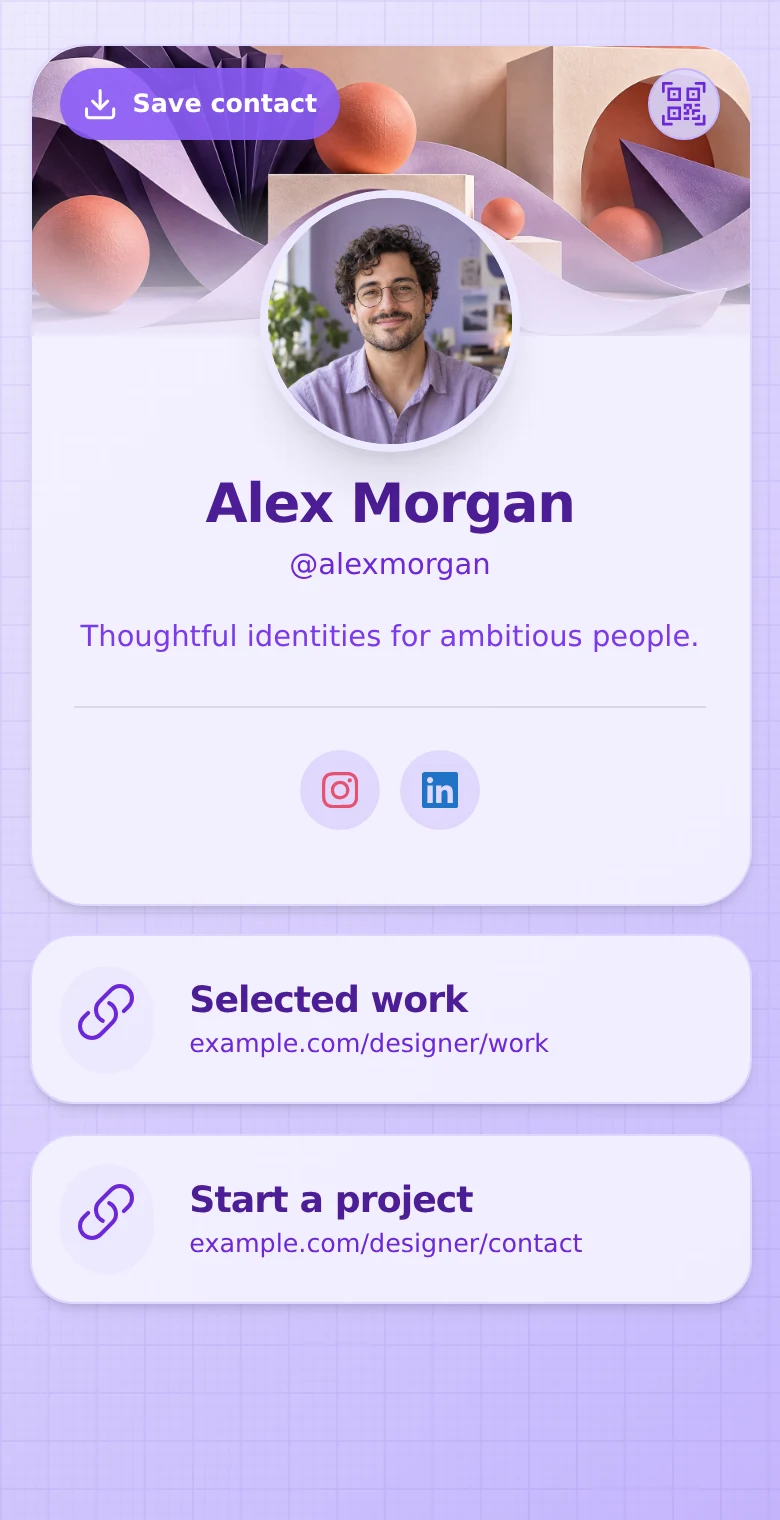
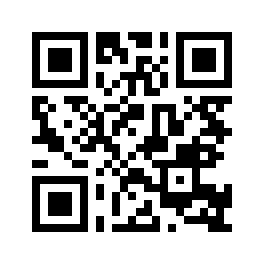
Share the same profile in a social bio, a message, or a QR code on a card. Visitors can explore your work and download your contact card, with no QRown app to install.
New details? Update your profile. Your main QR code still takes people to you.
Explore QR codes & contact cards ↗Basic profile QR downloads are included on
Free. Paid plans add custom QR downloads, styling, and logos.
Illustrative card; QR opens the
live QRown demo.
Another way to reach you
Search & Discovery gives search engines context about your Public profile. Depending on your plan, that can include your category, services, and where you work.
Search engines decide whether and how your profile appears. Search visibility requires Starter or above, a Public profile, and completed Discovery. Unlisted, QR Only, and Private profiles stay out of search indexing.
Explore Search & Discovery
Learn what connects
QRown Statistics shows recorded profile views, QR scans, and interactions. Use what you learn to try a clearer invitation or put your most useful link first. Reports depend on your plan; recorded actions aren’t confirmed sales.
Explore profile activity and QR Statistics ↗New to tracking? Read how QR code scan tracking works.
A small start. Room to grow.
Try your first profile for free, or bring all your links together with Starter.
$0 / month
Your introduction, your links, and a way to get in touch.
For all your links
$3.99 / month · billed monthly
One fully featured profile for your independent work.
Need more profiles or a team workspace? Compare all QRown plans.
A few good questions
Yes. Add your QRown profile URL to your social bio. Free includes 1 web or social link; Starter and higher plans include more web and social links.
No. Your profile opens in their browser, whether they follow your link or scan your QR code.
Yes. Update your profile content and your main profile QR code continues to open that profile. You do not need to replace the code just because your details change.
Yes. Link visitors to your existing booking page or shop, or add a Lead Form to receive enquiries through your profile. Bookings and purchases happen through the services you link to.
Make a QRown profile. Give people a way to choose you.