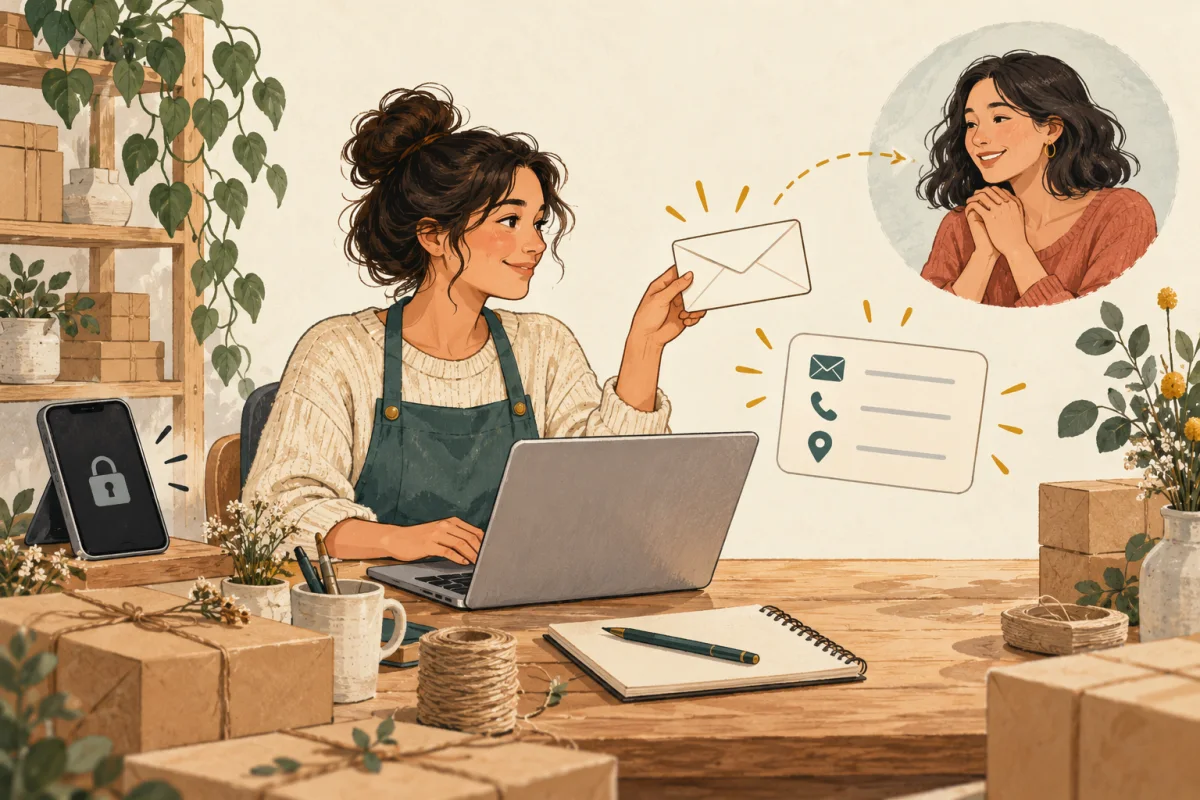
Give customers a contact route they can find without opening Instagram. Put a business email address and a useful web address on receipts, booking confirmations and other places customers already use. If your account becomes unavailable, that route gives them somewhere to ask about an order or appointment.
A second page does not bring back a suspended account, lost messages or your audience. It helps people who already have its address reach you. If you have a suitable website, start there rather than building another one.
Separate account recovery from customer contact
There are two jobs during an account problem: follow the platform's recovery process, and help customers continue their conversation with you. This guide covers the second job. You do not need to know when the account will return before publishing a clear contact notice.
The risk is practical. In one artist's account of losing Instagram access, the artist says most customers communicated through the account. That is one person's experience, not a measure of how often suspensions happen. It shows why a contact address should exist somewhere customers can still open.
Before a disruption: make the alternative easy to find
- Choose a business email you check. Keep it separate from the private address you use to manage accounts if you do not want that address public. Send a test message and reply to it.
- Choose one reference page. Use your existing website's contact page or a short business profile. Include the business name customers recognize, what you sell, and the contact action.
- Share it outside Instagram. Add the readable web address and business email to order receipts, appointment confirmations, packaging inserts and your email signature where those fit your business. A link only in an Instagram bio is hard to use when that account cannot be opened.
- Keep order and appointment records in the tools that manage them. Follow your normal process for recording agreed details and confirming them with the customer. A public contact page does not back up private messages or replace those records.
- Check the route as a visitor. Open the page on a phone while signed out. Find the contact address, open the email action and check that the message reaches you.
If you use a QR code on a card or package, print the readable address beside it. Customers then have another way to open the page. The business-card QR guide explains placement and print testing.
During a disruption: publish one clear notice
State what is unavailable, how to contact you now, and what happens to existing work. Use a full date. Avoid guessing why the account was restricted or promising a recovery time you have not been given.
This fictional example is a starting point. Replace the date, address, response time and order status with details you can confirm:
Customer contact update — October 29, 2026
We cannot currently read or reply to Instagram messages. Please email [email protected] for help.
Confirmed orders are still being prepared on the dates we agreed. If you sent an enquiry through Instagram and have not received confirmation, please send it again by email. Include your name and an order reference if you have one. We aim to reply within two working days.
We will update this page when our contact arrangements change.
Only say existing work is continuing if that is true. If you cannot confirm an order's status, ask the customer to contact you privately so you can check it. Keep customer names, addresses and order details off the public notice.
Put the notice on your reference page and point to it from channels you still control. Contact affected customers through the details already held for their order or appointment. Keep the same instructions across those messages so people do not have to choose between conflicting updates.
Use a QRown profile as the reference page
A QRown profile can hold the notice and contact actions together. If you already have a working contact page on your website, you can keep using it.
- Paragraph: Add a dated notice near the start of the page. Keep the essential contact instructions visible. The Paragraph guide explains the editor and gives more notice examples.
- Email: Add the business address visitors should use. A Paragraph is plain text, so add the Email block for a contact action instead of relying on an address in the notice alone.
- Link: Point to your existing shop, order-help page or booking service if that is the next step. Use a label that explains where the link opens.
Free includes one text section, one email block and one external link. A Public profile with active access can open in a visitor's browser without a QRown account. Free profiles are not eligible for search indexing, so give customers the link directly. Check plan allowances if you need more sections or links.
QRown is also a hosted service. Keep your business email visible on receipts or other customer records as well. Editing a profile does not send notifications, update previously saved contacts or recover Instagram messages.
After access returns: keep the useful route
Update the notice with the current date and say which channel you will use for open enquiries. Check your order and appointment records before confirming a repeated request, so the same work is not booked twice.
Leave the alternative contact route in place and test it when your details change. You can keep using social media to show your work while giving customers another way to reach you. For a simple introduction and portfolio, see the craft vendor page guide.