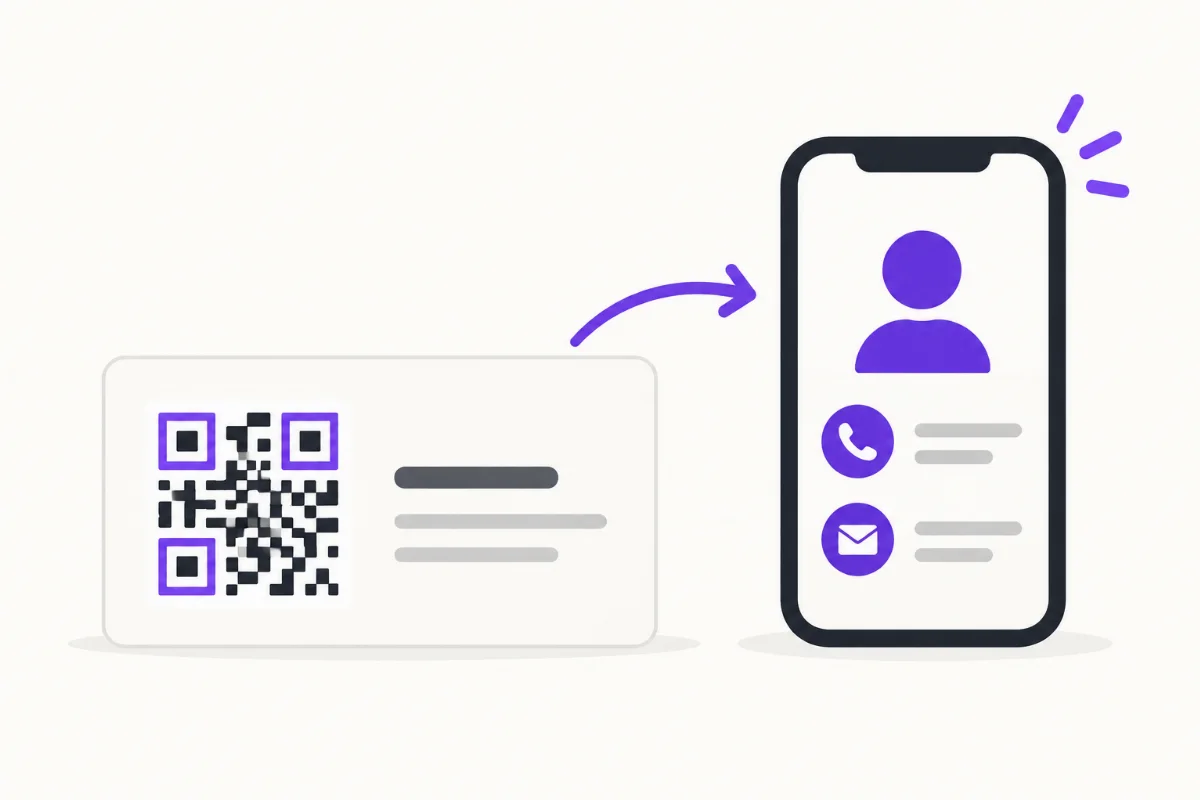
How to Put a QR Code on a Business Card
Choose a destination, place and test your business-card QR, then track card scans separately from other sources without confusing activity with new leads.
Practical guides to building a business profile, presenting services and portfolios, receiving enquiries, and sharing payment links. Explore search visibility, digital business cards, QR sharing, and profile activity too.
40 articles · Newest first
Choose a destination, place and test your business-card QR, then track card scans separately from other sources without confusing activity with new leads.
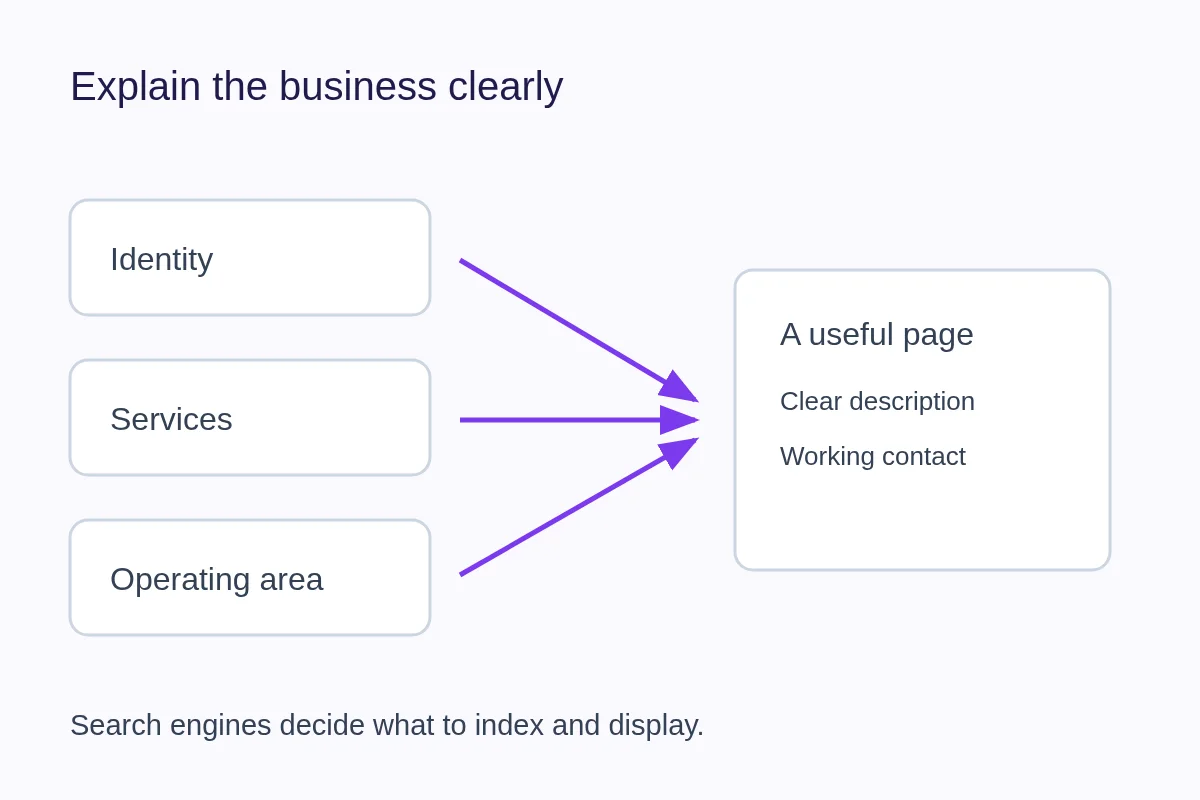
Write useful business information, choose visibility deliberately and understand Discovery, sitemaps and search indexing without ranking promises.
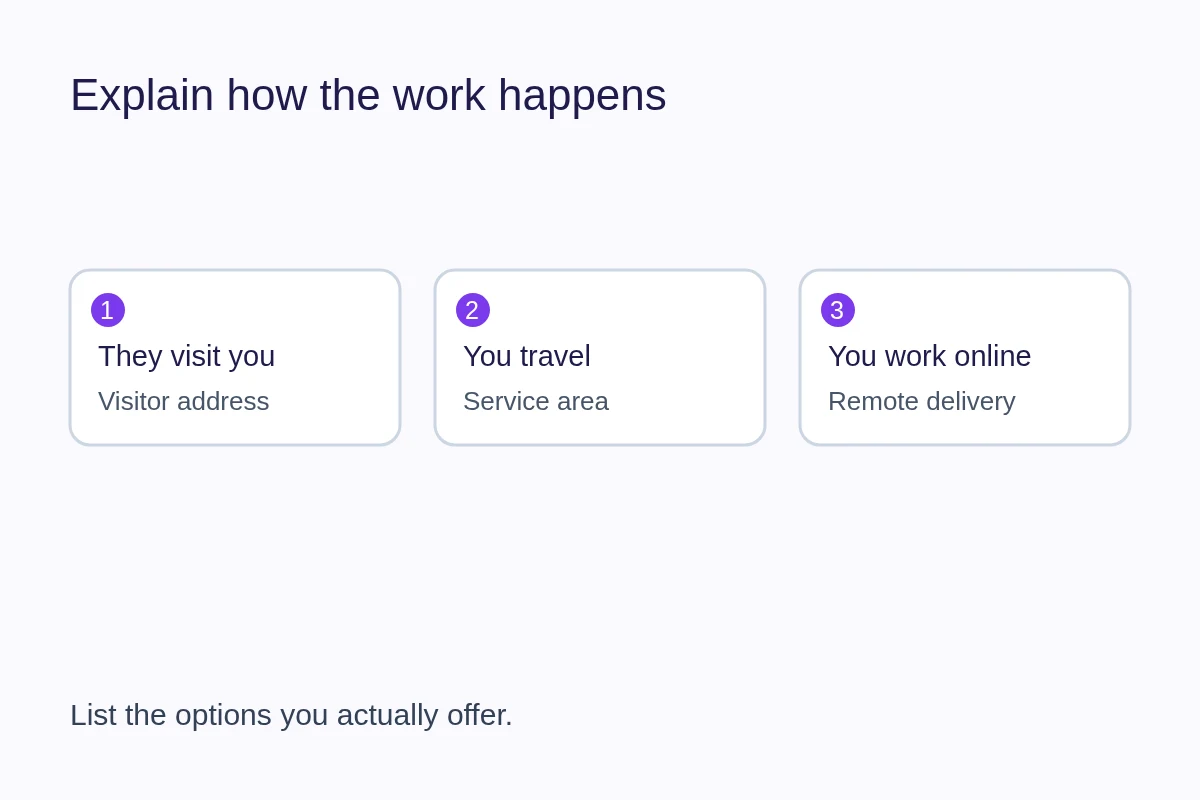
Explain where customers can visit, where you travel and how remote work fits. Keep service areas, public addresses and visitor directions accurate.
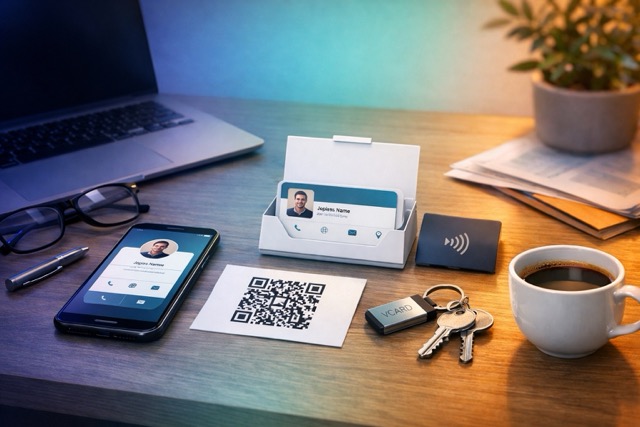
Share contact details by link, QR, message or vCard without asking someone to install another app. Choose a method and test the handoff.
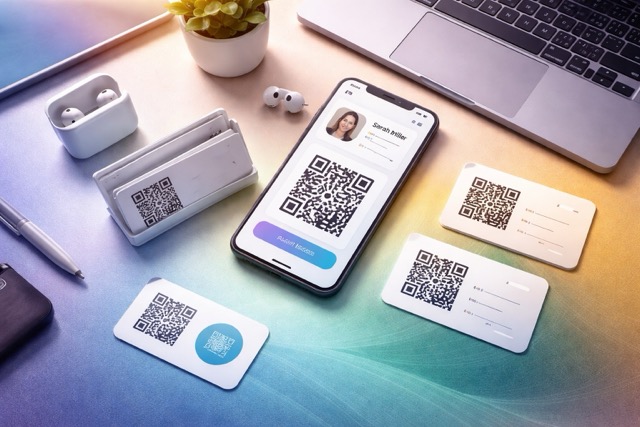
Compare paper and digital business cards for networking, updates and offline use, and learn when a printed QR card combines their strengths.
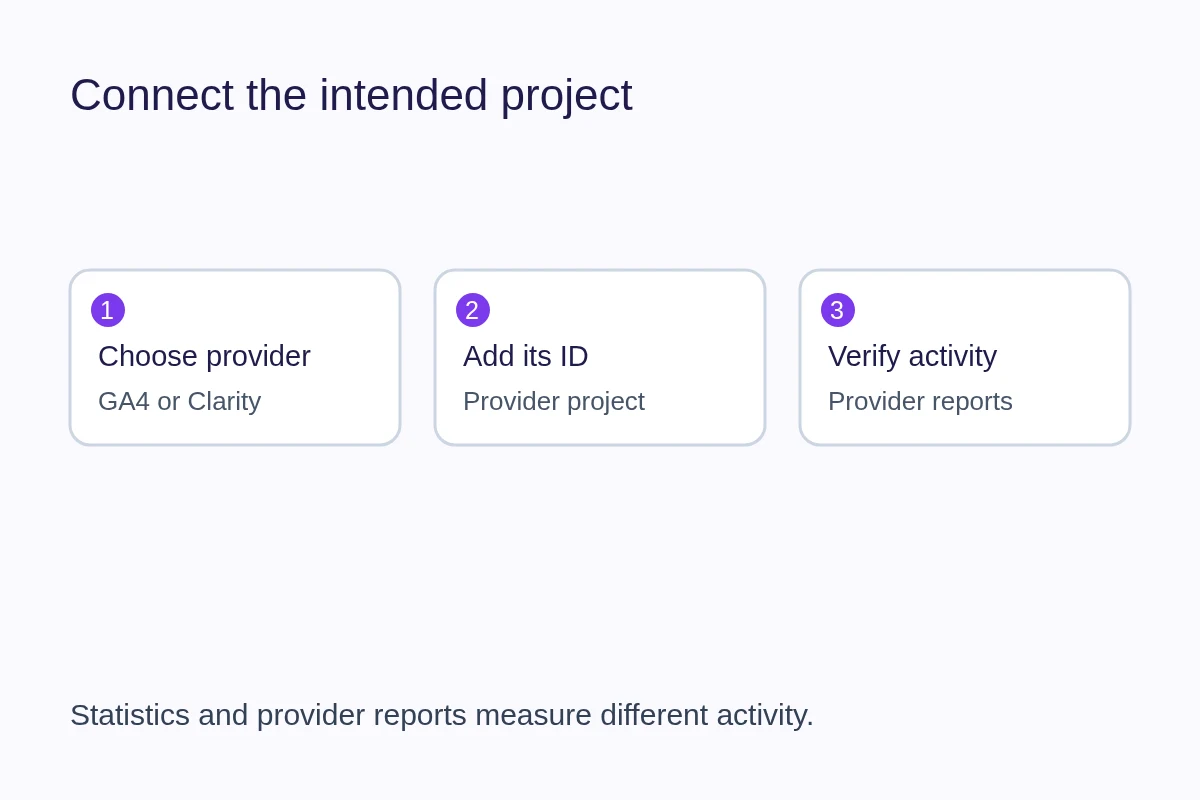
Connect GA4 or Microsoft Clarity on QRown Business. Learn when to use Analytics, how to add the right ID, and how it differs from built-in Statistics.