One QR Code for Multiple Tipping Methods at Your Gig
Let listeners choose Venmo, PayPal or Cash App from one musician profile. Plan your tip page, write a clear sign and test the payment links before your gig.
Practical guides to building a business profile, presenting services and portfolios, receiving enquiries, and sharing payment links. Explore search visibility, digital business cards, QR sharing, and profile activity too.
40 articles · Newest first
Let listeners choose Venmo, PayPal or Cash App from one musician profile. Plan your tip page, write a clear sign and test the payment links before your gig.
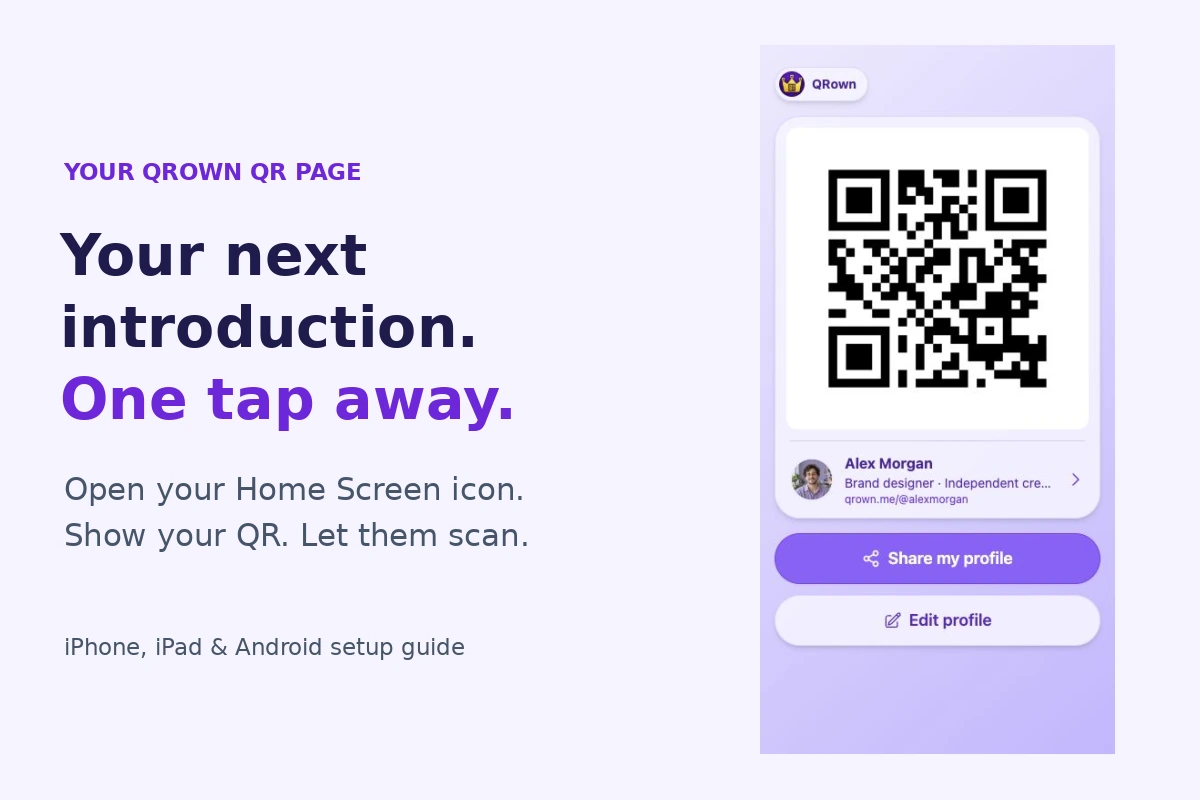
Have your QR ready when you meet someone. Add your QRown QR Page to your iPhone or Android Home Screen with this illustrated setup guide.

Help clients send a useful tattoo enquiry with clear booking instructions, a sample email, reference-image guidance and honest next steps.

Prepare an alternative contact route, share a clear notice, and help customers reach you about orders or appointments when Instagram is unavailable.

Use salon-move announcement examples, confirm existing appointments, and keep your new address, booking link and contact details easy to find.

Give new customers another way to find your business. See how paid QRown plans add search discovery to your profile, alongside your link and QR code.
A few selected guides to help you get started.
Choose useful service and product examples, explain prices, and connect each item to the right next step.
Adapt service enquiry, quote request, and callback examples. Choose fields and placement, then test the thank-you step.
Compare paper and digital business cards for networking, updates and offline use, and learn when a printed QR card combines their strengths.
Bring your work and contact options together in a profile you can keep sharing.
Explore the business profile builderCompare paper and digital business cards for networking, updates and offline use, and learn when a printed QR card combines their strengths.
Build your first QRown profile with contact details, links and Paragraph text for basic FAQs, notices or instructions. Preview it and test your QR code.
See how QRown connects profiles, QR sharing, contact cards, lead forms and Statistics to help businesses turn introductions into useful next steps.
Choose a clear identity, useful contact details and a focused next step, with practical examples and a checklist for your first screen.
Use Paragraph text for basic FAQs, notices, announcements and instructions. Follow the setup steps, adapt practical examples, and see how Read more works.
Show your work, explain your services and prices, and help clients choose a next step.
Explore services, galleries, and profile contentConnect your business page to an existing scheduler, answer common questions before booking, and test the journey through appointment confirmation.
Show your work, announce confirmed markets and answer common buyer questions on a simple craft vendor page. Share contact details without running an online shop.
Choose a fixed price, a clear starting price or a custom quote. Use simple examples to explain what customers get and what could change the cost.
Choose useful service and product examples, explain prices, and connect each item to the right next step.
Set weekly hours, split days, appointment-only visits, and holiday exceptions, then check what visitors see.
Choose portfolio, product, or visitor photos, arrange the collection, and add helpful captions and links.
Use salon-move announcement examples, confirm existing appointments, and keep your new address, booking link and contact details easy to find.
Give interested visitors a way to get in touch and prepare for a useful follow-up.
Explore enquiry forms and Leads InboxCompare PDF, profile and website portfolios, present a clear writing sample, and help prospective clients send a useful brief. Keep work and follow-up connected.
Adapt service enquiry, quote request, and callback examples. Choose fields and placement, then test the thank-you step.
Help clients send a useful tattoo enquiry with clear booking instructions, a sample email, reference-image guidance and honest next steps.
Put payment methods and tip options beside your work, with clear links to your providers.
Explore payment links and tipsAdd your payment methods, choose an amount option, and verify the recipient and destination before sharing.
Let listeners choose Venmo, PayPal or Cash App from one musician profile. Plan your tip page, write a clear sign and test the payment links before your gig.
Understand what a code opens, how it stays useful and where it belongs.
Have your QR ready when you meet someone. Add your QRown QR Page to your iPhone or Android Home Screen with this illustrated setup guide.
Help walk-up visitors find hours, dated notices, quick answers and a way to enquire. Build a useful storefront QR page and test the sign at your door.
Connect cards, talks, portfolios and events to a recognizable profile. Ten practical QR ideas for a consistent professional identity and clearer follow-up.
Choose a destination, place and test your business-card QR, then track card scans separately from other sources without confusing activity with new leads.
Compare static and dynamic QR codes, understand editing and tracking, and learn what you can do when a printed QR code stops working.
Help someone open your details, save a contact and find you again.
Share contact details by link, QR, message or vCard without asking someone to install another app. Choose a method and test the handoff.
Learn what a vCard is, how QR codes connect it to a profile, and how to help someone import and recognize your business contact details later.
Choose a contact-sharing method for meetings, messages and repeat business. Compare QR codes, profile links, vCards, printed cards and NFC tradeoffs.
Prepare an alternative contact route, share a clear notice, and help customers reach you about orders or appointments when Instagram is unavailable.
Describe your business clearly and understand the limits of search visibility.
Explore Search & DiscoveryGive new customers another way to find your business. See how paid QRown plans add search discovery to your profile, alongside your link and QR code.
Write useful business information, choose visibility deliberately and understand Discovery, sitemaps and search indexing without ranking promises.
Write a clear business description with a practical worksheet, a before-and-after example and checks for services, location and the next step.
Explain where customers can visit, where you travel and how remote work fits. Keep service areas, public addresses and visitor directions accurate.
Check access, indexing restrictions and canonical URLs, then interpret Search Console evidence without confusing eligibility with search placement.
Build a simple, respectful review request routine with a direct Google link, neutral wording and a handoff customers can complete later.
Give customers a clear weekly food truck schedule with dates, locations and serving hours. Use one page and a simple routine for changes and cancellations.
Understand recorded profile activity, compare QR sources, and set up analytics integrations.
Explore QRown StatisticsConnect GA4 or Microsoft Clarity on QRown Business. Learn when to use Analytics, how to add the right ID, and how it differs from built-in Statistics.
Turn flyers, signs and handouts into useful next steps. Plan a small QR marketing campaign, compare scan sources and separate activity from sales.
Learn how to track QR code scans, compare static and dynamic codes, and interpret scan counts. Test QRown Statistics and understand how website analytics differs.
Plan QR codes for business cards, packaging and signs, then test the finished piece.
Explore QR and contact cardsChoose what a packaging QR code opens, plan its label or insert, calculate the quiet zone, and test the finished package with a practical proof checklist.
Plan QR size for cards, flyers and signs. Understand modules, quiet zones and print quality, then test at the intended scanning distance.
Compare front and back placement, portrait and landscape layouts, quiet zones and trim-safe areas for a readable business-card QR.
Check recognition, destination and the promised action on a physical proof. Use a repeatable log to separate print problems from broken links.